5
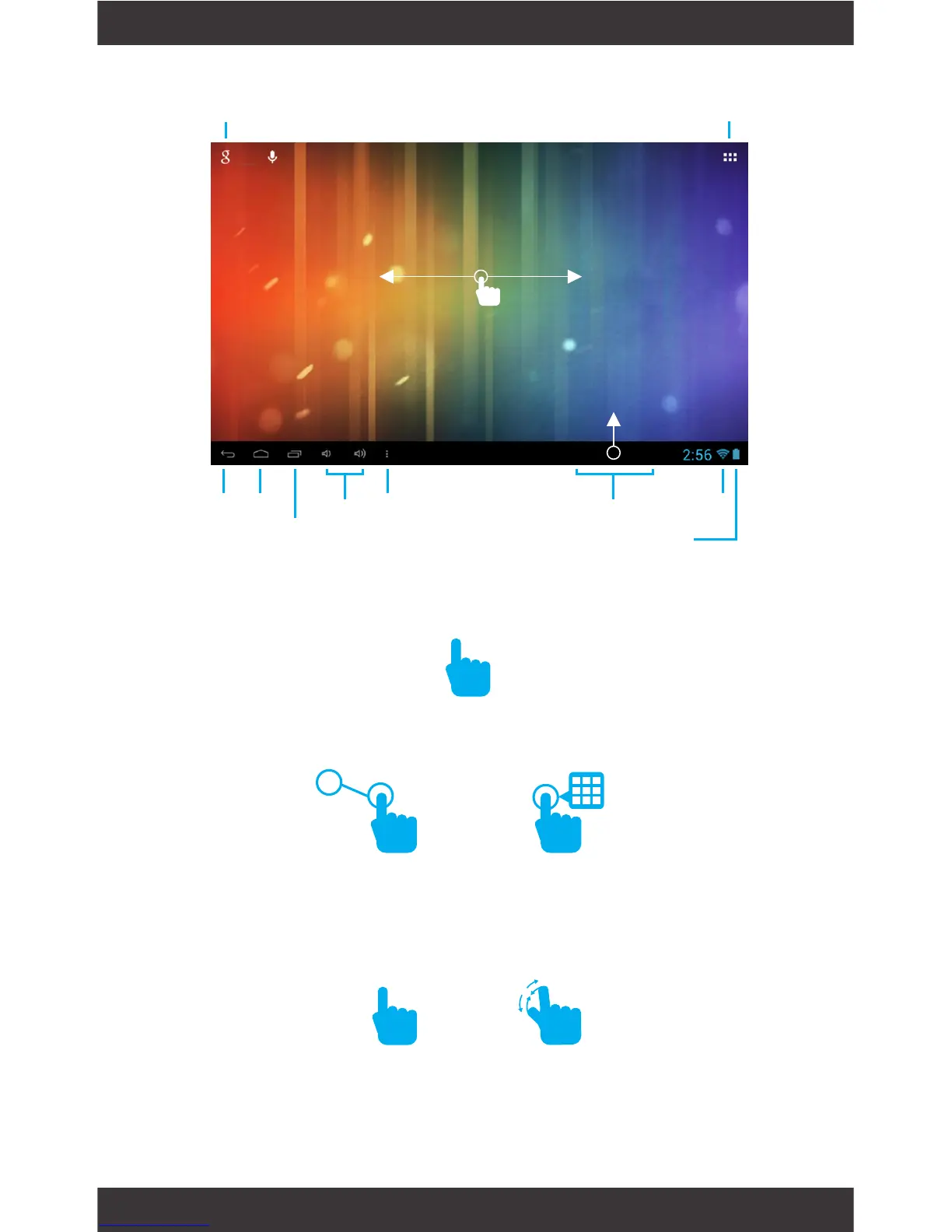
Search
Back Home
Volume
Battery
Menu
Wi-Fi
Signal
Notications
Recent Apps
Tap for Apps & Widgets
Tap the screen once to activate or open something.
Touch and hold to move an item by dragging.
*In many apps touch and hold can offer more options.
TIP: You can ick the screen with your nger to quick-
ly scroll through a long list, such as a library of music.
Tap a specic location on the screen where you would
like to enter text. The on-screen keyboard will pop up.
Zooming: Double tap quickly to zoom into a webpage,
picture, or map. Some apps allow you to zoom in
and out by touching the screen with two ngers, and
pinching them together.
Screen Basics
Touch Screen Basics
Slide up to reveal your
notications and settings
Swipe left or right to switch
between home screens.
x2



 To Next Page