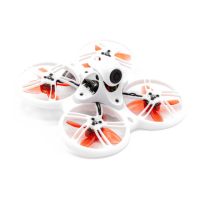
Tinyhawk III Plus
5.2.3 Other Binding Methods for Tinyhawk III Plus
(1) You can put the receiver into binding mode using the Betaflight Configurator
command. Type the following command in the CLI tab: bind_rx, then press Enter.
The receiver will enter binding mode.
(2) You can also enter the Betaflight Configurator, go to the Receiver section,
and click on "Bind" for the receiver. This will put the receiver into binding
mode.
5.2.4 Changing Flight Controller Binding Key
Using both the Betaflight Configurator software and the EMAX UART
Upgrade Tool, you can read the current binding key from the aircraft and the
remote controller. You can then write the aircraft's binding key to the remote
controller using the EMAX UART Upgrade Tool, or write the remote controller's
binding key to the flight controller using the Betaflight Configurator software.
To change the flight controller's binding key through the Betaflight
Configurator software, follow these steps:
1.Input the following command in the command line (using 0, 1, 2, 3,
4, 5 as an example for the key): set expresslrs_uid = 0,1,2,3,4,5 Save
2.Press Enter and wait for the flight controller to reboot and enter
the Betaflight Configurator.
This process will successfully modify the binding key.














 To Next Page