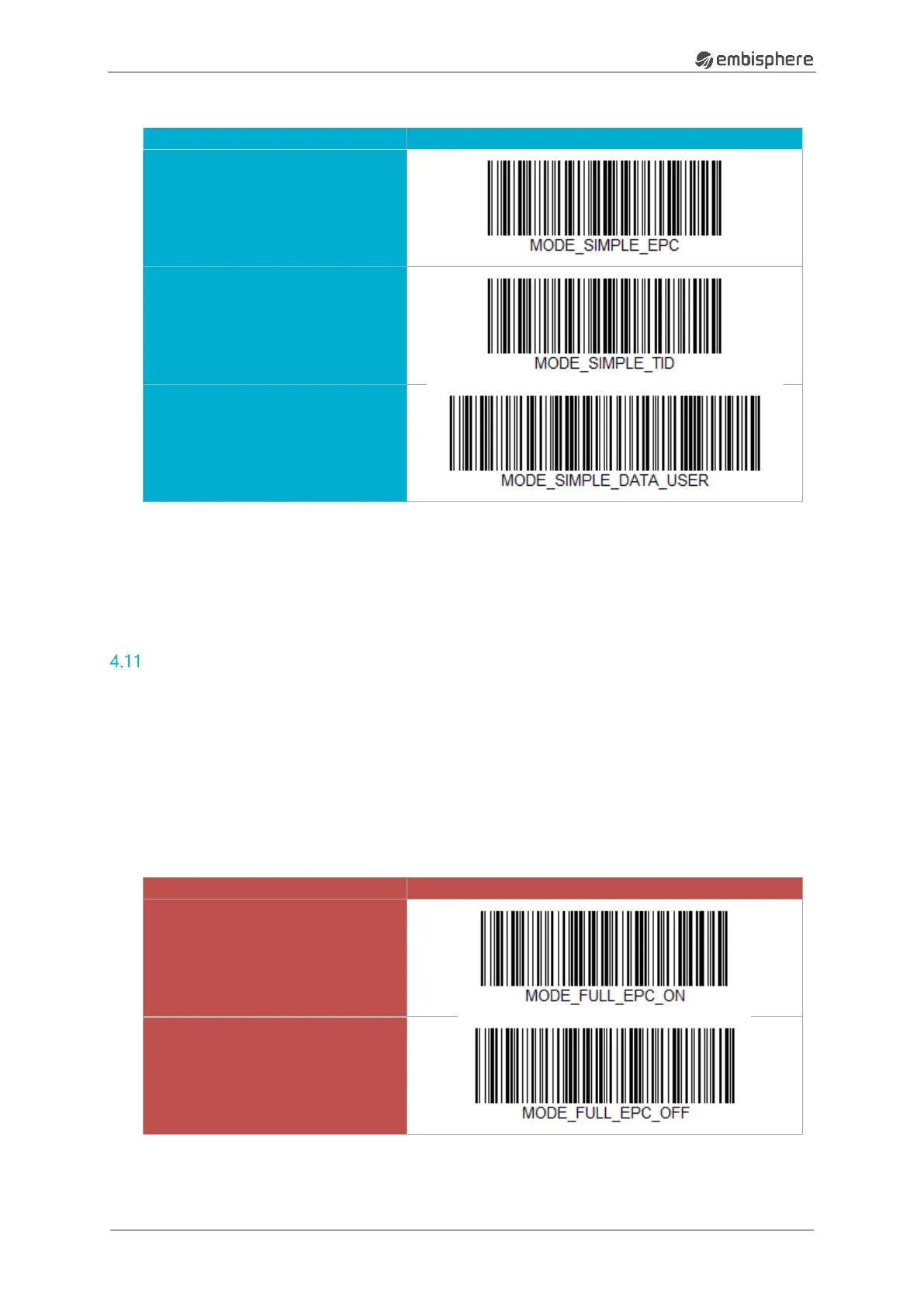
(1)
WARNING - This function can only be used in RFID SINGLE MODE
(2)
WARNING – when you read one tag without DATA USER, a reset of the embiScan is automatically
done !
FULL mode
FULL mode give the possibility to read several informaiton in a tag. For that, you can select or unselect
the required information (information that you want to read).
Informations are always return in the same way and order :
1. EPC
2. EAN
3. SN
4. TID
5. DATA USER


 To Next Page