16
VMS MF
8. Basic Settings
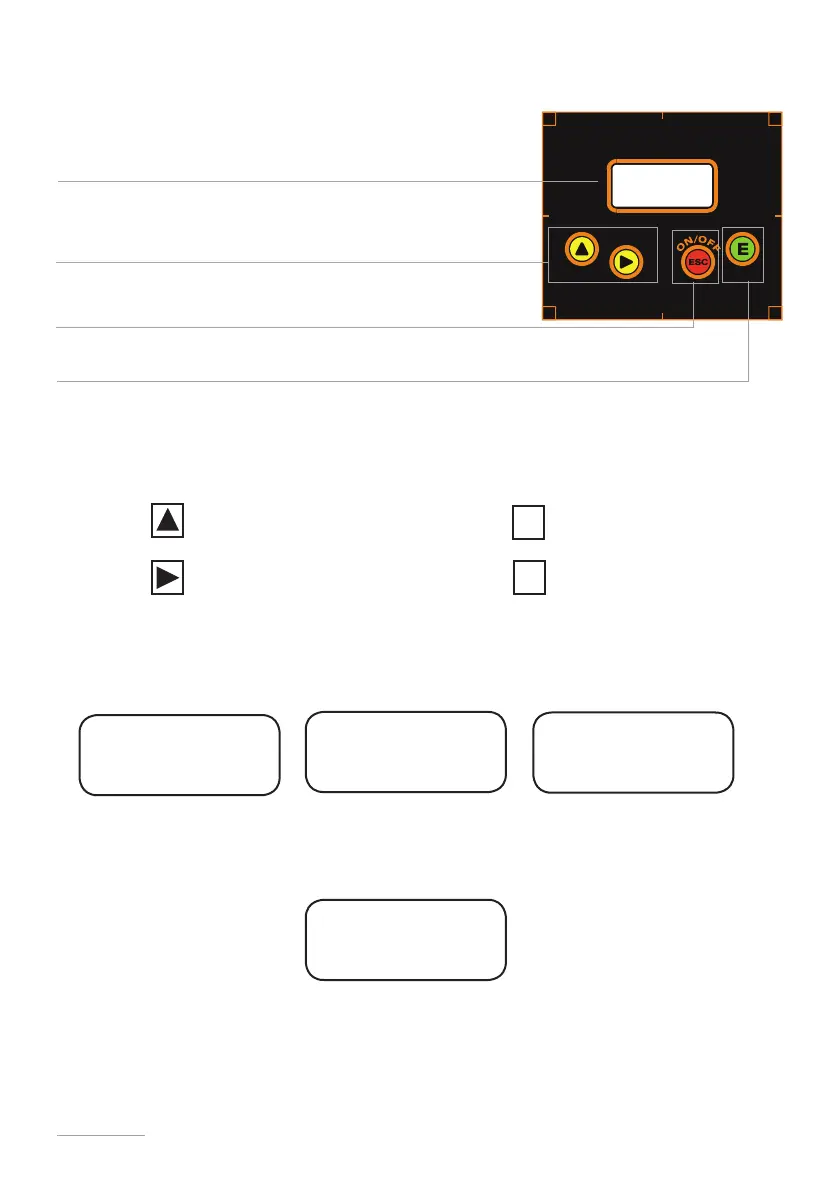
Turn the pump on or off and exit from setup menu (without saving parameters)
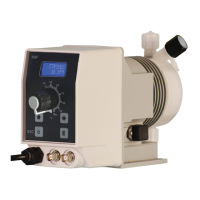
The “VMS MF” pump is equipped with a keyboard.To avoid any misunderstanding during next chapters all keys will be described
as shown on this legend:
“UP” key “ESC” key
“RIGHT” key “E” key
Menu navigation:
To enter into programming mode press and keep pressed “E” key from main screen (fig.3):
Main screen (fig.3) may appear different if “PPM” or “BATCH” mode is enabled. After about 4 seconds the pump will show
the password screen (fig.5):
Default password is “0000”. Just press “E” key. Otherwise insert password using “UP” and “RIGHT” keys.
E
ESC
STROKES
100 SPM
fig.3
password
0000
fig.5
ON/OFF
LCD backlit display
Enter / exit from setup menu (saving parameters)
Scroll and increase digit
batch
waiting
upkeep
000m 00s


 To Next Page