28
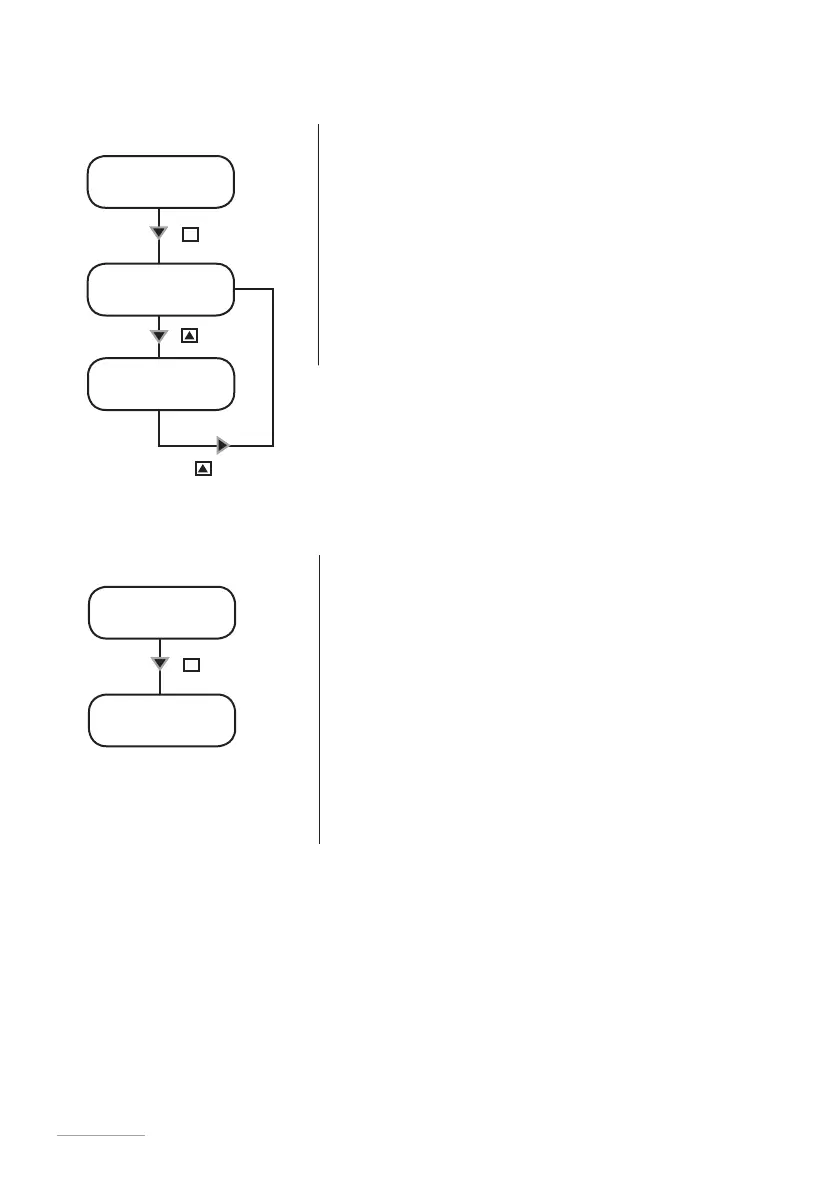
SET [06]
unit
UNIT
litre
Key
E
Unit Change.
This function allows to choose between liters or gallons measurement unit.
- Use “UP” key to switch between liter or gallons
measurement unit.
- Press “E” key to save data and “ESC” exit to main
menu. Otherwise press “ESC” to discard data and exit to
main menu.
unit
usgal
Key
Key
SET [07]
delay
power on
01 min
Key
E
Startup Delay Setup.
When the pump is powered is it possible to have a delay time (from 0 to 10
minutes) before dosing activities.
- Use “UP” key to choose the alarm to set.
- Use “RIGHT” key for next digit.
- Press “E” key to save data and “ESC” exit to main menu.
Otherwise press “ESC” to discard data and exit to main menu.
Note: Press any key during delay time to skip it.


 To Next Page