OI_EC2-XC645CX_A1_A2L_A3_EN_Rev01_866933.docx EC2-XC645CX 14/54
USER INTERFACE
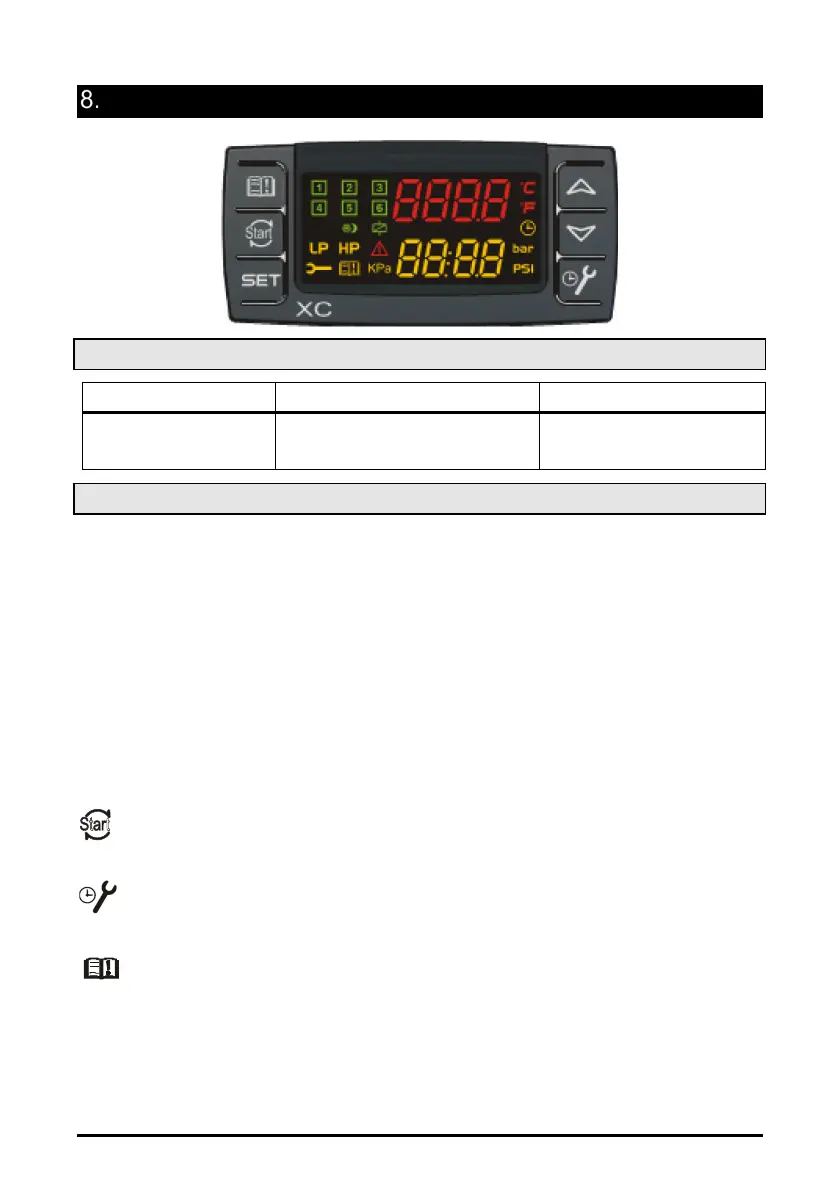
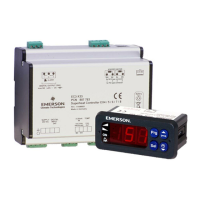
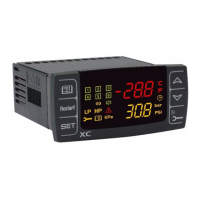
8.1 Displaying
UPPER DISPLAY LOWER DISPLAY ICONS
pressure
Discharge temperature or pressure
- Measurement unit
8.2 Keyboard
SET (SET)
Standard visualization: to see or modify the set point. In programming mode it selects
a parameter or confirms an operation.
Alarm menu: By holding it pressed for 3s, the current alarm is erased.
o
(UP).
In programming mode: it browses the parameter codes or increases the displayed
value.
With Hot key inserted: it starts the Hot key programming procedure.
To access the INFO menu: push and release it to access the INFO menu.
n (DOWN)
In programming mode: it browses the parameter codes or decreases the displayed
value.
Manual restart of loads: By holding it pressed for 3s, it switches on again loads
previous locked by a safety digital input alarm.
MAINTEINANCE/CLOCK: To display the loads running hours.
By holding it pressed for 3s the Maintaining menu is entered
To enter the Alarm menu
KEY COMBINATIONS
o + n
To lock and unlock the keyboard.
SET + n To enter the programming mode.
SET + o To exit the programming mode.


 To Next Page