FXMP25 User Guide 41
Issue Number: 3 www.controltechniques.com
Safety information
Product
information
Mechanical
installation
Electrical
installation
Getting started
Parameters
Setting-up Technical data Diagnostics UL listing information
• Enter new mode in Pr 78
• Reset
• Power cycle
The new mode will then take effect.
Recommendations
Half control
Normally use half control, since this generally produces a lower amplitude of current
ripple. This results in lower torque ripple in motor.
Full control
Full control causes the SCR bridge to force the field current more rapidly towards zero
at each half cycle. This increases the amplitude of the current ripple, but gives faster
control of the field current level. Use full control under the following conditions:
• When very rapid field weakening is required
• If the natural decay of the field defined by is slower than the acceleration
required, then full field control is required
.
Indicates that field economy level has been selected.
Select the destination parameter of the digital input (terminal 1).
If Pr 81 = 0 (Eco), the digital input controls parameter Pr 80. This is inverted so Pr 80 is
'ON' by default.
If Pr 81 = 1 (F.Ctl), the digital input controls the parameter Pr 77.
Reset the drive for the change to take place.
When Mentor II modes [2.H (2) 2.F (3)] are required, Pr 11 must be set before Pr 78.
If Pr 11 is changed after Pr 78 = 2.H (2) or 2.F (3), a power cycle is required before the
new values will take effect.
Pr 78 can be changed while running between St.H (4) and St.F (5).
When controlling FXMP with Mentor MP, Mentor MP firmware must be V01.05.01 or
later (Pr 11.29 = 01.05, Pr 11.34 = 1).
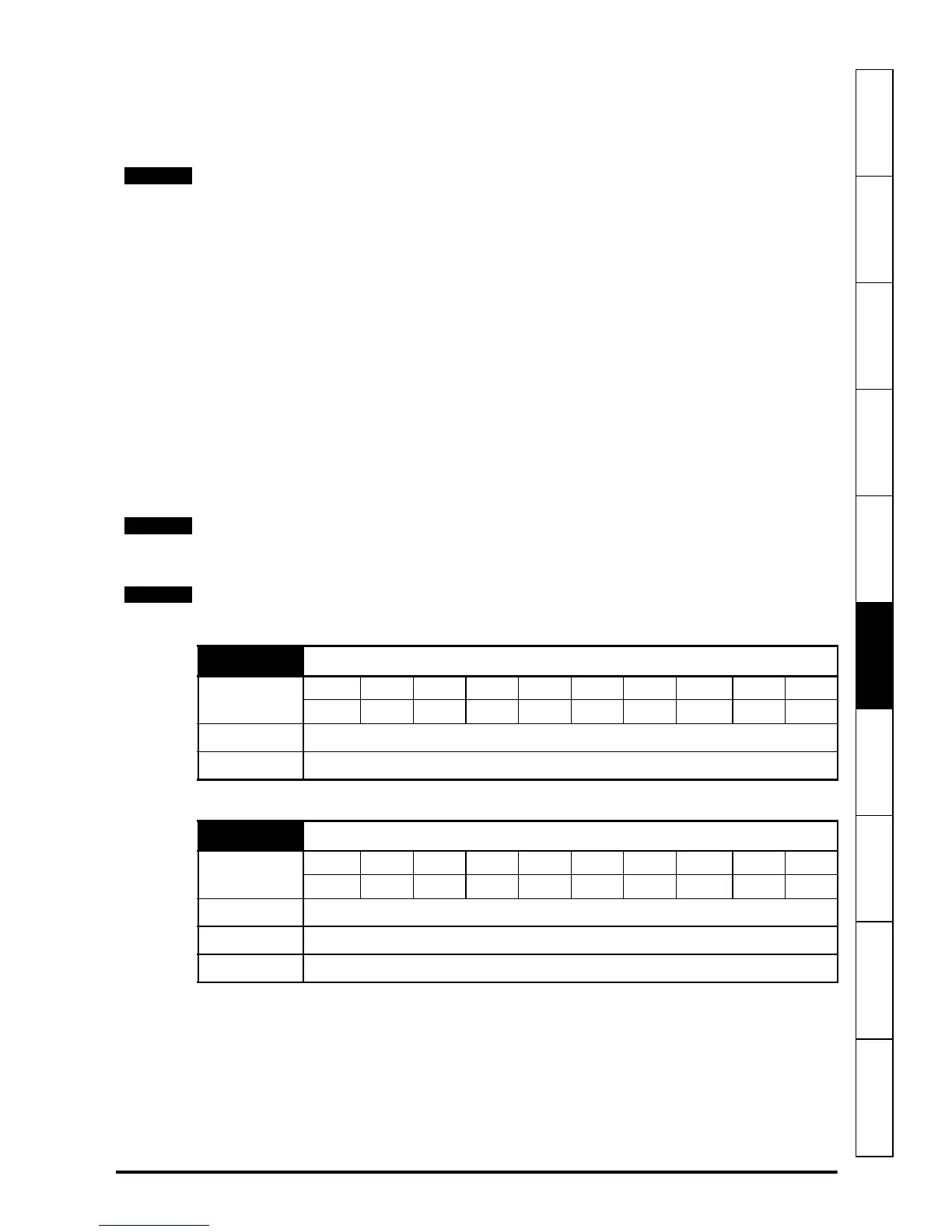
80 Economy level selected
Coding
Bit FI Txt VM DP ND US RW BU PS
11 1
Range OFF (0) to On (1)
Update rate Background read
81 Digital input control
Coding
Bit FI TE VM DP ND US RW BU PS
1111
Range Economy Level (0) or Enable Field Controller (1)
Default 0
Update rate Background read



 To Next Page