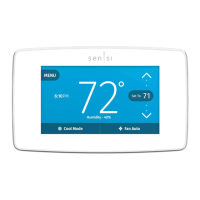
Time and Day Display
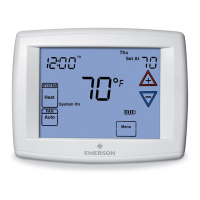
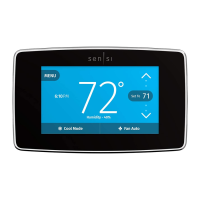
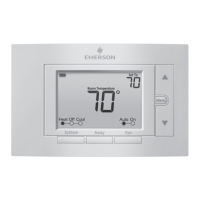
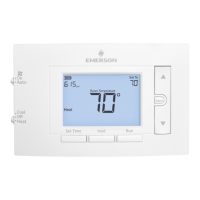
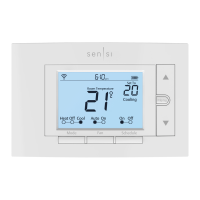
When turned on, the current time and day are displayed on the home screen.
Outdoor Temp Display
When turned on, the outdoor temperature is displayed on
the home screen (for use with outdoor sensor only).
Humidity Display
When turned on, the sensed humidity is displayed on the home screen.
Alert Info Detail
When turned on, provides additional information
for maintenance and service reminders.
Heating Program
• On the Main Menu, highlight and
enter Heating Program
• Select the days of the week to be
changed.
• Press or to change the
highlighted Time or Temperature to
your desired settings
• Press or to highlight the next
time or temperature
• Set all times and temperatures for all
periods
Main Menu


 To Next Page
 Loading...