18 Micro Motion
®
Model 1500 Transmitters with the Filling and Dosing Application
Required Transmitter Configuration
Flow calibration values
Two separate values are used to describe flow calibration: a 6-character FCF value and a 4-character
FT value. Both values contain decimal points. During characterization, these are entered as a single
10-character string that includes two decimal points. In ProLink II, this value is called the Flowcal
parameter.
To obtain the required value:
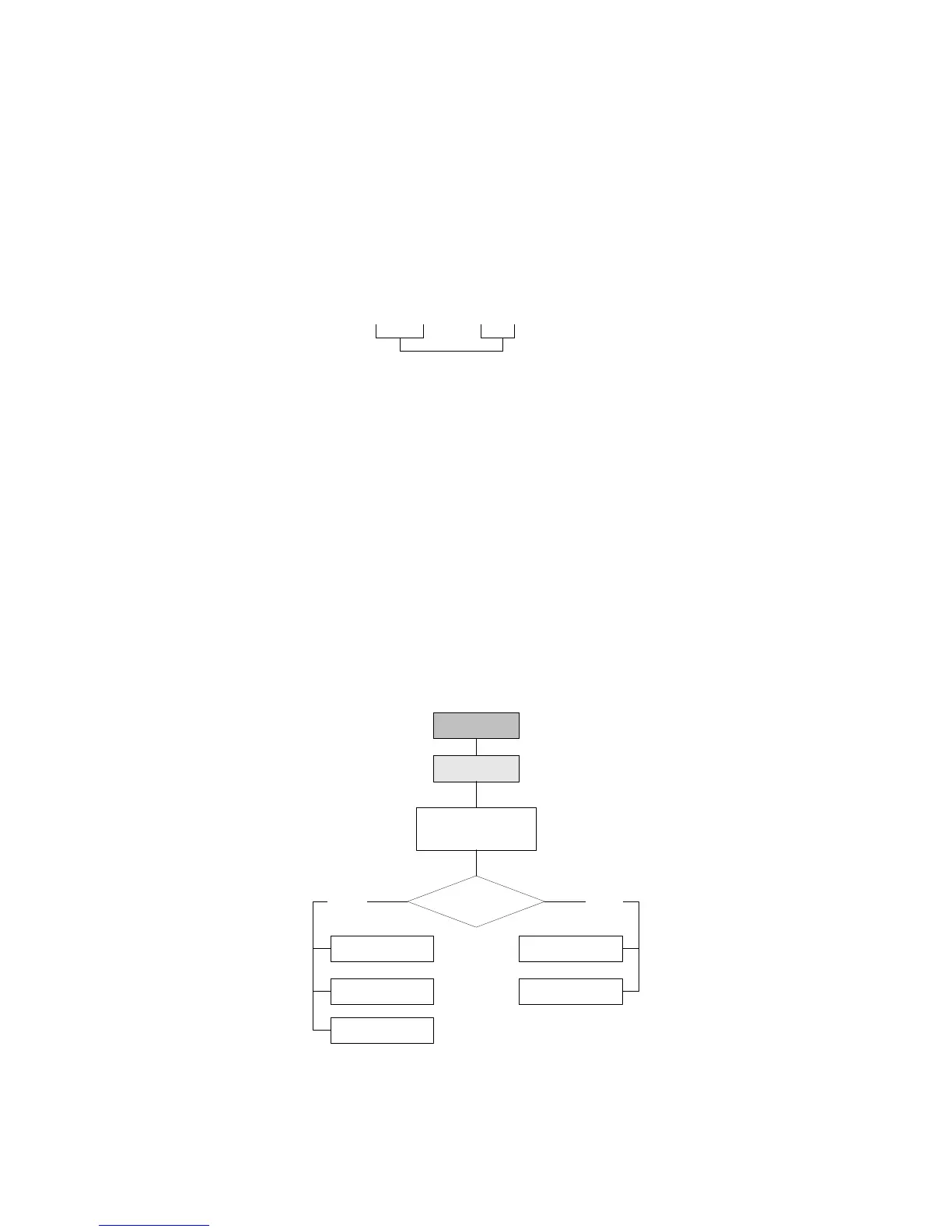
• For older T-Series sensors, concatenate the FCF value and the FT value from the sensor tag, as
shown below.
• For newer T-Series sensors, the 10-character string is represented on the sensor tag as the FCF
value. The value should be entered exactly as shown, including the decimal points. No
concatenation is required.
• For all other sensors, the 10-character string is represented on the sensor tag as the Flow Cal
value. The value should be entered exactly as shown, including the decimal points. No
concatenation is required.
4.2.3 How to characterize
To characterize the flowmeter:
1. See the menu flowchart in Figure 4-4.
2. Ensure that the correct sensor type is configured.
3. Set required parameters, as listed in Table 4-1.
Figure 4-4 Characterizing the flowmeter
Flow FCF X.XXXX FT X.XX
Configuration
ProLink Menu
Device
·Sensor type
Density
T Series Config
Straight
tube
Curved
tube
Sensor type?
Flow
Density
Flow













 To Next Page