Configuration and Use Manual 79
Pressure Compensation
Measurement Performance DefaultsTroubleshootingCompensation
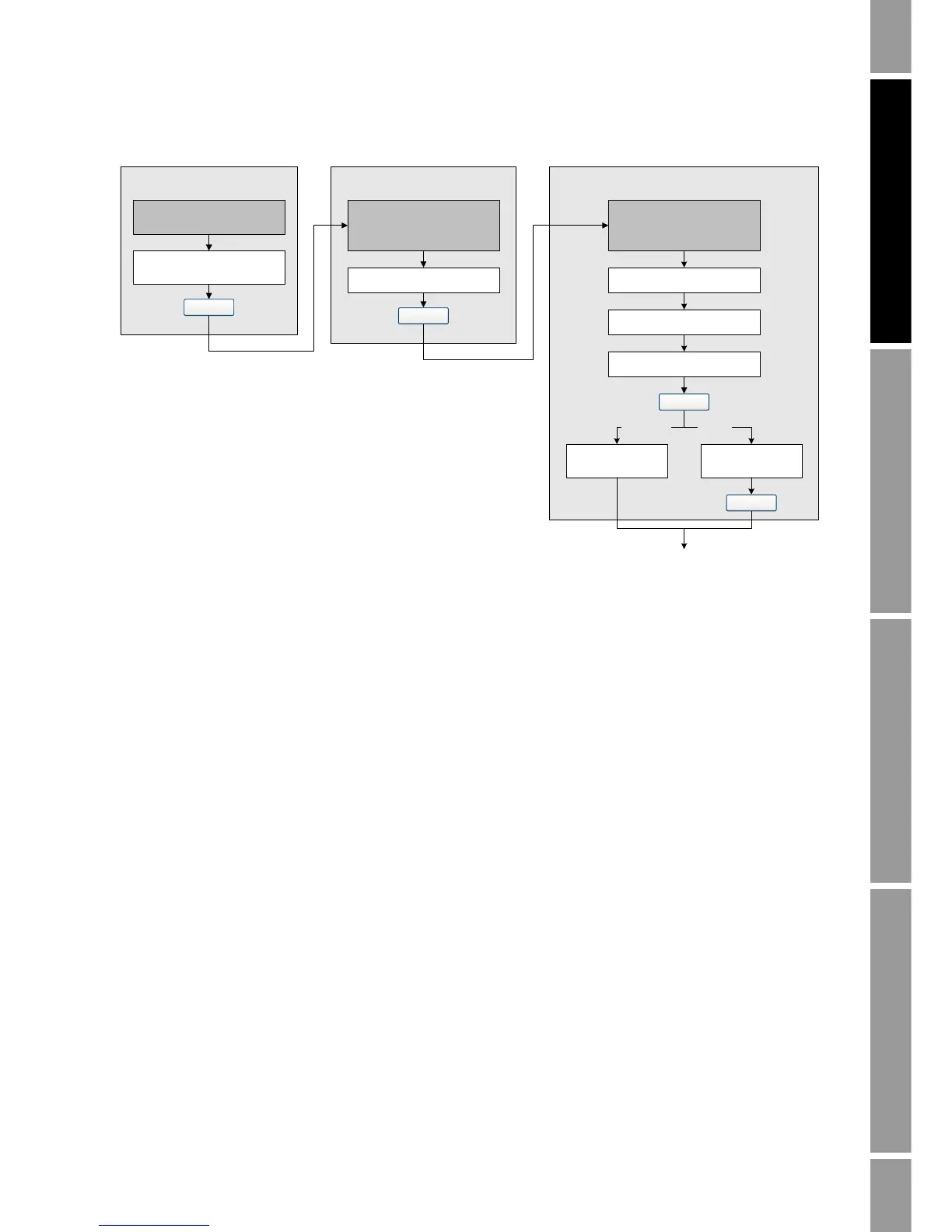
Figure 9-1 Configuring pressure compensation with ProLink II
Note: If at any time you disable pressure compensation, then re-enable it, you must re-enter the
external pressure value.
To enable and configure pressure compensation using the Modbus interface, or to write pressure
values to the transmitter using the Modbus interface, see the manual entitled Using Modbus Protocol
with Micro Motion Transmitters, November 2004, P/N 3600219, Rev. C.
Enter Flow factor
Configure
Enter Density factor
Enter Cal pressure
Set up pressure
input via Modbus
Enter External
Pressure
Enable External Pressure
Compensation
Enable
Configure pressure unit
(1)
Set measurement unit
Dynamic?
Static?
View >
Preferences
ProLink >
Configuration >
Pressure
ProLink >
Configuration >
Pressure
Apply
Apply
Apply
Apply
Done
(1) See Section 9.2.3.













 To Next Page