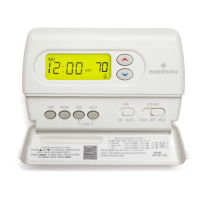
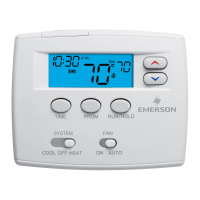
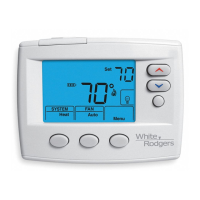
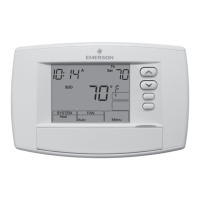
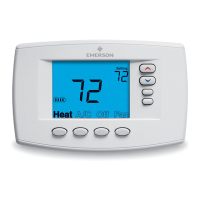
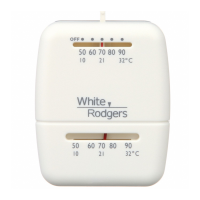
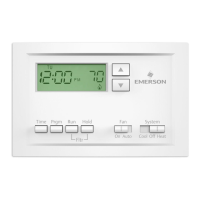
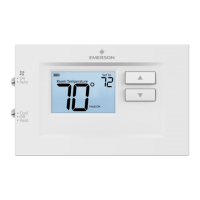
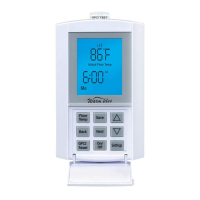
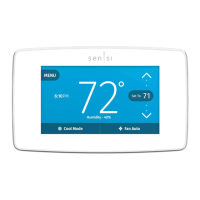
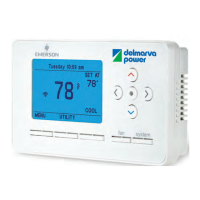
White-Rodgers 70 Series Thermostat Line Extension
36
Setting Time and Day
1. Press TIME button once. Display will
show hour only.
2. Press and hold the UP or DOWN button
until you reach the correct hour and
AM/PM designation.
3. Press TIME again. Display will show
minutes only.
4. Press and hold the UP or DOWN button
until you reach the correct minutes.
5. Press TIME again. Display will show
the day of the week.
6. Press the UP or DOWN button until you
reach the current day of the week.
7. Press RUN/HOLD once. The display
will show the correct time.
1F75H-21PR


 To Next Page
 Loading...