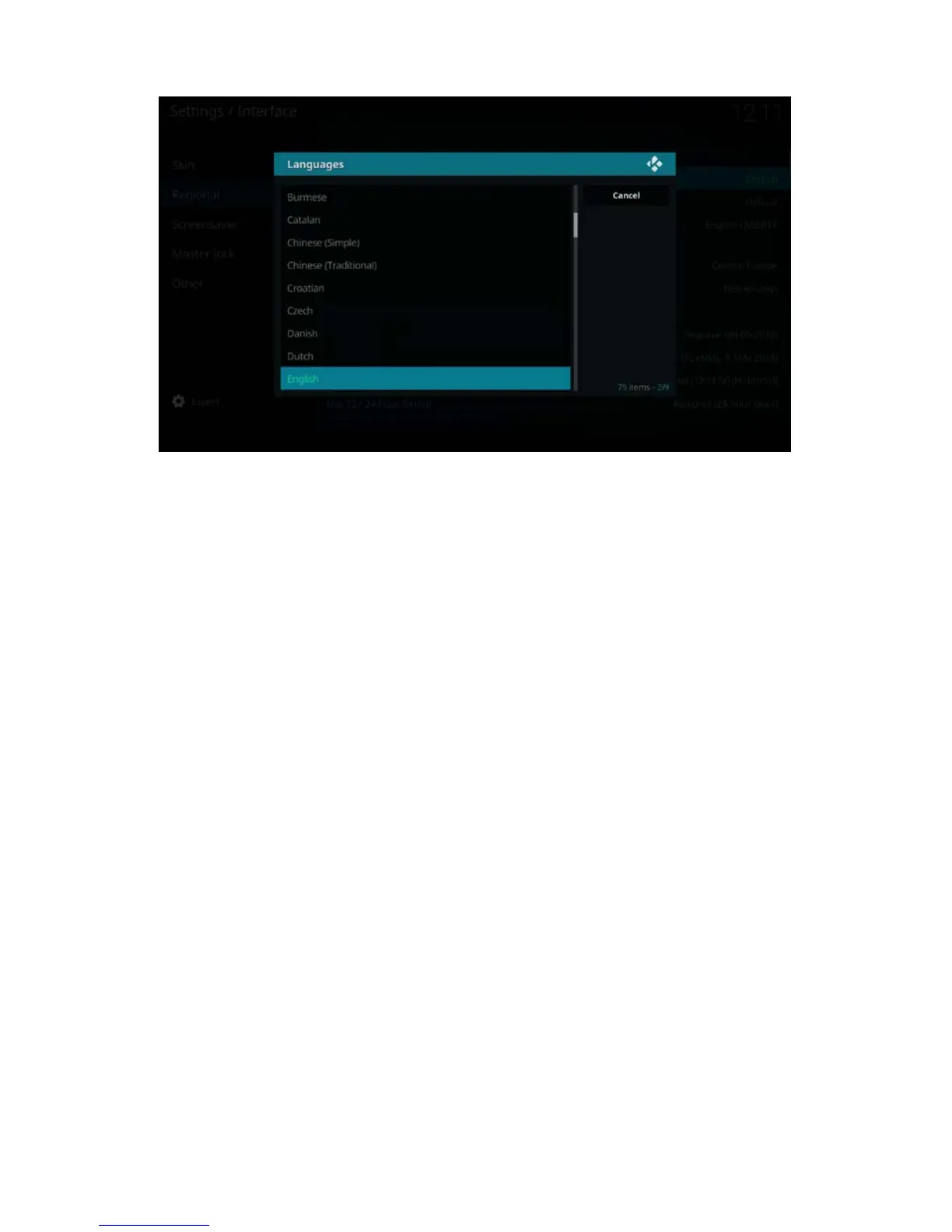
5. Choose your desired Language and enter with the ‘OK’ button.
6. Use the navigation buttons again to go to “Country and languages settings”
7. You will notice that all settings for language will be automatically changed except
for time zone.
8. Click on ‘Time zone’ country to add the corresponding country for proper time
zone.
7.0 Audio passthrough setup
If your EM7680 is connected to a AV receiver by HDMI or S/PDIF connection, you will
need to “enable passthrough” so your AV receiver will be able to decode the audio
streams such like DTS or Dolby Digital.
Before you power on the TV streamer, please make sure to setup properly the
connection between TV and AV receiver as described in the following steps.



 To Next Page