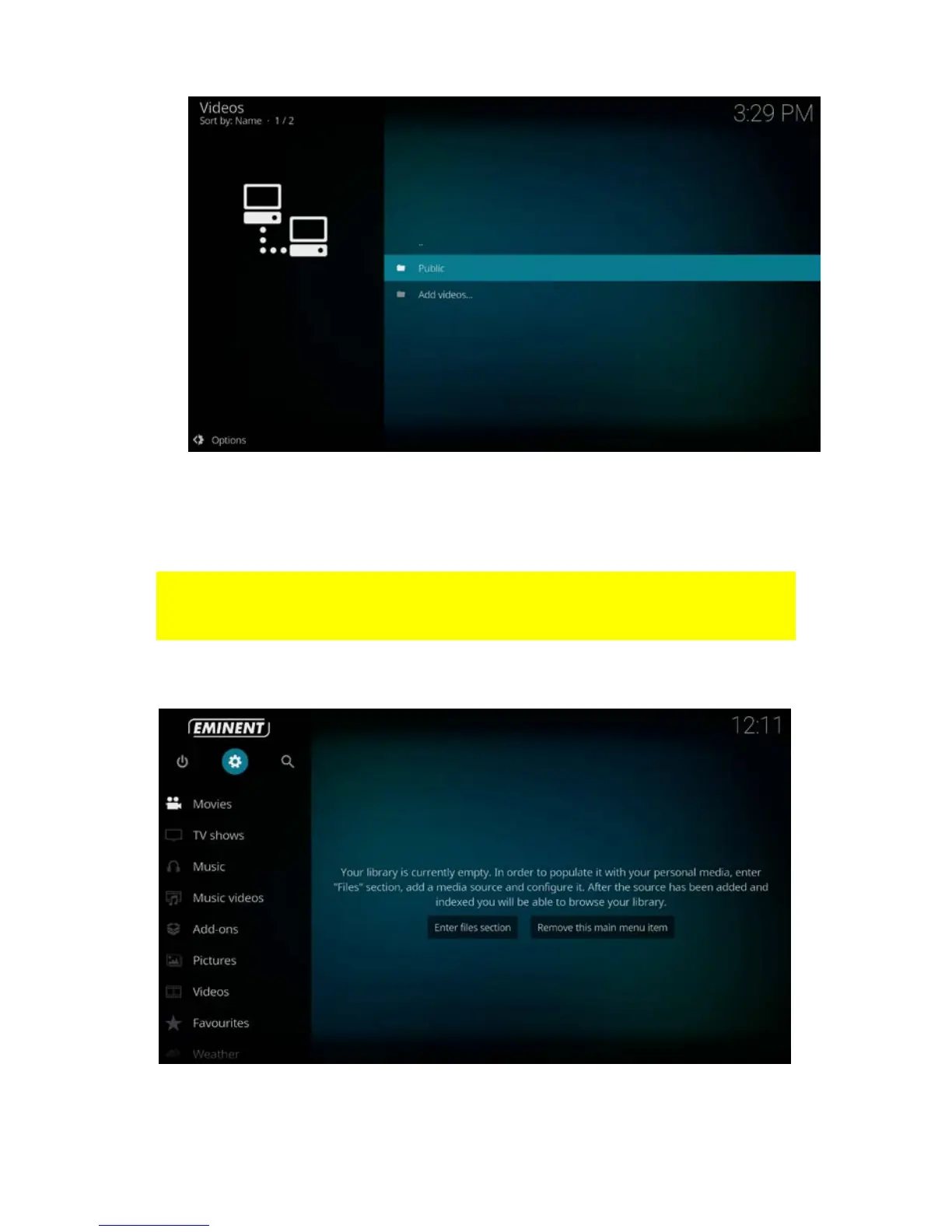
11. Press the “OK” button on your remote control to view and play your video files.
8.3 Stream your video’s through USB drive
In the following steps we will describe how to stream your videos through an USB
drive. Be aware that these descriptions will be the same if you want to stream “Music”
or “Pictures”
1. Please make sure your TV streamer is powered on to start.
2. Once the TV streamer has booted, the following screen appears:
3. Connect your USB device to one of the three USB ports. You will see the following
notification: “mounted removable storage device”.



 To Next Page