7.1.2 Connect the EM7680 to an AV receiver by HDMI and optical cable
1. Connect one side of the HDMI cable to the HDMI output of the EM7680.
2. Connect the other side of the HDMI cable to the HDMI input of your TV.
3. Connect the optical cable ( not included ) to the optical output of your EM7680.
4. Connect the other side of the optical cable ( not included ) to an available optical
input of your Home Cinema Set.
7.2 Audio passthrough setup for HDMI and S/PDIF
The following instructions are for both HDMI and S/PDIF the same.
1. Switch the power switch to “ON” to boot the TV streamer.
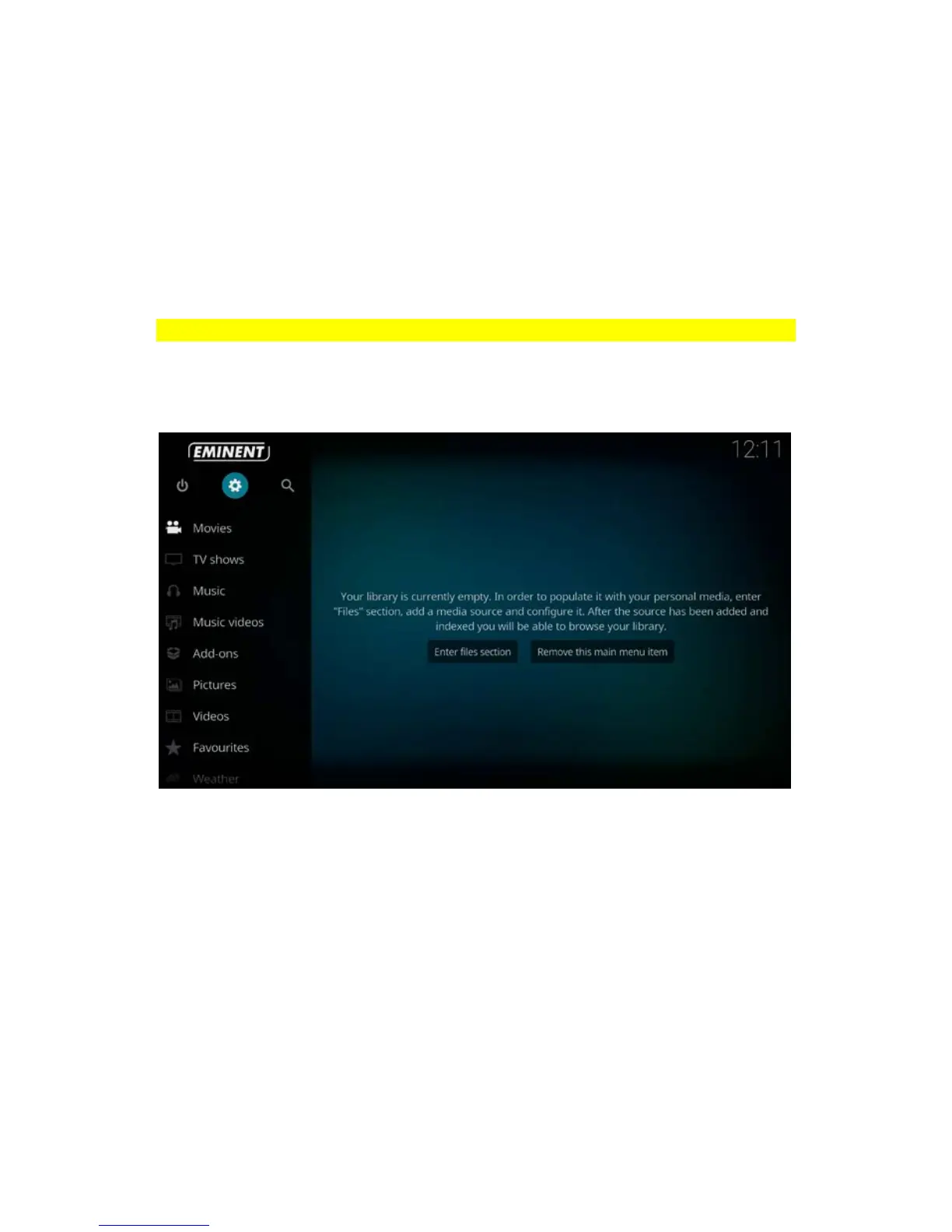
2. Once the TV streamer has booted, the home screen appears:



 To Next Page