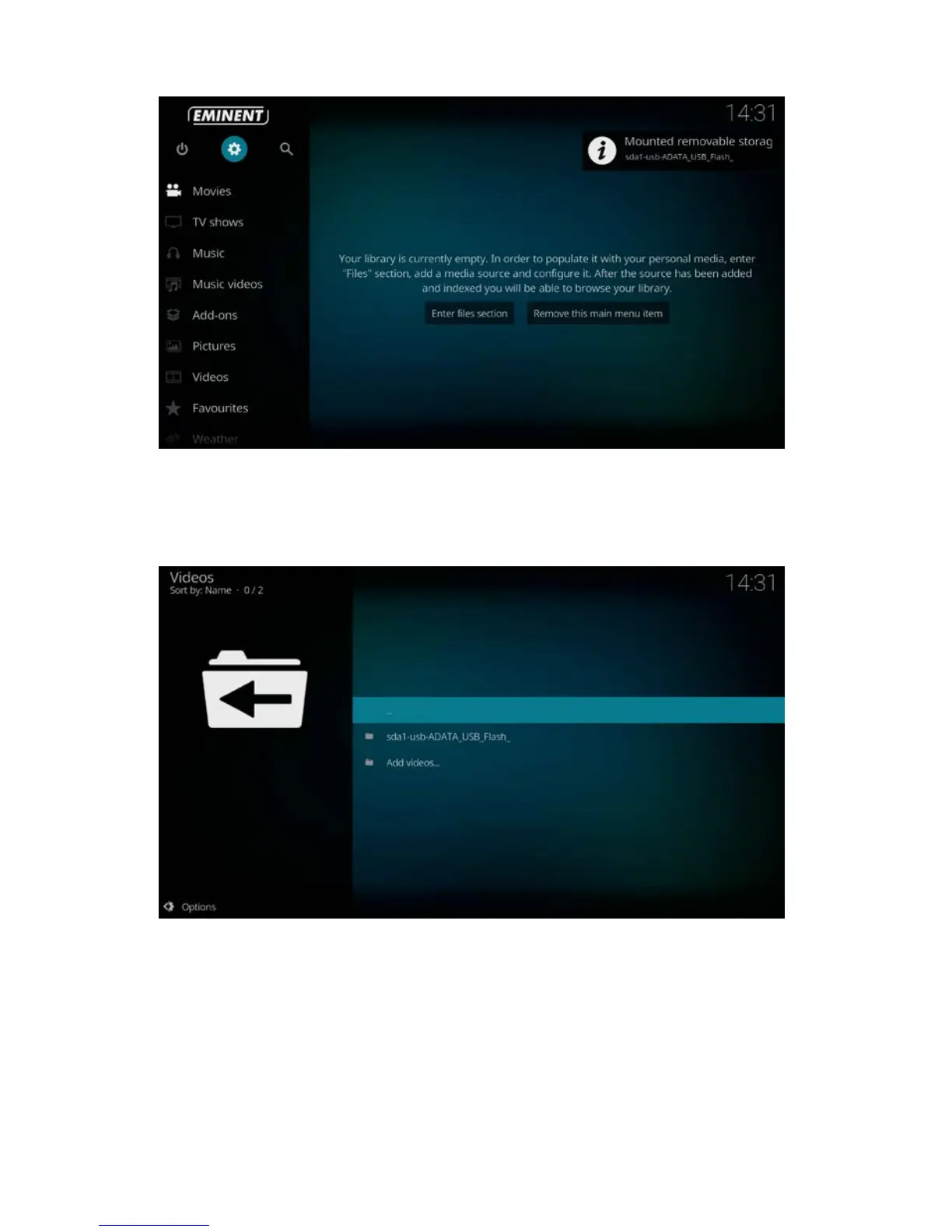
4. Use the navigation buttons to select per example “Movies” and press “OK” on you
remote control.
5. Enter the name of your USB drive and press “OK” on your remote control to view
your files and play the movie you want.
9.0 Audio and Subtitle selection
When more than one subtitle or audio streams are available, you will have the option
to switch between them.
1. Use the navigation buttons to go to “Movies”
2. Select your video source and choose a movie you want to play.
3. Press the “OK” button to start the movie.



 To Next Page