4. You have the option to change the name of your TV streamer. If you wish to
change the TV streamers name, you can change the name so it will be
recognizable when you see the TV streamer in your network. Click “Next”. The
following screen appears:
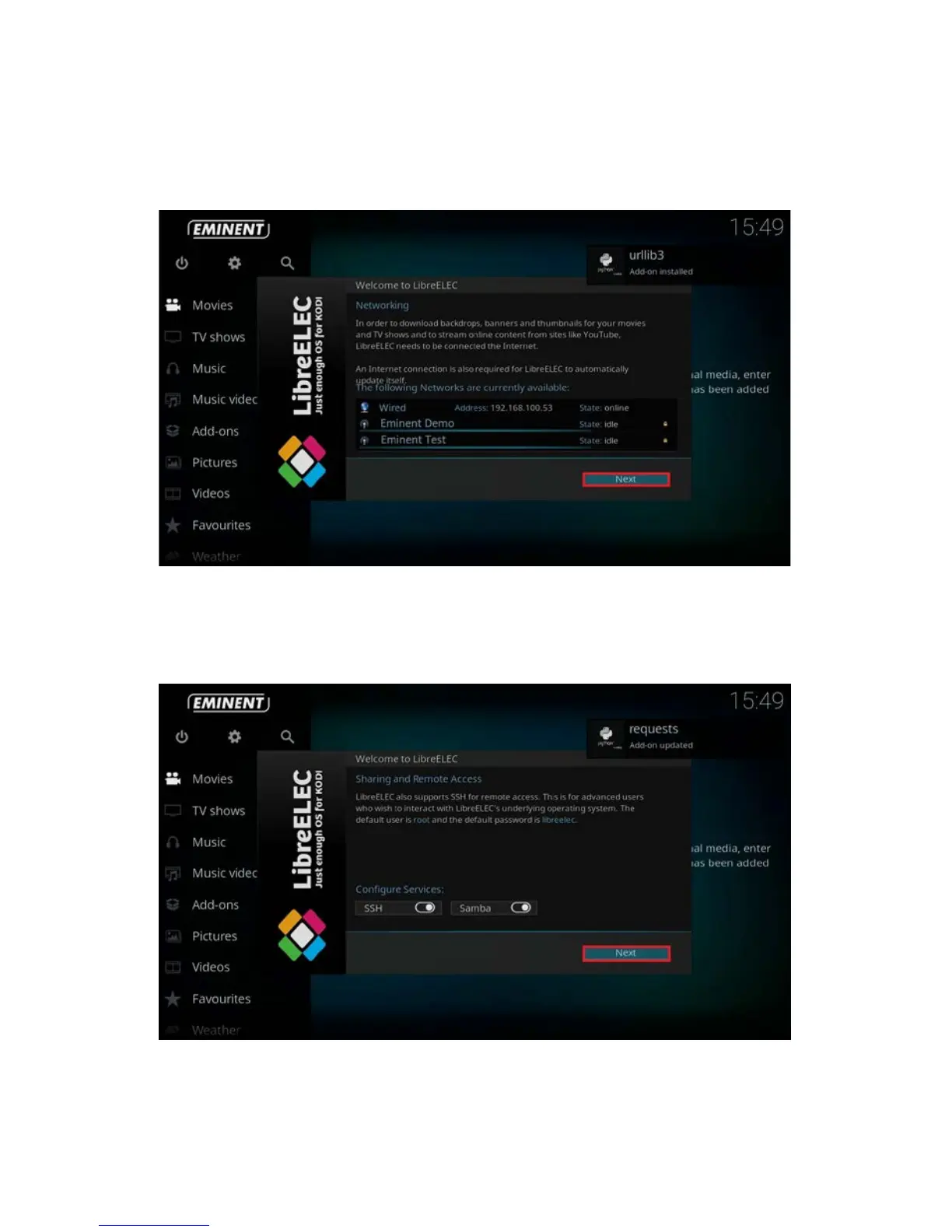
5. If you choose to setup your network connection wirelessly, then please select your
wireless network name and fill out the corresponding security key. Click “Next”.
The following screen appears:
6. You will notice that Samba and SSH for sharing and remote access are at default
enabled. We advise you to leave these options enabled. Click “Next”. The
following screen appear:



 To Next Page