11
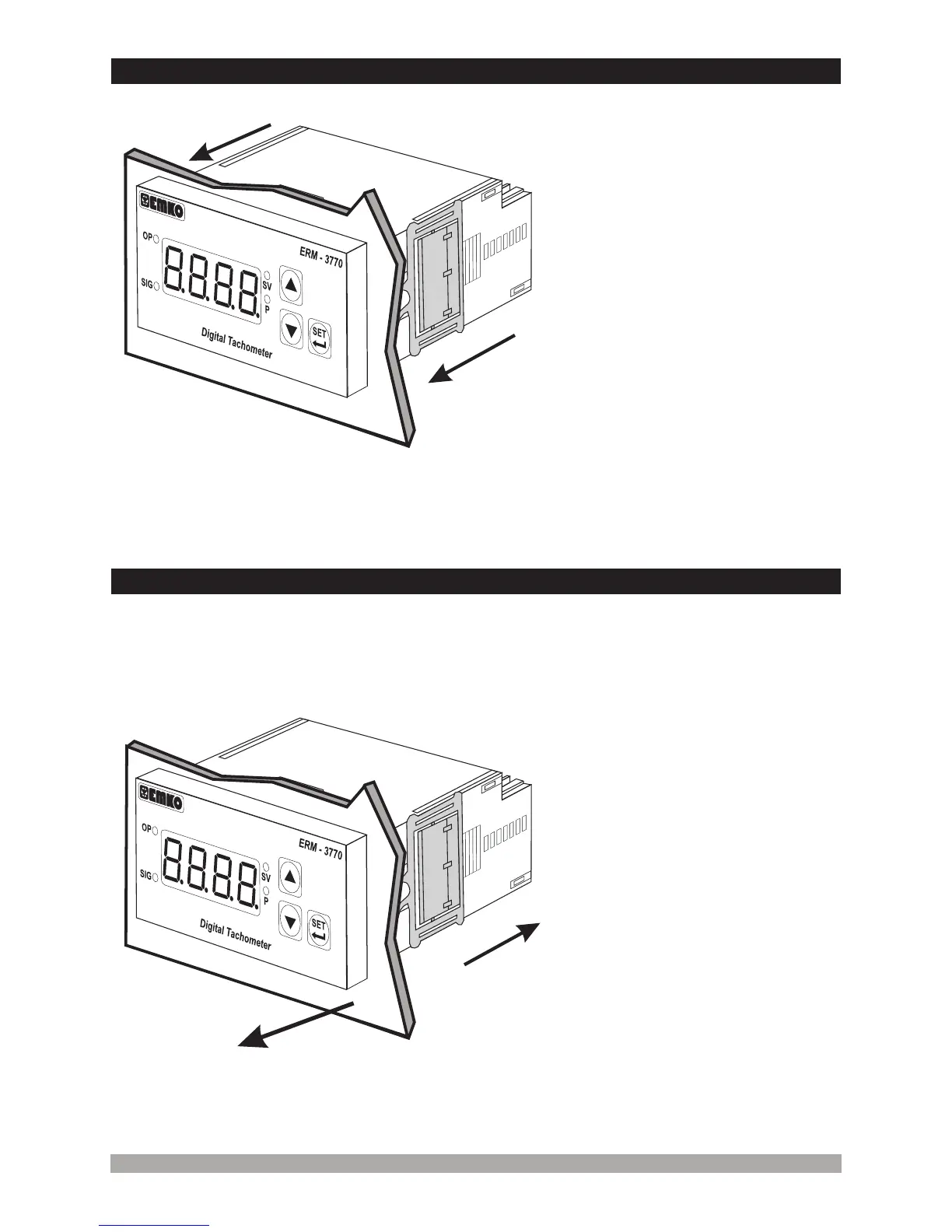
2.7InstallationFixingClamp
1-Pull mounting clamps from left and
right fixing sockets.
2-Pull the unit through the front side of
the panel
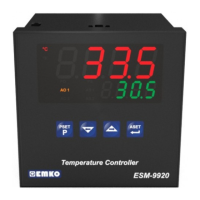
The unit is designed for panel
mounting.
1-Insert the unit in the panel cut-out
from the front side.
2- Insert the mounting clamps to the
fixing sockets that located left and
right sides of device and make the unit
completely immobile within the panel
Before starting to remove the unit from panel, power off the unit and the related
system.
Montage of the unit to a system must be done with it’s own fixing clamps. Do not
do the montage of the device with inappropriate fixing clamps. Be sure that
device will not fall while doing the montage.
2.8Removingfromthepanel
c
c
2
1
1
2


 To Next Page