© 2024 EMM Labs, All Rights Reserved. EMM Labs reserves the right to amend specifications & design without notice.
016
Operation
DA2i STEREO D/A CONVERTER OWNER’S MANUAL
Operation
USB Audio
1. Use only an appropriate well-shielded certied USB 2.0* cable to connect from any
USB digital audio source component’s (computer, laptop, media player etc.) output
to the DA2is’ USB Audio input (not the USB Media port).
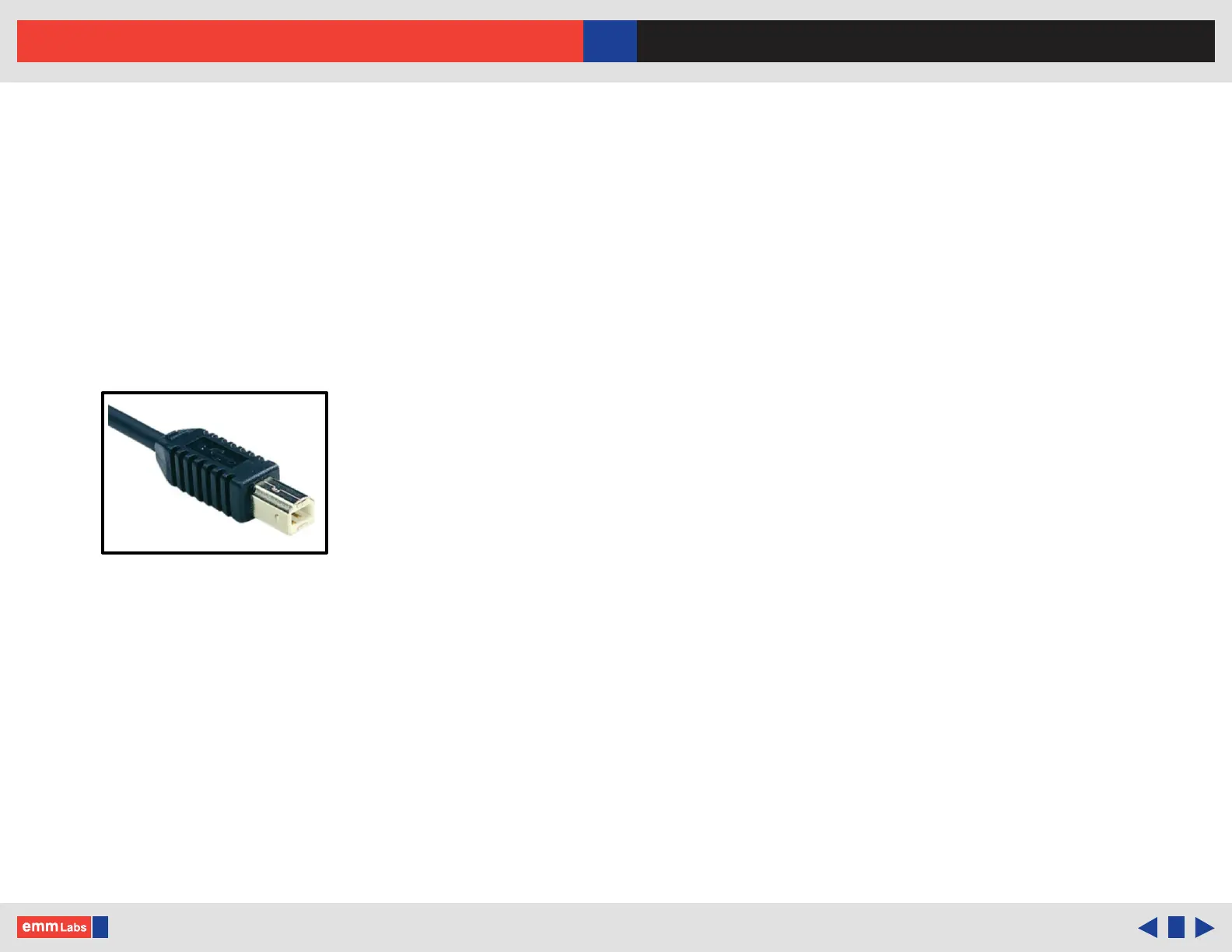
2. e DA2i’s USB Audio interface uses the B-type USB connector similar to
connectors used on printers. Please see image below:
3. Select the USB Audio input using the input selector touch buttons or remote.
4. For the latest Windows 10/11 and MAC OSX systems, no drivers are needed.
*Not using proper USB 2 or higher certied cables will cause audio issues between digital
source and the DA2i.



 To Next Page