GB
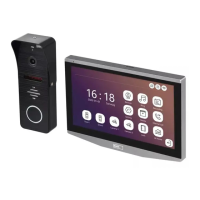
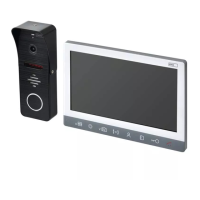
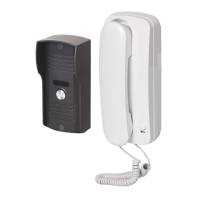
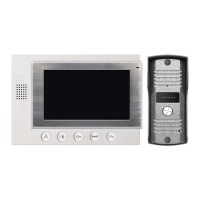
VIDEO DOOR PHONE SET
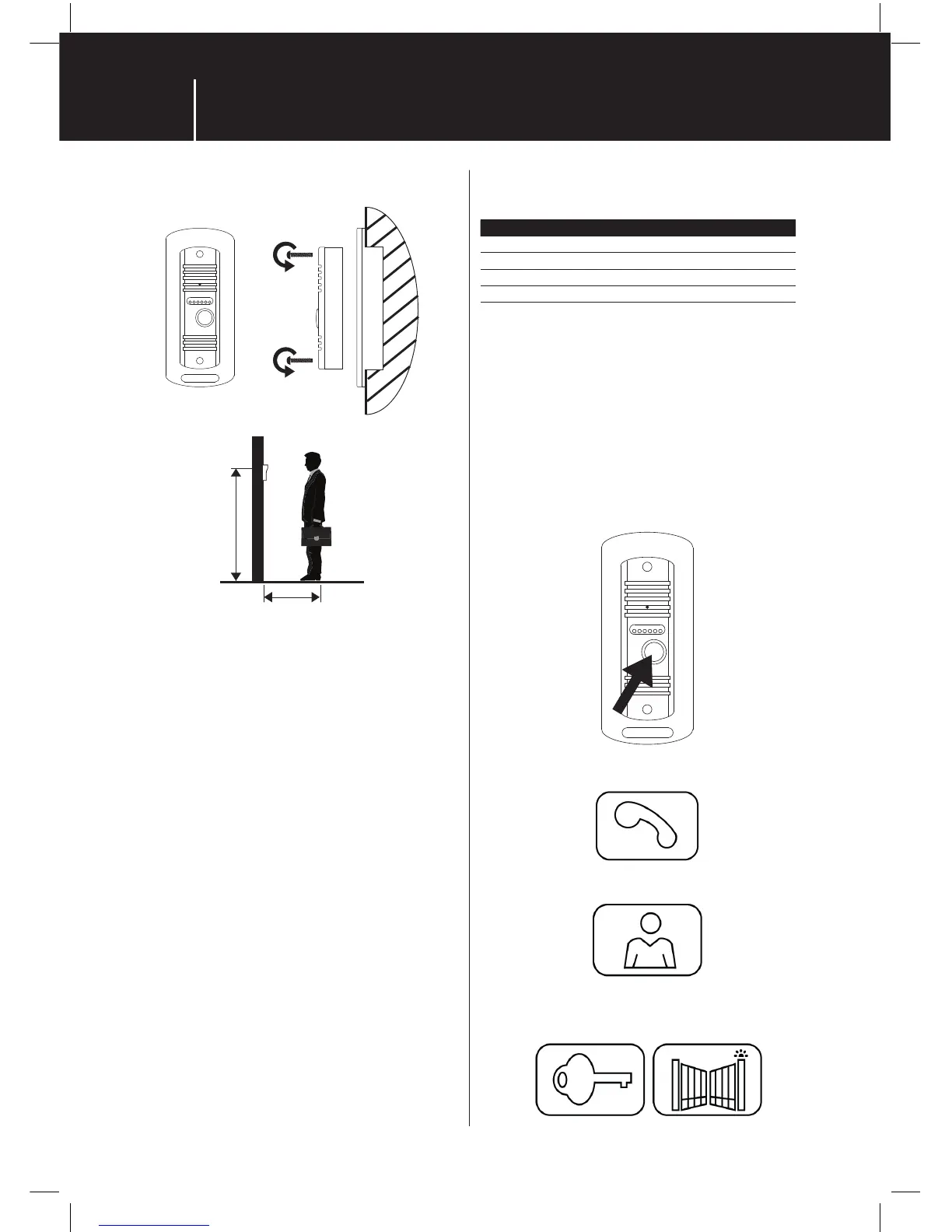
5 | Outdoor camera unit installation
140 - 170 cm
40 cm
1. Choose the convinient place for installation and install
the outdoor camera unit rainshield rst.
2. Feed the cable through the cable hole into the
rainshield and wire the connections at the back of the
camera unit.
3. When camera unit is wired please screw the camera unit
back into the rainshield.
Outdoor camera unit: wall- mounted – put the silicon
between wall and camera unit to prevent the water coming
inside the unit. Silicon should be put along the top and two
vertical edges. Bottom edge must stay silicon-free to let
humidity evaporate!
Outdoor camera unit: ush-mounted – It is recommended
to ll the space between mounting box and wall with
mouting foam to insulate the box from surrounding cold
walls.
6 | Connection cable parameteres:
Up to 20 m distance it is recommended good quality cable
UTP CAT.5 (or better CAT.6)
Over 20 m distance is it recommended cabel SYKFY
5 × 2 × 0.5 mm
2
or 10 × 2 × 0.5 mm. To get higher cross-
sectional area for long distatnces it is recommended
todouble or treble the wires within the cable.f.e.
3×0.5mm = 1,5 mm
2
Recommended cross-sectional area (CSA) depending
onthe cable lenght:
Conductor core diameter [mm] Distance [m]
0,5 20
0,65 50
0,8 70
1 115
For basic connection up to 100 m there is no co-axial cabel
needed for video signal. Where Over 100 m co-axial cable is
recommneded for video signal or use video ampliers.
For long uderground cabling it is recommended to use
telecom cabel: f.e. TCEPKPFLE.
7 | Operation instruction
• Press CALL button of outdoor unit and ringing melody
will be heard from indoor monitor and images of visitors
will appear. The sound from outside, will be delivered to
monitor, too.
• Press TALK button to talk with visitors
• Press MONITOR button to monitor in front of the door
• Press UNLOCK buttons to release the correspondent door
or open thegate


 To Next Page