11.0 | Instructions For Use continued
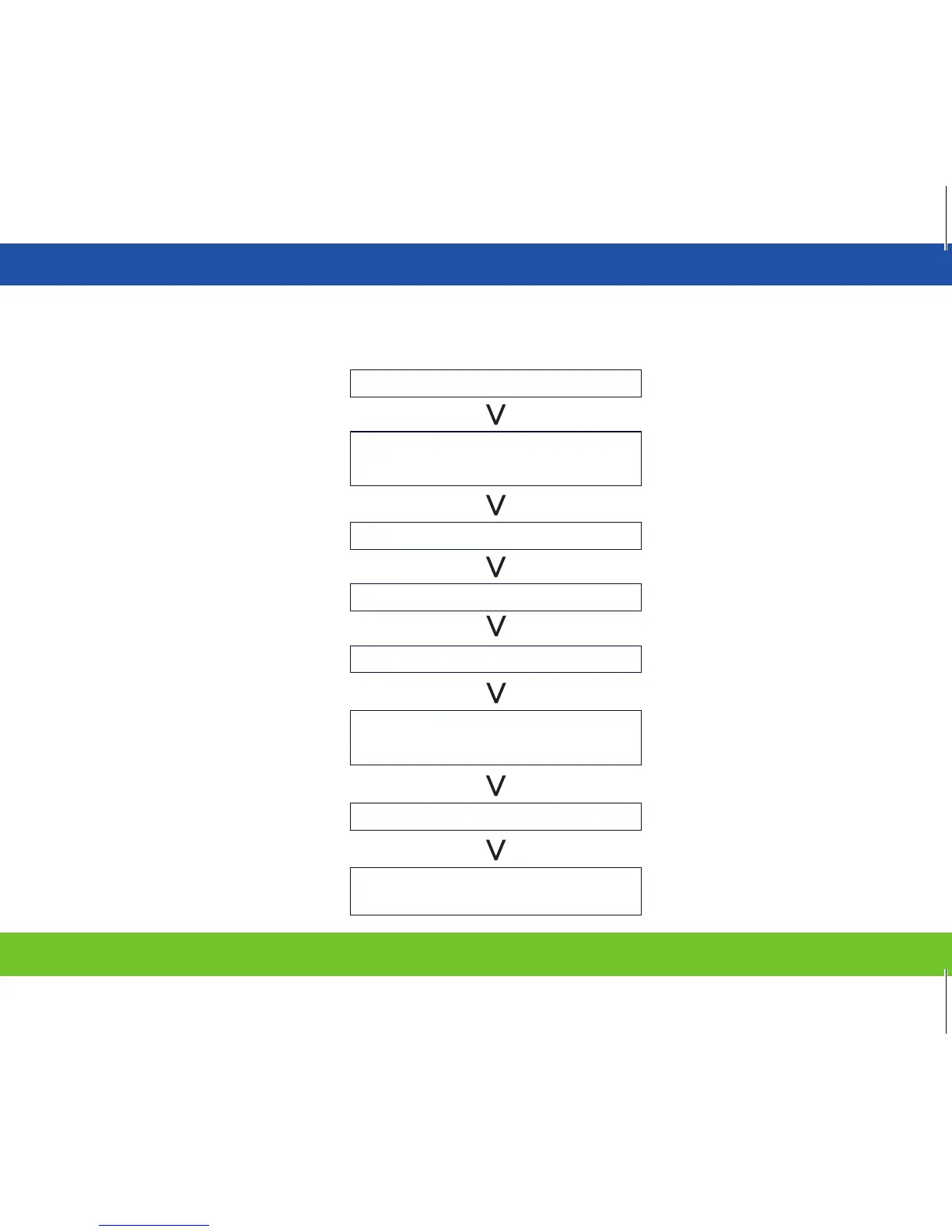
Operation Procedure Chart
Turn On
Set Timer
Lock out (TENS or EMS)
Check Output Level
Start to Operate
Choose MODE
(
TENS or EMS
)
Choose Symmetric or
Asymmetric waveform
Press “MODE” Button
Press and hold both Negative (-) Amplitude Button
SET + ADJUST
CLOCK + ADJUST
Amplitude Control
BEEP OPTION (press and hold
“SET”button to activate/deactivate)
Set Parameter
(
Rate, Width
...etc.
)
Press “Symmetric/Asymmetric” Button
23


 To Next Page