11
On the homepage you can directly access the music player by clicking on the “Music” shortcut:
3.6. View pictures
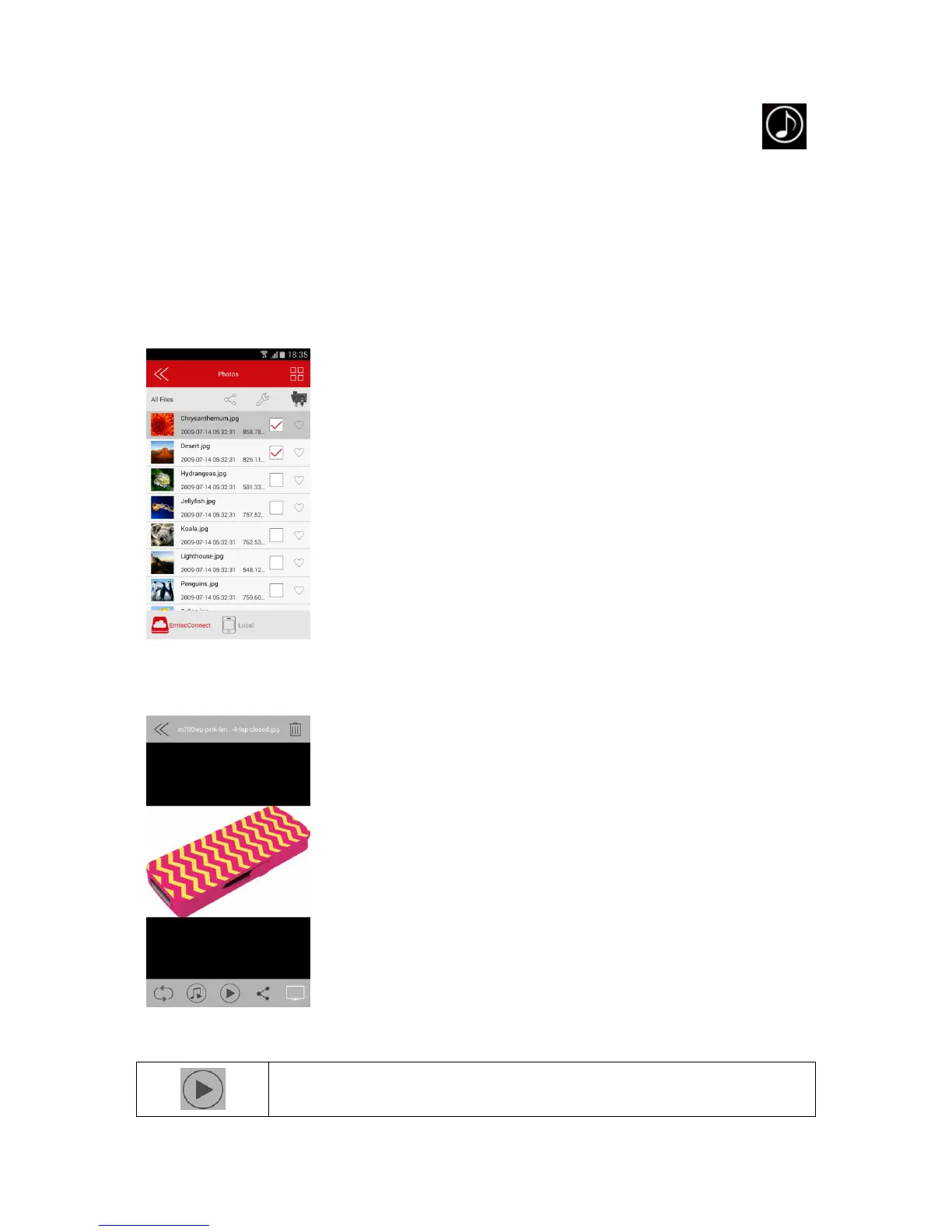
To see a picture, you can go in the “Photos” gallery or in Explorer.
Compatible files: jpg and png.
The supported images can be viewed as thumbnails or as a list as seen on the screenshot below. Any
images that are not supported will be viewed as a generic thumbnail or icon.
You can swipe your finger across the screen to manually view the pictures or images or click the play
button, to automatically play the slideshow.


 To Next Page