EasyManua.ls Logo

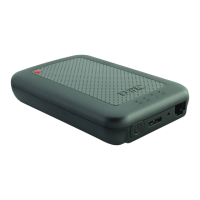
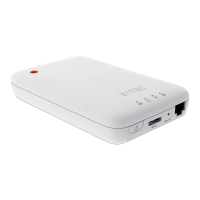
Emtec Connect - Device Overview and Indicators; LED Status Indicators; Power Button and Ports; Installation and Setup

Emtec Connect
30 pages
Print Icon
To Next Page IconTo Next Page
To Previous Page IconTo Previous Page
Loading...
4
1. Overview
2. Install and Set Up
2.1. Download Emtec Connect App
Download “Emtec Connect” application on Google Play Store.
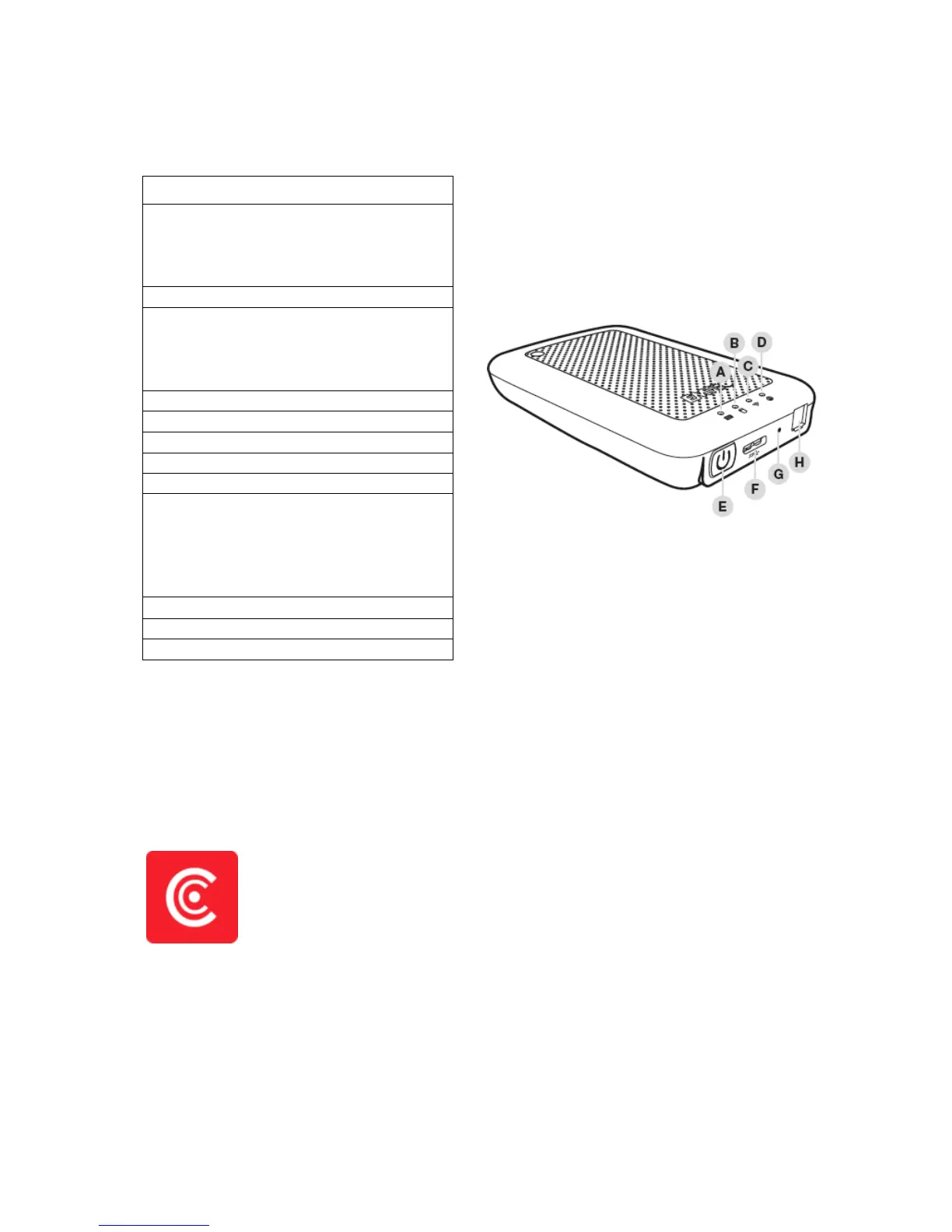
A. Battery level LED
Red: Low battery
Flashing Green: Charging
Solid Green: Drive On
Off: Battery full or Drive Off
B. HDD read/write LED
White: Stand-by
Flashing White: Read/Write
(LED is blue when the device is connected at
a USB3.0 port)
C. Wi-Fi LED
Blue: Wi-Fi ready
D. Internet LED
Green: connected to Internet
E. Power Button
Press and hold for 2 seconds to power
on/turn off the device.
On: Wi-Fi HDD mode.
Off: Synchronization mode (The HDD works
as a standard portable HDD).
F. USB 3.0 Port
G. Reset
H. Ethernet port (RJ45)

Related product manuals