7
Allows you to to see and manage the documents available on the Wi-Fi HDD and your smartphone/
tablet.
System menu:
Access to all the settings of your Wi-Fi HDD.
Explorer menu:
Allows you to manage and upload/download files (copy/paste, new folder…) from your smartphone/
tablet to your Wi-Fi HDD or from your Wi-Fi HDD to your smartphone/ tablet.
3.2. Access to the files of Wi-Fi HDD/ smartphone/ tablet
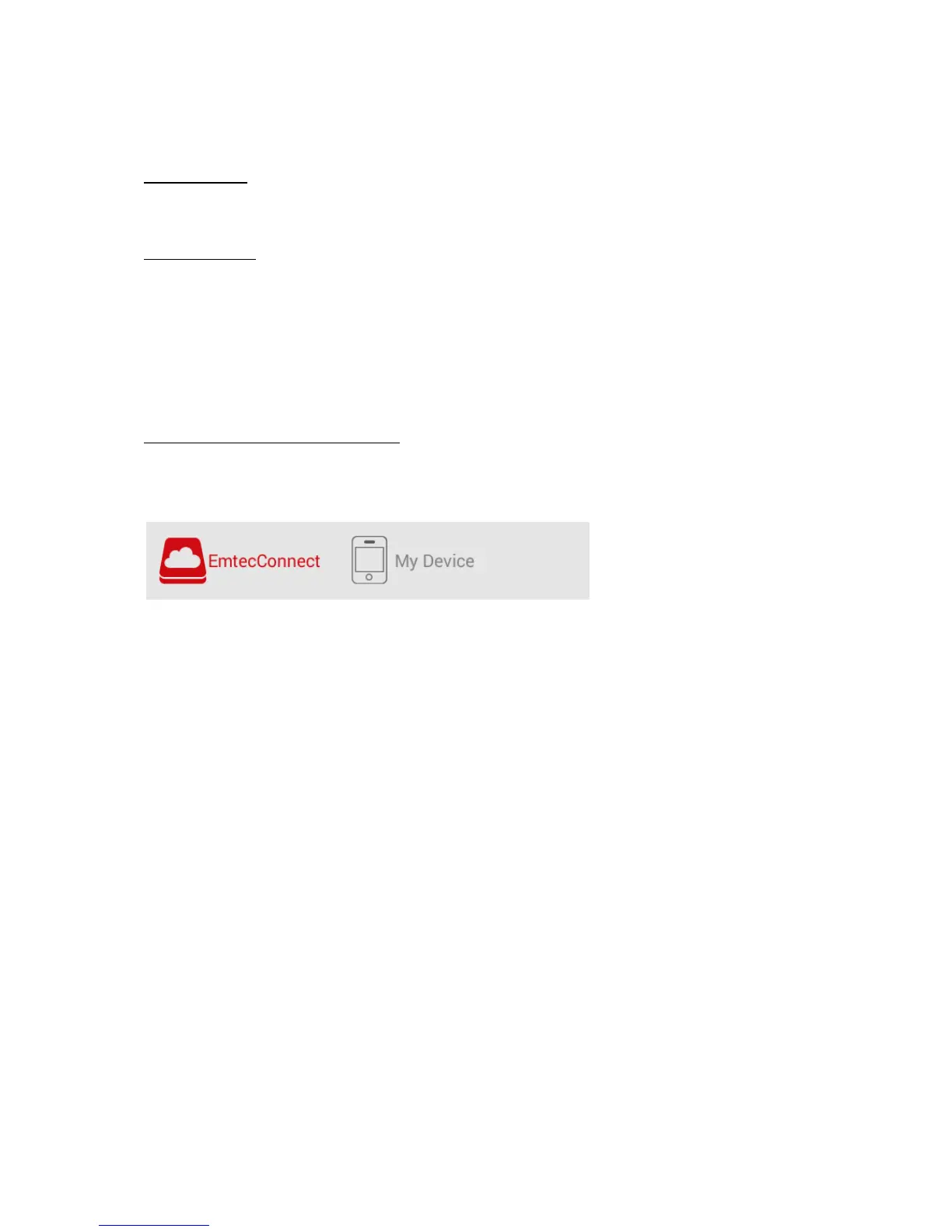
Emtec Connect / My Device access:
Select file location by clicking on “EmtecConnect" (your Wi-Fi HDD) or "My Device" (your
smartphone/ tablet).


 To Next Page