CR-2000 Instructions Rev 1.5 8
Date 6/28/2018
Enter administrator password
8. Security Mode
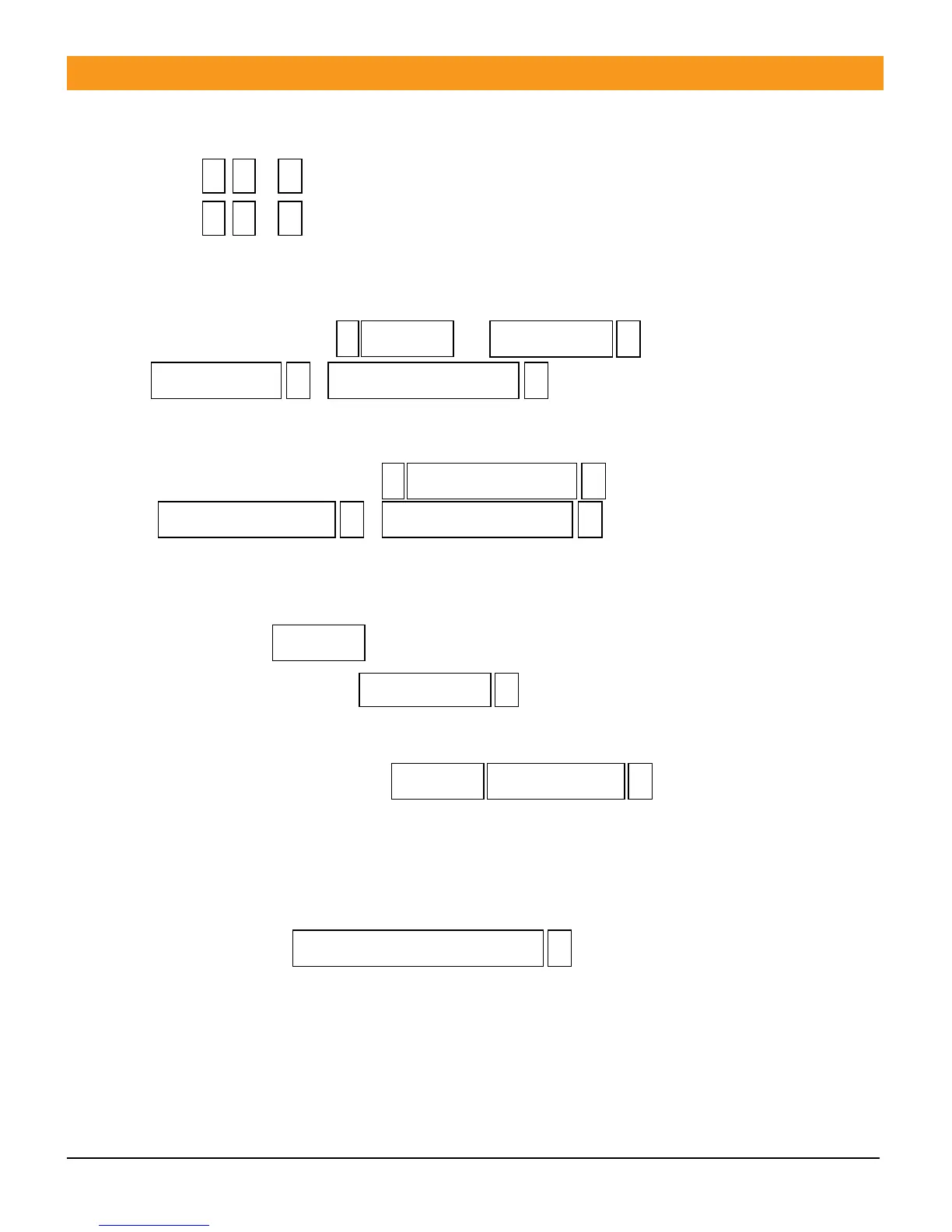
8.1 Press , Normal (factory default) See section 10.2
8.2 Press , Invalid Lock (Within 10 minutes multiple swipes of invalid card or input
of invalid pass code 10 times will deactivate the keypad for 10 minutes)
9. User password modify
9.1 With Pass Card: Press , ,
, If this is first time use on a
new card the default password is
(1234).
9.2 With Pass Code Only: Press ,
,
For users without pass cards.
10. Door Open Operation
10.1 Card Open
10.2 Password open. Press If correct door will open. If incorrect code is
entered you have 9 more attempts before unit locks and needs reset by administrator
or swipe of valid card.
10.3 Card plus Password Open: If card is valid and user
password is correct the door will open. If card or password is incorrect you will have 9
more attempts before unit locks and needs reset by administrator or valid card swipe
and correct password entry.
11. Administrator Functions
11.1 Remove Alarms See section 1 page 3
11.2 Administering users, passwords, alarm settings, timing functions



 To Next Page