EasyManua.ls Logo

Endress+Hauser Levelflex FMP56 - User Manual

Endress+Hauser Levelflex FMP56
210 pages
Print Icon
To Next Page IconTo Next Page
Loading...
Products Solutions Services
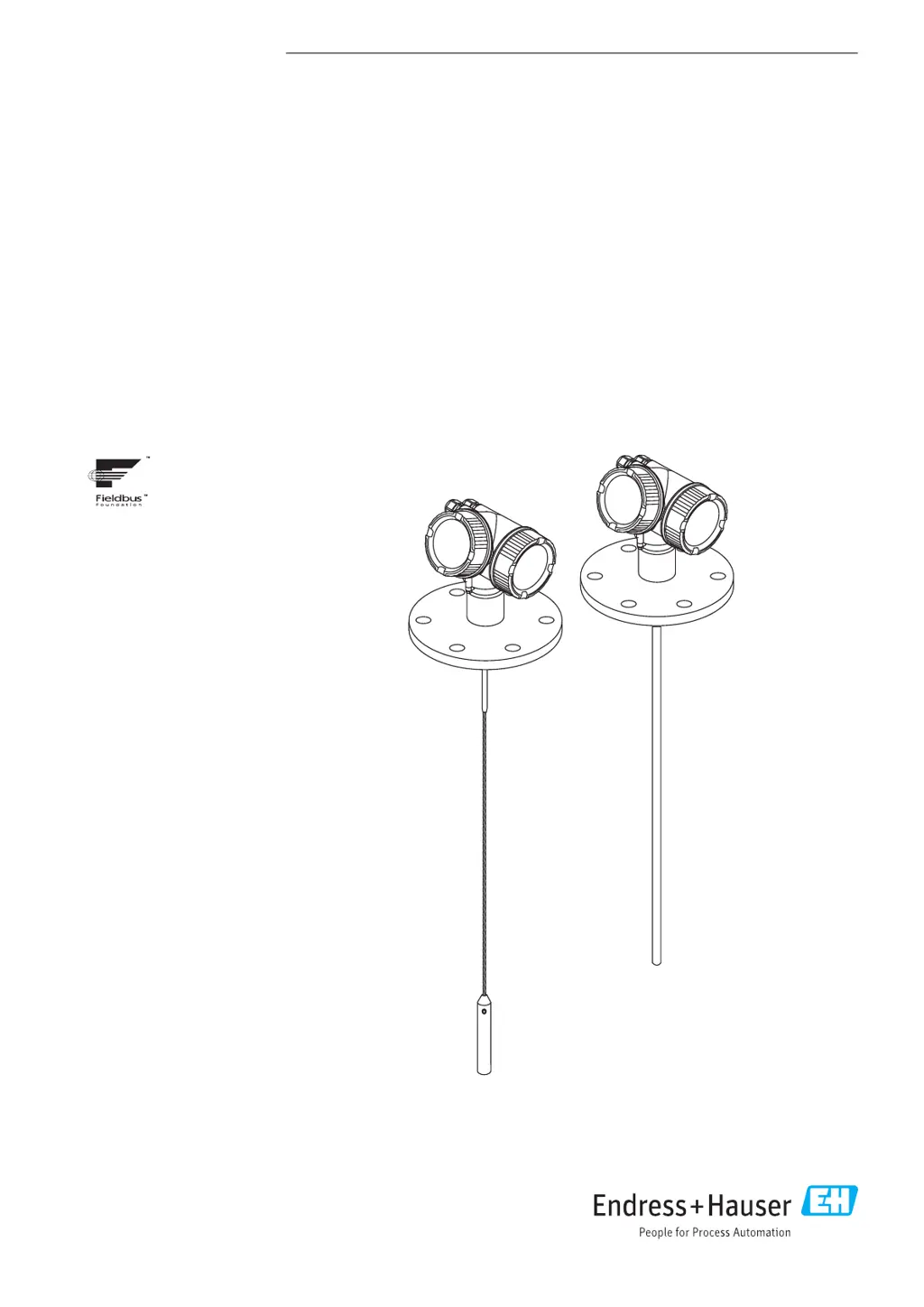
Operating Instructions
Levelflex FMP56, FMP57
FOUNDATION Fieldbus
Guided wave radar
BA01055F/00/EN/04.16
71344087
01.01.zz (Device software)

Table of Contents

Other manuals for Endress+Hauser Levelflex FMP56

Questions and Answers

  • T
    Troy PayneSep 10, 2025
    What causes a communication error on Endress+Hauser Radar display?
    • D
      Dr. Brian MartinezSep 10, 2025
      A communication error on the Endress+Hauser Radar display when starting the device or connecting the display could be caused by: * Electromagnetic interference. To solve the problem, check the grounding of the device. * A broken display cable or display plug. In this case, exchange the display.
  • J
    jamie76Aug 22, 2025
    What to do if HART communication does not function on Endress+Hauser Measuring Instruments?
    • K
      katiemataAug 22, 2025
      If HART communication isn't working on your Endress+Hauser Measuring Instruments device, consider the following: * A communication resistor might be missing or incorrectly installed. Install the communication resistor (250 ?) correctly. * The Commubox might be connected incorrectly. Ensure the Commubox is connected correctly. * The Commubox may not be switched to HART mode. Set the selection switch of the Commubox to the HART position.
  • C
    Christopher HarperAug 25, 2025
    What to do if values on the display are invisible on Endress+Hauser Measuring Instruments?
    • A
      Ashley JohnsonAug 25, 2025
      If the values on the display of your Endress+Hauser Measuring Instruments are invisible, the issue could be: * The contrast setting is too weak or too strong. Increase the contrast by pressing ? and ? simultaneously, or decrease it by pressing ? and ? simultaneously. * The display cable plug is not connected correctly. Ensure the plug is correctly connected. * The display itself is defective. In this case, replace the display.
  • M
    Matthew BlairAug 26, 2025
    What to do if I see "Communication error" on the display of my Endress+Hauser Measuring Instruments?
    • B
      Bryan KlineAug 27, 2025
      A "Communication error" on your Endress+Hauser Measuring Instruments display could be caused by: * Electromagnetic interference. Check the grounding of the device. * A broken display cable or display plug. Replace the display.
  • T
    Thomas McbrideAug 27, 2025
    Why is my Endress+Hauser Measuring Instruments device not accessible via SmartBlue?
    • A
      Ann AndersonAug 28, 2025
      If your Endress+Hauser Measuring Instruments device is not accessible via SmartBlue, it could be due to: * No Bluetooth connection. Enable the Bluetooth function on your smartphone or tablet. * The device is already linked to another smartphone/tablet. Disconnect the device from the other smartphone/tablet. * The Bluetooth module is not connected.
  • G
    Gina EricksonAug 29, 2025
    How to fix output current less than 3.6 mA on Endress+Hauser Measuring Instruments?
    • J
      James RoweAug 29, 2025
      If the output current is less than 3.6 mA on your Endress+Hauser Measuring Instruments device: * The signal cable connection might be incorrect. Check the connection. * The electronics could be defective. Replace the electronics.
  • B
    Brian HernandezSep 18, 2025
    What to do if values on Endress+Hauser Levelflex FMP56 display are invisible?
    • C
      Carol BallardSep 18, 2025
      If the values on the Endress+Hauser Radar display are invisible, the contrast setting might be too weak or too strong. You can try to increase the contrast by pressing the indicated buttons simultaneously, or decrease it by pressing the other indicated buttons simultaneously. Also, check if the display cable plug is correctly connected. If not, connect the plug correctly. If the issue persists, the display might be defective and needs replacement.
  • C
    Cameron SmallSep 12, 2025
    Why Endress+Hauser Levelflex FMP56 Radar device measures incorrectly?
    • B
      Brandi JacksonSep 12, 2025
      If the Endress+Hauser Radar device measures incorrectly, it might be due to a parametrization error. To solve this, check and adjust the parameterization.
  • L
    Lisa JohnsonSep 8, 2025
    How to fix invisible values on Endress+Hauser Radar display?
    • D
      Deanna SchneiderSep 8, 2025
      If the values on your Endress+Hauser Radar display are invisible, it could be due to: * **Contrast Setting:** The contrast may be set too weak or too strong. Increase the contrast by pressing the appropriate buttons simultaneously, or decrease it by pressing the corresponding buttons. * **Display Cable:** The plug of the display cable may not be connected correctly. Ensure it is properly connected. * **Defective Display:** The display itself may be defective and require replacement.
  • E
    Elizabeth TurnerSep 5, 2025
    Why are the values on the display of my Endress+Hauser Measuring Instruments invisible?
    • D
      Devin WebbSep 5, 2025
      If the values on the display of your Endress+Hauser Measuring Instruments are invisible, the contrast setting may be too weak or too strong. Try increasing the contrast by pressing the indicated buttons simultaneously, or decreasing it by pressing the indicated buttons simultaneously. Also, ensure that the plug of the display cable is correctly connected. If the issue persists, the display may be defective and need replacement.

Endress+Hauser Levelflex FMP56 Specifications

General IconGeneral
BrandEndress+Hauser
ModelLevelflex FMP56
CategoryRadar
LanguageEnglish

Related product manuals