EasyManua.ls Logo

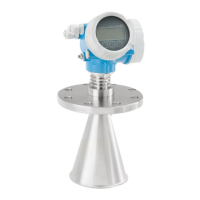
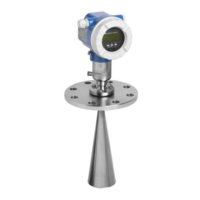
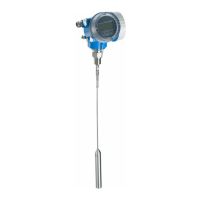
Endress+Hauser Levelflex FMP56 - User Manual

Endress+Hauser Levelflex FMP56
210 pages
Print Icon
To Next Page IconTo Next Page
Loading...
Products Solutions Services
Operating Instructions
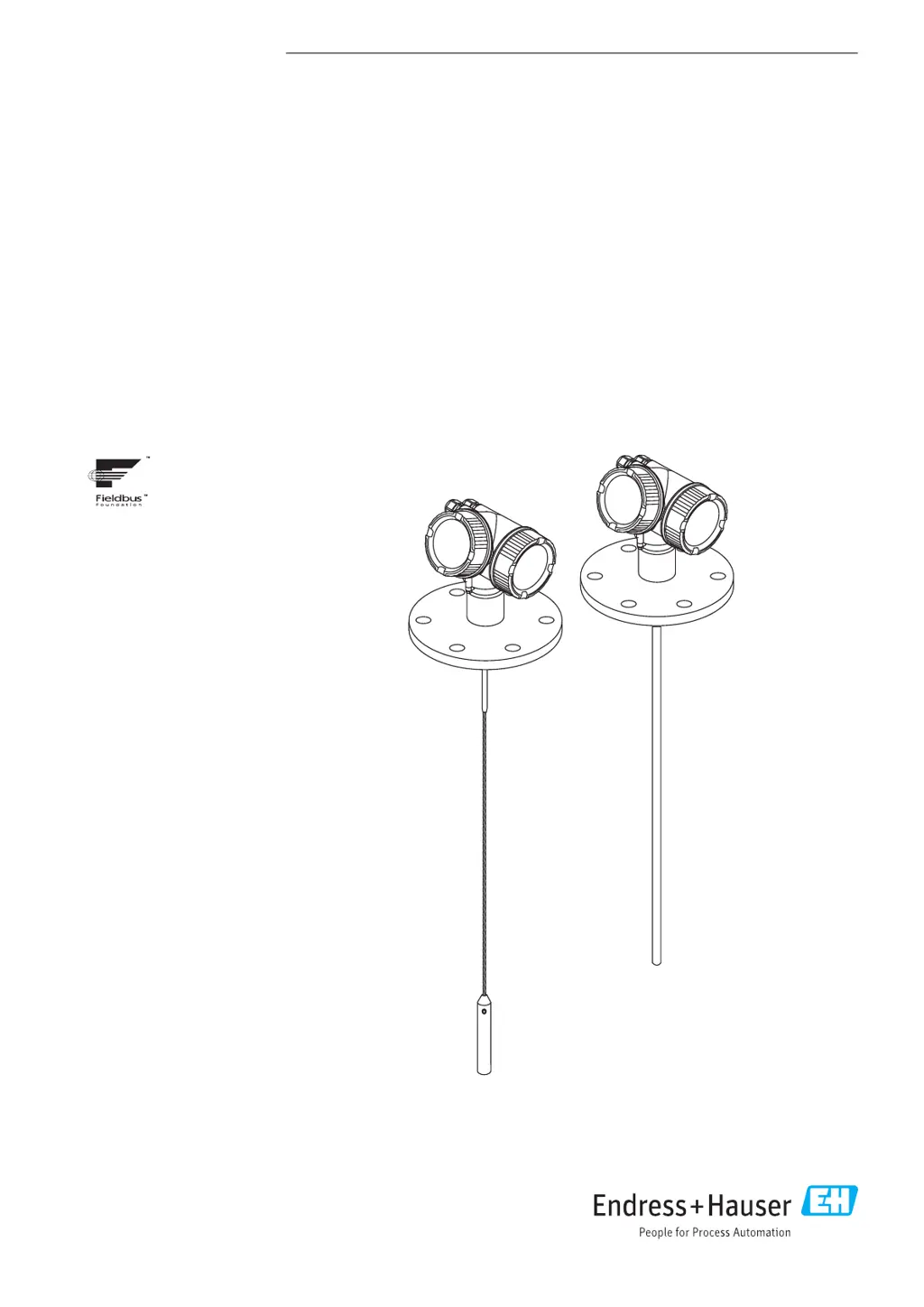
Levelflex FMP56, FMP57
FOUNDATION Fieldbus
Guided wave radar
BA01055F/00/EN/04.16
71344087
01.01.zz (Device software)

Table of Contents

Other manuals for Endress+Hauser Levelflex FMP56

Questions and Answers

  • S
    Susan ParsonsSep 3, 2025
    How to troubleshoot an Endress+Hauser Measuring Instruments device that does not respond?
    • J
      Johnathan HendricksSep 3, 2025
      If your Endress+Hauser Measuring Instruments device does not respond, ensure that the correct supply voltage is connected. Also, check that the cables properly contact the terminals.
  • R
    Ruth SalazarSep 2, 2025
    What to do if 'Communication error' is indicated on the display of Endress+Hauser Measuring Instruments?
    • S
      Scott GutierrezSep 2, 2025
      If you see a "Communication error" on the display of your Endress+Hauser Measuring Instruments when starting the device or connecting the display, it could be due to electromagnetic interference. Check the grounding of the device. It may also be due to a broken display cable or display plug, in which case you should replace the display.
  • D
    Daniel WilsonAug 31, 2025
    Why is my Endress+Hauser Measuring Instruments measuring incorrectly?
    • C
      christopher17Aug 31, 2025
      If your Endress+Hauser Measuring Instrument is measuring incorrectly, it might be due to a parameter configuration error. You should check and correct the parameter configuration.
  • G
    Gina EricksonAug 29, 2025
    How to fix output current less than 3.6 mA on Endress+Hauser Measuring Instruments?
    • J
      James RoweAug 29, 2025
      If the output current is less than 3.6 mA on your Endress+Hauser Measuring Instruments device: * The signal cable connection might be incorrect. Check the connection. * The electronics could be defective. Replace the electronics.
  • T
    Thomas McbrideAug 27, 2025
    Why is my Endress+Hauser Measuring Instruments device not accessible via SmartBlue?
    • A
      Ann AndersonAug 28, 2025
      If your Endress+Hauser Measuring Instruments device is not accessible via SmartBlue, it could be due to: * No Bluetooth connection. Enable the Bluetooth function on your smartphone or tablet. * The device is already linked to another smartphone/tablet. Disconnect the device from the other smartphone/tablet. * The Bluetooth module is not connected.
  • M
    Matthew BlairAug 26, 2025
    What to do if I see "Communication error" on the display of my Endress+Hauser Measuring Instruments?
    • B
      Bryan KlineAug 27, 2025
      A "Communication error" on your Endress+Hauser Measuring Instruments display could be caused by: * Electromagnetic interference. Check the grounding of the device. * A broken display cable or display plug. Replace the display.
  • C
    Christopher HarperAug 25, 2025
    What to do if values on the display are invisible on Endress+Hauser Measuring Instruments?
    • A
      Ashley JohnsonAug 25, 2025
      If the values on the display of your Endress+Hauser Measuring Instruments are invisible, the issue could be: * The contrast setting is too weak or too strong. Increase the contrast by pressing ? and ? simultaneously, or decrease it by pressing ? and ? simultaneously. * The display cable plug is not connected correctly. Ensure the plug is correctly connected. * The display itself is defective. In this case, replace the display.
  • J
    jamie76Aug 22, 2025
    What to do if HART communication does not function on Endress+Hauser Measuring Instruments?
    • K
      katiemataAug 22, 2025
      If HART communication isn't working on your Endress+Hauser Measuring Instruments device, consider the following: * A communication resistor might be missing or incorrectly installed. Install the communication resistor (250 ?) correctly. * The Commubox might be connected incorrectly. Ensure the Commubox is connected correctly. * The Commubox may not be switched to HART mode. Set the selection switch of the Commubox to the HART position.

Endress+Hauser Levelflex FMP56 Specifications

General IconGeneral
BrandEndress+Hauser
ModelLevelflex FMP56
CategoryRadar
LanguageEnglish

Related product manuals