EasyManua.ls Logo

Endress+Hauser Micropilot FMR51 - User Manual

Endress+Hauser Micropilot FMR51
198 pages
Print Icon
To Next Page IconTo Next Page
Loading...
Products Solutions Services
Operating Instructions
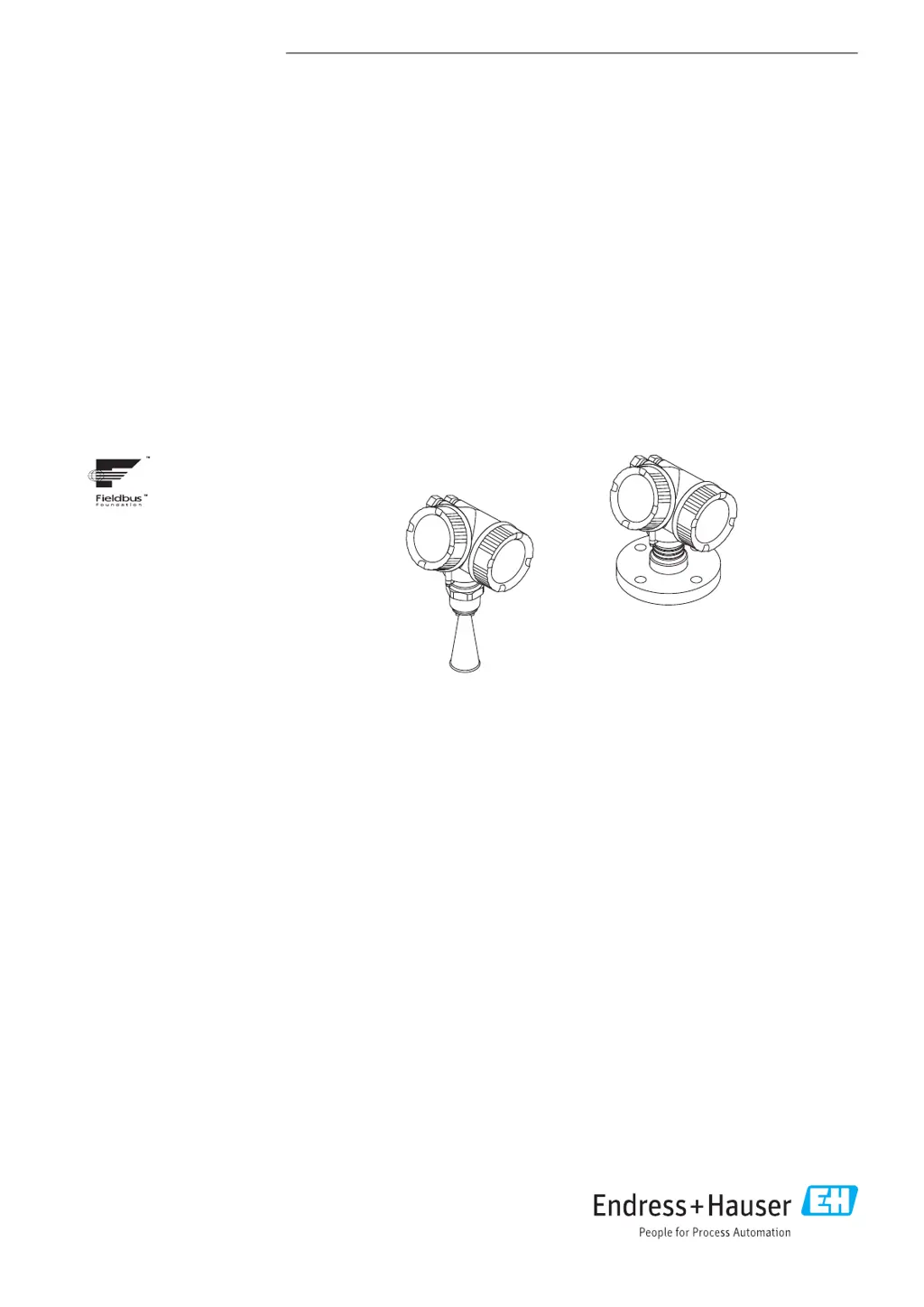
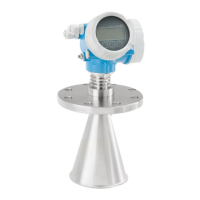
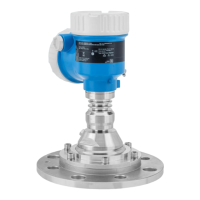
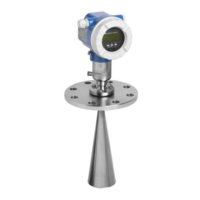
Micropilot FMR51, FMR52
FOUNDATION Fieldbus
Free space radar
BA01121F/00/EN/03.16
71344019
01.01.zz (Device firmware)

Table of Contents

Other manuals for Endress+Hauser Micropilot FMR51

Questions and Answers

  • K
    Kathryn HamiltonSep 23, 2025
    How to fix wrong slope of level on Endress+Hauser Micropilot FMR51?
    • M
      Mark MayoSep 23, 2025
      If the slope of the level is wrong in the entire measuring range on your Endress+Hauser Radar, set the Tank type parameter correctly.
  • T
    Tommy Boyle PhDAug 23, 2025
    What to do if Endress+Hauser Micropilot FMR51 measured value is incorrect?
    • B
      bellalexanderAug 25, 2025
      If the measured value of your Endress+Hauser Radar is incorrect, here are a few things you can check: * If the measured distance matches the real distance, there may be a calibration error. Check and adjust the Empty calibration parameter, Full calibration parameter and linearization if necessary. * For measurements in bypasses or stilling well, ensure the correct tank type is selected and the tube diameter parameter is correct. Select 'Bypass / pipe' for the tank type and enter the correct diameter in the Tube diameter parameter. * Enter the correct value in the Level correction parameter. * If the measured distance does not match the real distance, there may be an interference echo. Carry out tank mapping.
  • M
    Matthew EricksonAug 25, 2025
    Why there is no change of measured value on filling / emptying with Endress+Hauser Radar?
    • S
      sharonferrellAug 26, 2025
      If there's no change in the measured value during filling or emptying with your Endress+Hauser Radar, it's likely due to: * Interference echo from installations, nozzle, or build-up on the antenna. To resolve this: * Carry out tank mapping. * Clean the antenna if necessary. * Select a better mounting position if needed.
  • T
    Tony KingAug 26, 2025
    What to do if Endress+Hauser Radar measured value jumps sporadically to a higher level?
    • J
      Jeremy MillerAug 27, 2025
      If the measured value jumps sporadically to a higher level when the surface is not calm (e.g., during filling, emptying, or when an agitator is running) with your Endress+Hauser Radar, it's likely because the signal is weakened by the rough surface, making interference echoes stronger. Here are some steps to take: * Carry out tank mapping. * Select 'Process vessel with agitator' for the Tank type. * Increase the integration time. * Optimize the antenna orientation. * Select a better mounting position and/or larger antenna if necessary.
  • D
    daniel00Aug 27, 2025
    How to fix error message F941 or S941 "Echo lost" on Endress+Hauser Micropilot FMR51 Radar?
    • K
      Kathy BennettAug 27, 2025
      The error message F941 or S941 "Echo lost" on your Endress+Hauser Radar indicates that the level echo is too weak or suppressed. To resolve this: * Check the Medium group parameter. If necessary, select a more detailed setting in the Medium property parameter. * Optimize the alignment of the antenna. If necessary, select a better installation position and/or larger antenna. * If the level echo is suppressed, delete the mapping and record it again.
  • P
    patricia86Sep 16, 2025
    What does error message F941 mean on Endress+Hauser Micropilot FMR51 Radar?
    • A
      Amanda MillerSep 16, 2025
      If the Endress+Hauser Radar shows an error message F941 or S941 "Echo lost", it indicates that the level echo is too weak or suppressed. Check the Medium group parameter and select a more detailed setting in the Medium property parameter if necessary. Optimize the alignment of the antenna and consider a better installation position or a larger antenna. If the echo is suppressed, delete the mapping and record it again.
  • R
    Ronald HicksSep 13, 2025
    Why does measured value jump downwards on Endress+Hauser Micropilot FMR51 Radar?
    • D
      Dennis RogersSep 13, 2025
      If the measured value jumps downwards during filling or emptying with the Endress+Hauser Radar, multiple echoes may be the cause. Check the Tank type parameter. Avoid a central installation position if possible and consider using a stilling well.
  • E
    Elizabeth GarciaSep 14, 2025
    What does 'Communication error' mean on Endress+Hauser Radar display?
    • E
      Eric WeaverSep 15, 2025
      If the Endress+Hauser Radar shows "Communication error" on the display, check the grounding of the device to rule out electromagnetic interference. If the problem persists, the display cable or plug might be broken, consider exchanging the display.
  • S
    stacy67Sep 5, 2025
    What to do if Endress+Hauser Micropilot FMR51 Radar device does not respond?
    • W
      Willie WeberSep 5, 2025
      If the Endress+Hauser Radar device does not respond, ensure that the supply voltage matches the value indicated on the nameplate by connecting the correct voltage. Also, check and correct the polarity if it's wrong. Finally, ensure proper electrical contact between the cables and terminals.
  • J
    Johnny ClarkSep 3, 2025
    What to do if "Communication error" is indicated on the Endress+Hauser Micropilot FMR51 display?
    • J
      jsmithSep 3, 2025
      If a "Communication error" is indicated on the display of your Endress+Hauser Radar when starting the device or connecting the display, it could be due to: * Electromagnetic interference. Check the grounding of the device. * A broken display cable or display plug. Exchange the display.

Summary

Basic Safety Instructions

Requirements for the Personnel

Details qualifications and authorizations for personnel handling the device.

Installation

Electrical Connection

Connecting the Device

Step-by-step guide for safely connecting the device's electrical wiring.

Integration into a FOUNDATION Fieldbus Network

Commissioning via Wizard

Commissioning via Operating Menu

Commissioning (Block-Based Operation)

Block Configuration

Details the process of configuring device blocks within the FOUNDATION Fieldbus system.

Configuration of a Level Measurement

Outlines the setup process for level measurement using the operating menu.

Diagnostics and Troubleshooting

General Trouble Shooting

Provides guidance on resolving common operational errors and issues.

Repairs

Operating Menu

Setup Menu

Details parameters and settings within the device's Setup menu for configuration.

Diagnostics Menu

Explains how to access and interpret diagnostic information and event logs.

Endress+Hauser Micropilot FMR51 Specifications

General IconGeneral
Device TypeRadar Level Transmitter
ManufacturerEndress+Hauser
SeriesMicropilot
ModelFMR51
Frequency26 GHz
Housing MaterialAluminum, Stainless steel
CommunicationHART, PROFIBUS PA, FOUNDATION Fieldbus
Accuracy± 2 mm
Output Signal4-20 mA HART, PROFIBUS PA, Foundation Fieldbus
Power Supply10.5 to 42 mA
Protection ClassIP66/IP68
Antenna TypeHorn antenna
ApprovalsATEX, IECEx, FM, CSA
Process Temperature-40 to 200 °C (-40 to 392 °F)

Related product manuals