9
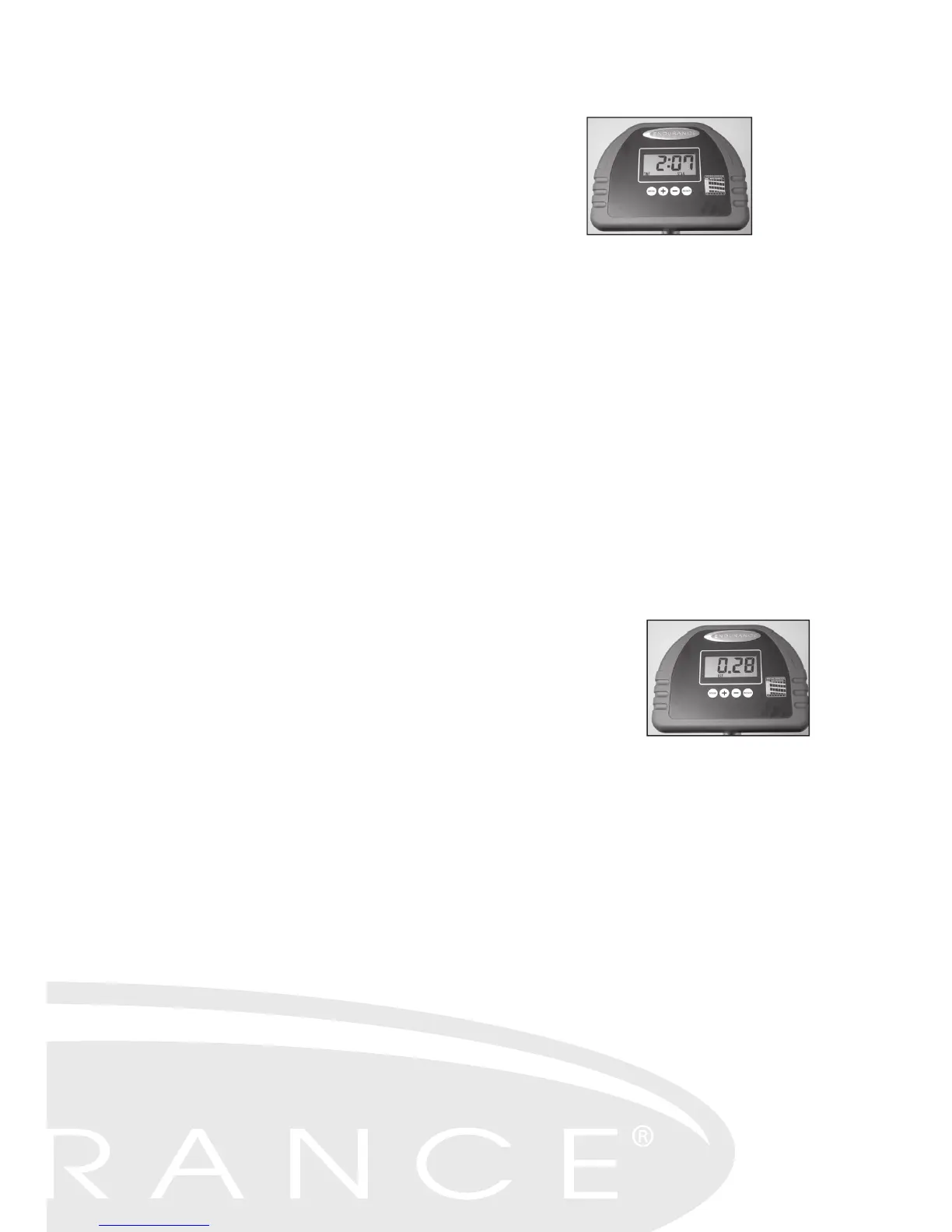
TIME
There are two modes of time display. You can
choose either Count Up Mode to monitor the
length of your workout or Count Down Mode for
a programmed time limit.
To operate in Count-Up Mode:
Simply get on the elliptical and start striding. The console will automatically
turn
on and the time display will advance from zero and keep time until you finish
your workout.
To operate in Count Down Mode:
Turn on the console by pressing the RESET button. Press the MODE button
to cycle through the feedback windows until TIME is displayed. Next, press the
"+" button until the desired number of minutes of your workout is displayed.
Then, start pedaling. The TIME display will show your specified time counting
down to zero. When you have reached your goal, the console will beep until
you press the RESET button again
DISTANCE
The DISTANCE display will show the amount of mileage you have "traveled"
in your workout. Keeping a record of your
progress
is a great motivational tool. You can
also program
the
amount of distance you desire for your workout:
To program a specific distance:
Turn on the console by pressing the RESET button. Press the MODE button
to cycle through the feedback windows until DISTANCE is displayed. Next,
press the "+" button until the desired distance for the workout is displayed.
Then, start pedaling. The DISTANCE display will show your specified mileage
counting backwards to zero. When you have reached your goal, the console
will beep until you press the RESET button again.
SPEED
This window readout will display your speed in miles per hour.



 To Next Page