11
SETTING THE MAIN DISPLAY WINDOW
The automatic display mode on your elliptical is SCAN MODE. In this mode,
information from each of the feedback windows will automatically cycle on
display in the main window. If you desire to keep one feedback function
in the main window for quick reference, press the MODE button until the
feedback function you desire is displayed. When it does, you will see your
selected feedback information in the main window.
TURNING THE SCREEN DISPLAY OFF.
The elliptical console automatically shuts off after a few minutes of
inactivity.
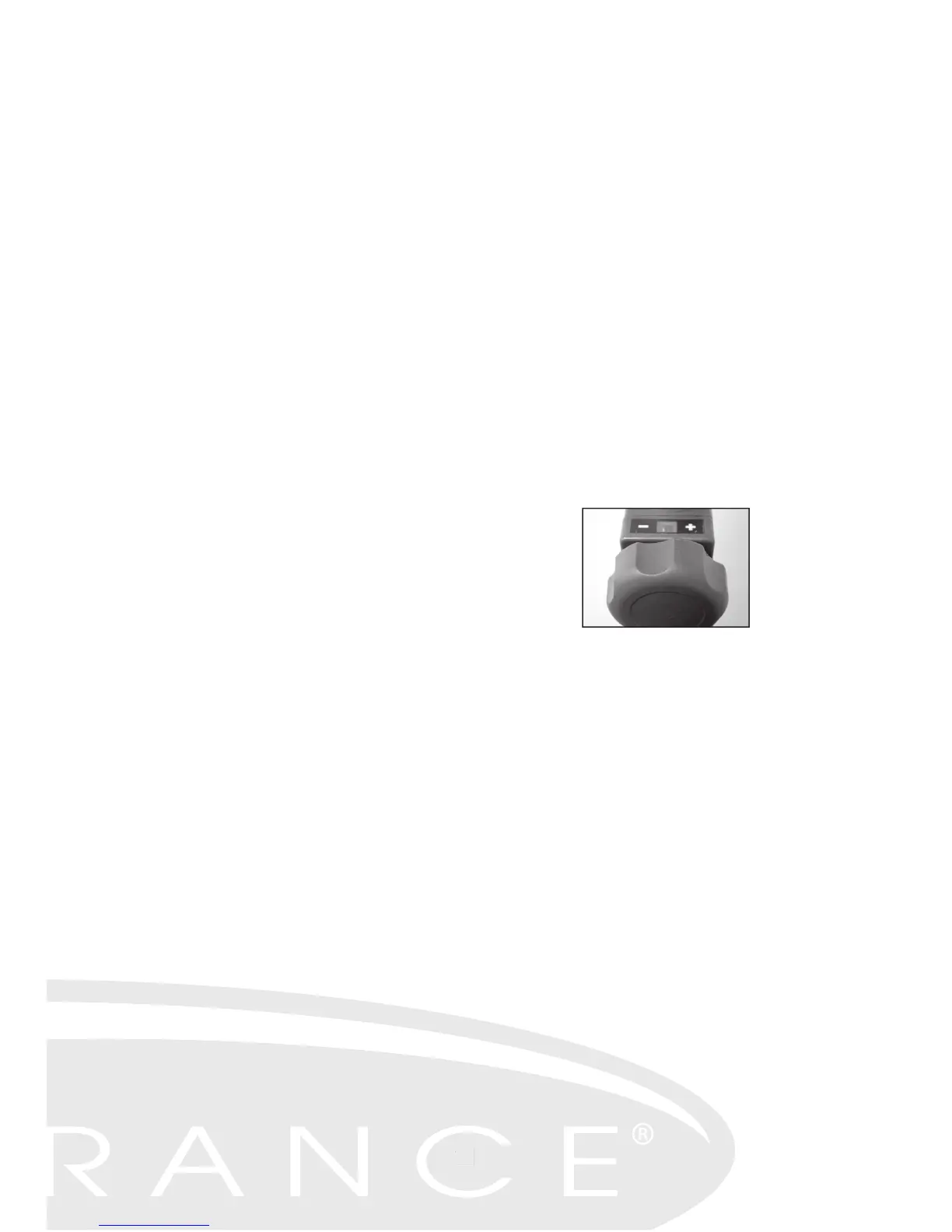
ADJUSTING THE RESISTANCE OF YOUR STRIDE
The elliptical's Tension Control Dial increases or decreases the
resistance of your stride. You can change this setting at any time
during your workout by rotating the dial clockwise for more resistance
and counter clockwise for less resistance.



 To Next Page