Item Range Specification
Time 0.00 ~ 99.59 s 1 Second Increments
Calories 0 ~ 999 Calories 1 Calorie Increments
Hand Pulse 40 ~ 199 bpm 1 Beat/Minute Increments
Distance 0 ~99.99 mi 0.1 Mile Increments
Speed 0.1 ~ 5 mph 0.1 Mile/Hour Increments
START/STOP BUTTON
To START or STOP the treadmill at any time, press the button. Once the
button is pressed there will be a 5 second count down before the treadmill begins
operation. The starting speed is 0.1 mph. If the treadmill is stopped during a workout at
speeds greater than the starting speed, upon restart, the user set speed will reset to 0.1
mph.
SPEED BUTTON
During operation, press the SPEED button to increase the treadmill speed. Press the
SPEED
button to decrease the treadmill speed.
SLEEP MODE
SLEEP MODE allows the treadmill to conserve energy by entering into low power mode.
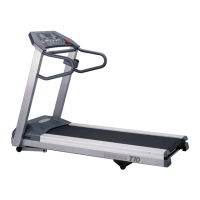
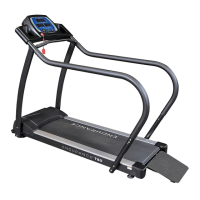
The T50 treadmill will go into SLEEP MODE when operation has ceased for 10 minutes.
Press any button to reactivate the treadmill.
DISPLAY VALUES
The Console’s display is set to readout according to the values below. The minimum and
Operating the Console
24


 To Next Page