QUICK START
Once power is turned on and the safety key is secured in place, all console values will
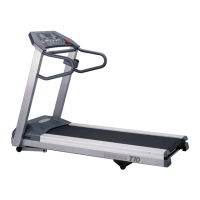
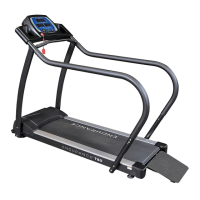
display zero. Simply press the button. After a 5 second countdown, the T50 treadmill
will start. Press the SPEED button to the desired workout speed once the treadmill has
started. The minimum training speed is 0.1 mph. Speed may be increased or decreased at
any time during your workout by pressing the SPEED or button.
TIME AND DISTANCE DISPLAY
During operation, TIME and DISTANCE will be displayed on the screen. The readout will
cycle between TIME and DISTANCE displaying each individual value every 6 seconds. The
indicator LED beneath the display is illuminated when the current readout is shown.
PULSE AND CALORIE DISPLAY
During operation, PULSE and CALORIE will be displayed on the screen. The readout will
cycle between PULSE and CALORIE displaying each individual value every 6 seconds. The
indicator LED beneath the display is illuminated when the current readout is shown.
NOTE: If the user is not holding onto the heart rate contacts, the display will only show the
CALORIE readout.
SPEED DISPLAY
During operation, the SPEED window will display the current treadmill belt speed in miles
per hour (mph).
Operating the Console
25


 To Next Page