13
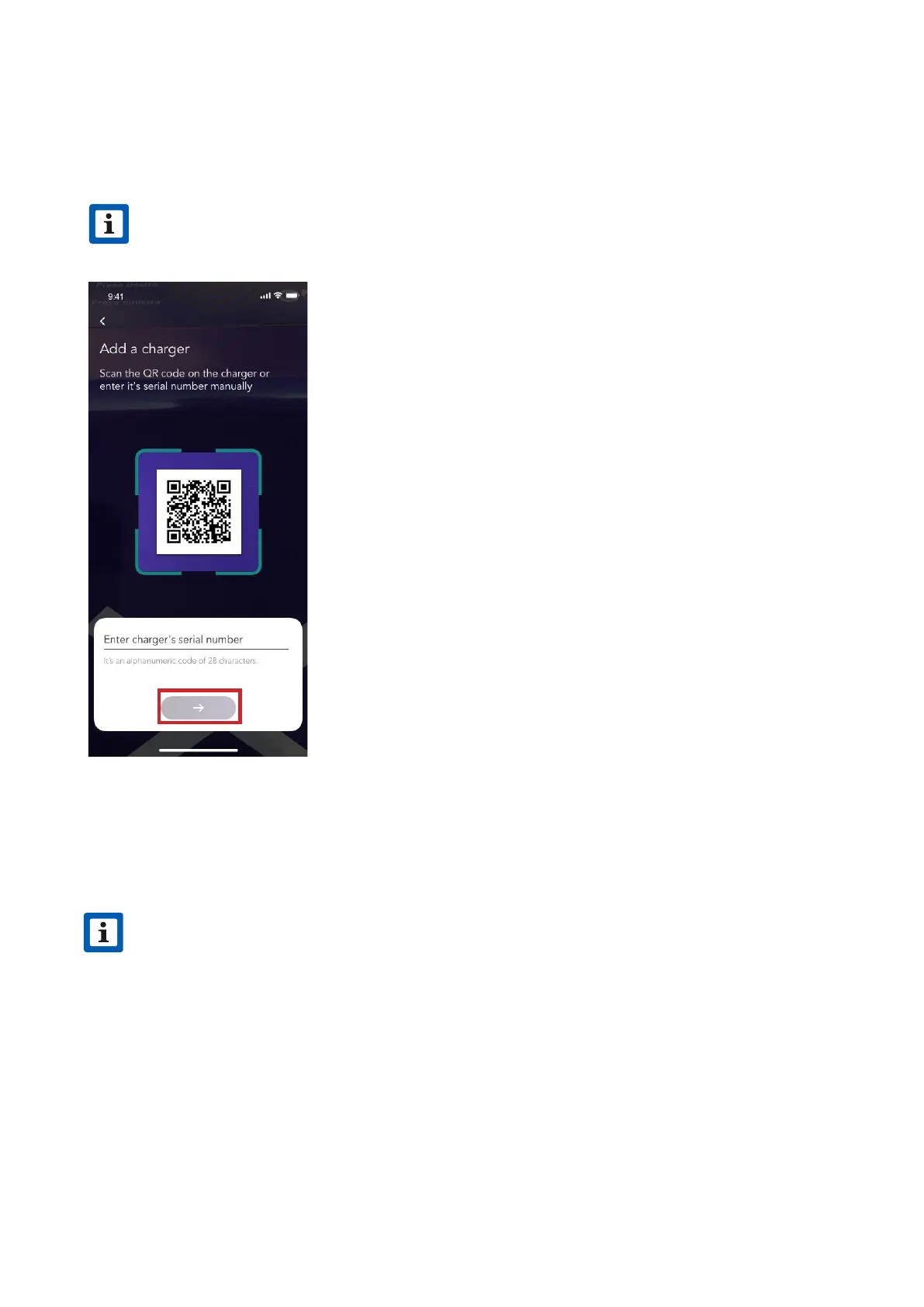
4. Scan or inse the serial number of your JuiceBox. Once done, click on the arrow to
proceed.
NOTE
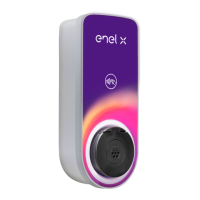
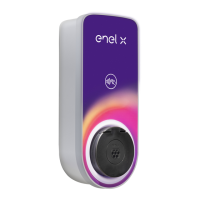
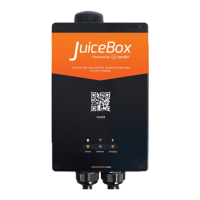
The serial number is on the label on the side of your JuiceBox.
v
5. Enter the PIN code needed to complete the process. The PIN code should be shared by
the user whom rst associated the JuiceBox to his/her account.
NOTE
The PIN code can be retrieved at any time by a user already associated in the seings
menu of the JuiceBox, in the section Sharing.
v



 To Next Page