17
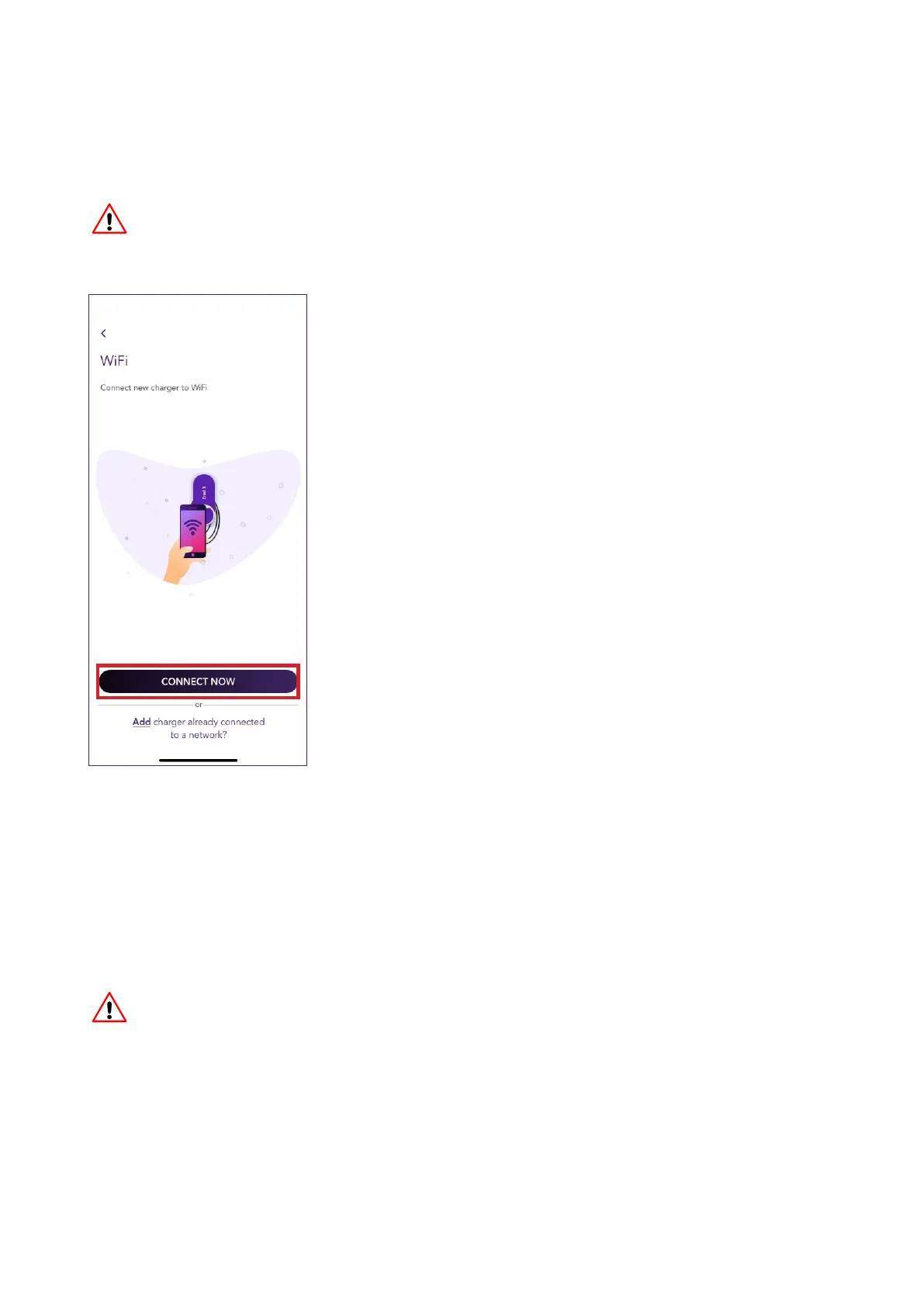
4. Select CONNECT NOW.
5. Follow the onscreen instructions to connect your smaphone to JuiceBox’s hotspot.
Once done, click on the arrow to proceed.
NOTE
Before you proceed to the following step, go to the Seings of your smaphone
and disable the automatic connection of the device to the known networks present
in the area. At the end of the process, when the JuiceBox will be online, you can
activate again the automatic connection to the known networks present in the area.
v
NOTE
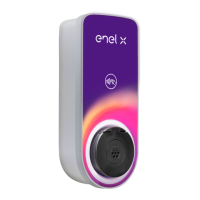
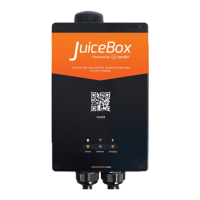
You can access the hotspot for 1 minute after the JuiceBox is switched on. If a device
is connected to the hotspot within the minute, the hotspot will remain active for 10
minutes. If the JuiceBox is already powered on before this step, disconnect it from
power and re-connect again before proceeding.
v



 To Next Page