22
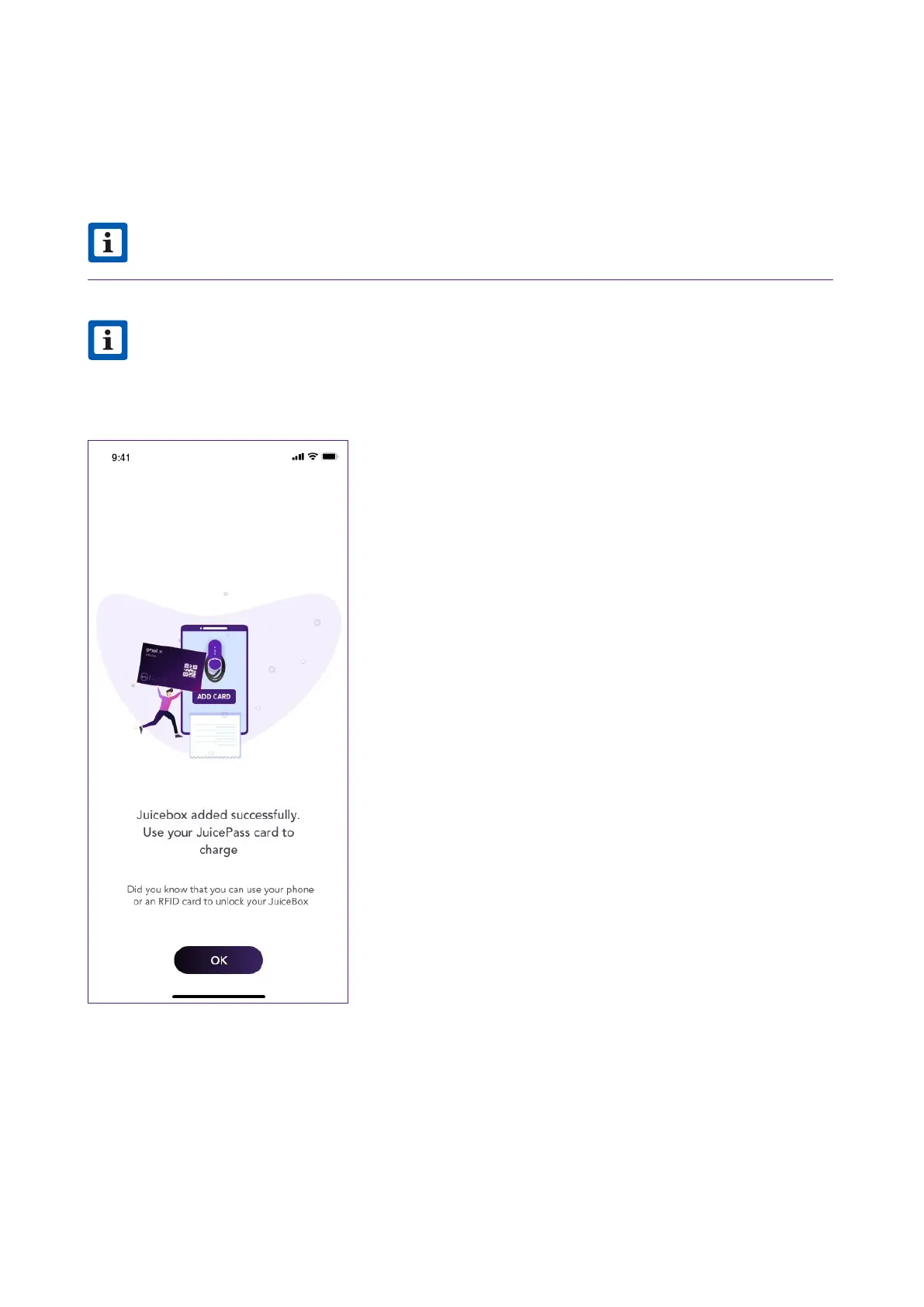
11. If Unlock To Charge mode is selected, you can register a RFID card to your JuiceBox or
select Skip for later. If Connect&Charge mode is selected instead, you will directly access
the following screen.
NOTE
You can add a RFID card to your account at any time in the menu section My Account.
If the JuiceBox is set in Unlock To Charge and no RFID card is registered, it is still
possible to sta a charging session with a sta command from the JuicePass app
(refer to the section Charging your vehicle).
v



 To Next Page