26
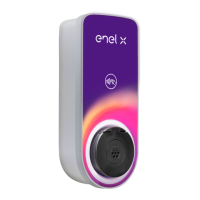
5. Identify the charger by scanning the local network, or scanning the serial number of the
JuiceBox in QR code format.
6. Enter the PIN code needed to complete the process. The PIN code should be shared by
the user whom rst associated the JuiceBox to his/her account.
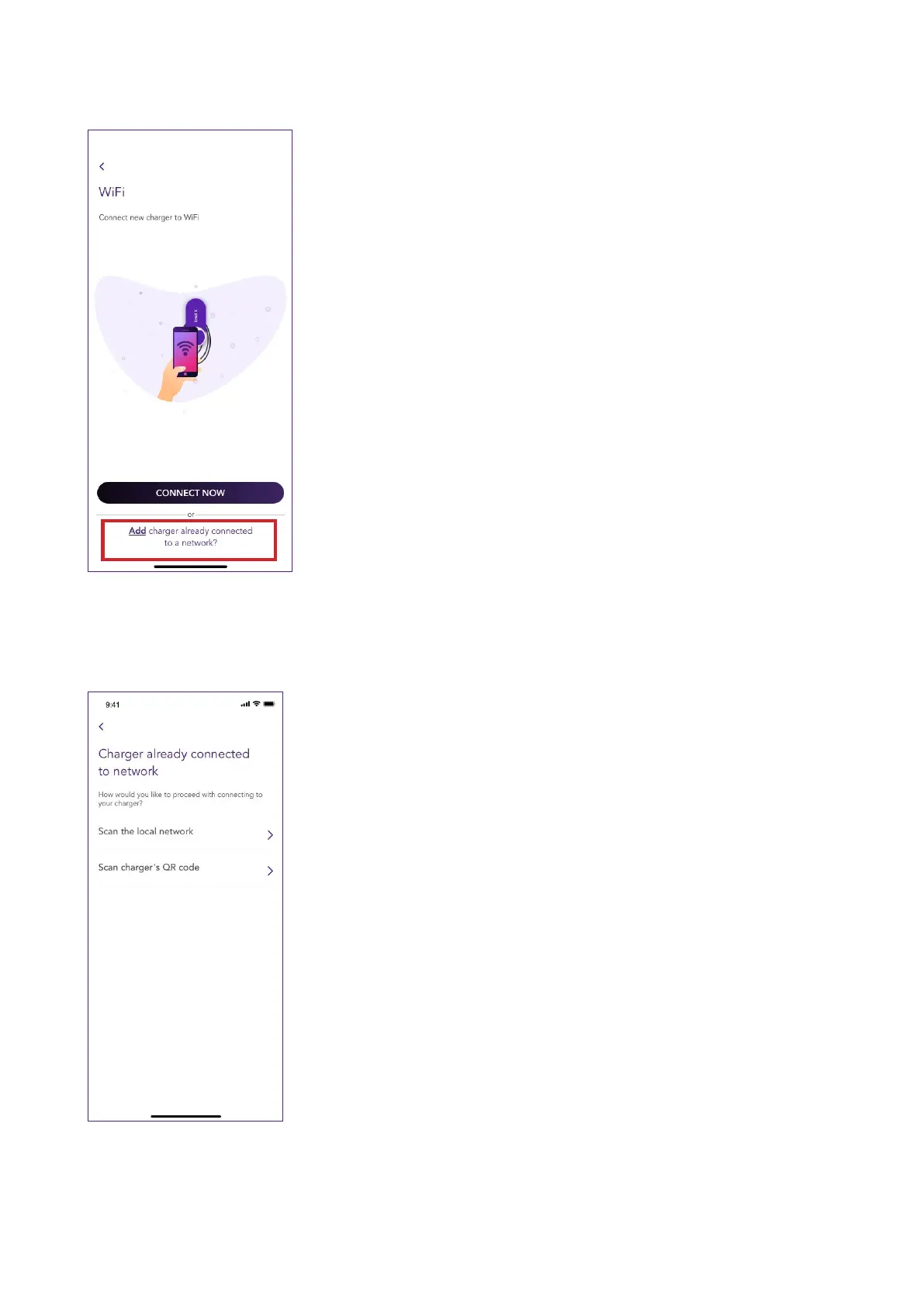
4. Select Add a charger already connected to a network



 To Next Page