7
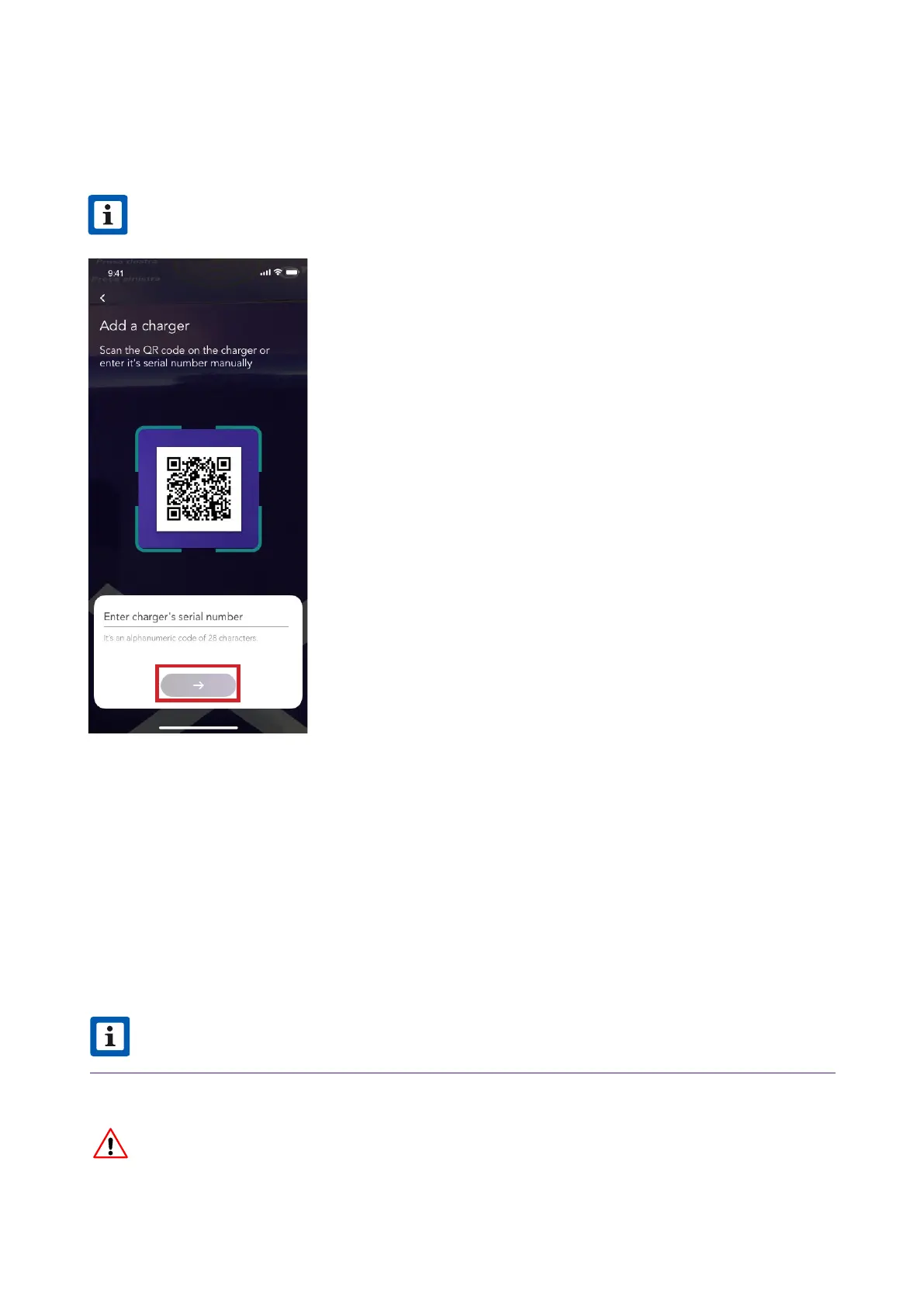
4. Scan or inse the serial number of your JuiceBox. Once done, click on the arrow to
proceed.
NOTE
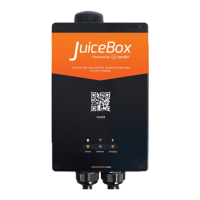
The serial number is on the label on the side of your JuiceBox.
v
5. In the conguration screen, follow the steps below, then click on the arrow to proceed.
> Enter a unique name for your JuiceBox
> Check the physical address of your JuiceBox (Modify the address if it is not correct).
> Select the default power level of your JuiceBox
NOTE
The default power (in kW) denes the actual power delivered from the charger.
If a JuiceMeter enables Load Optimization Plus functionality (available only for
JuiceBox Pro), the maximum power provided by the JuiceBox will be the lower number
between the cap set during the JuiceMeter’s installation and the power level selected
through JuicePass app.



 To Next Page