9
CHAPTER 2
THE INSTRUMENT KEYBOARD
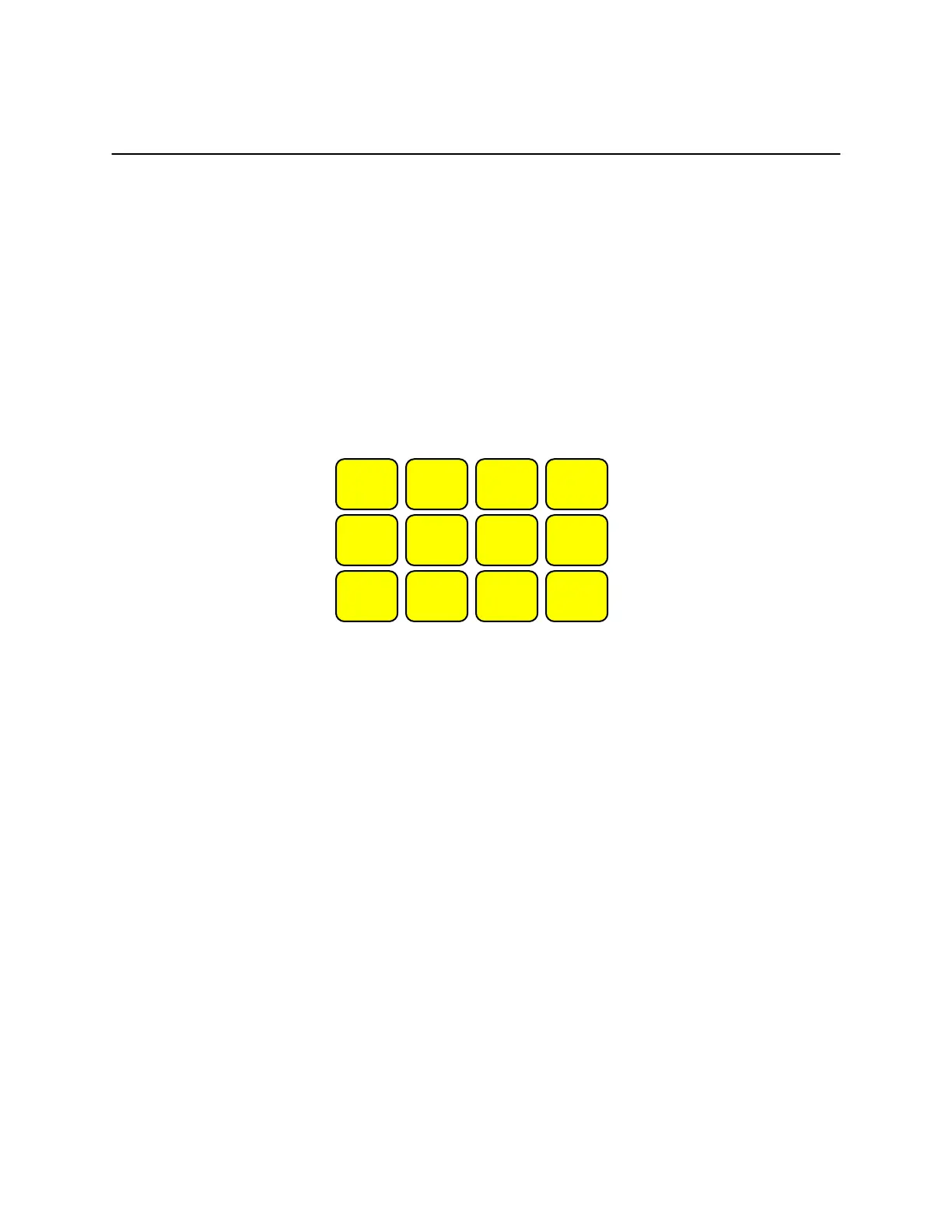
The Model 500 can be operated by using either:
• The 12 button keyboard located on the face of the analyzer, or
• By the use of commands through its serial port, USB port or Bluetooth
interface.
A brief explanation of the instrument’s buttons follows.
ON/OFF Turns the instrument on or off.
PUMP
Toggles the instrument’s sample pump on or off. If you hold it
down for 3 seconds it will start a smoke test.
LIGHT Toggles the LCD display’s backlight illumination on or off.
DATA Toggles four LCD display screens. Each screen presents an
instantaneous group of data of four measurement or computation
parameters. The fourth screen displays all parameters
simultaneously. This is the most often used button.
ZERO
Executes an instrument autozero (sets oxygen to 20.9%).
STORE
This button is used to store data in the instrument’s internal buffers.
STATUS
Toggles three LCD screens. The first screen displays the customer
name, time, and date. The second screen displays the current
PUMP LIGHT
DISPLAY
DATA
ZERO STORE STATUS PRINT
SHIFT ENTER
ON/OFF


 To Next Page