20
4.4 Group 3 – «Service information»
Short press of the «FRAME» button sequentially switches displaying of screens in the group.
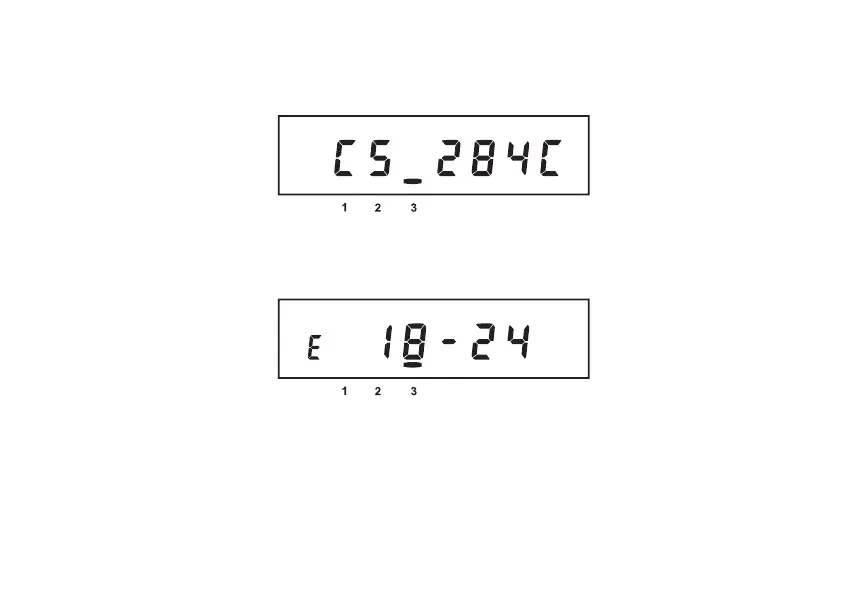
4.4.1 Check sum of firmware (metrological part of software) is displayed.
Message about error in checksum means that there is an unintended change of metrological part of software
occurred and it is necessary to send the meter to repair.
4.4.2 Manual time correction is ALLOWED
Meter real time clock can be corrected manually. Daily total clock correction limit – 29 seconds. Long press
of the «FRAME» button in this window if the allowed sign «E» is displaying changes the time for not more than
29 seconds.
Correction permission sign disappears when the daily limit is reached and appears on the next calendar day.


 To Next Page