22
4.5 Automatic reading mode
1 minute after the last button’s press the meter switches to the mode of cycle indication of the Group 1
«Consumption on a cumulative total and date/time» information.
To exit from the automatic mode or swith between the groups and parameters the «FRAME» button should be
used.
4.6 No-voltage reading mode
If there is no voltage in the network it is possible to read the consumption on a cumulative total and date/time
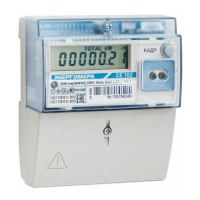
by the «FRAME» button pressing. Switching between the screens is controlled by the short press of the «FRAME»
button.
4.7 Information messages
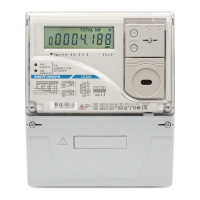
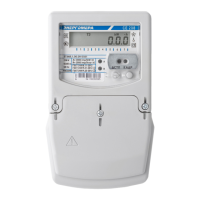
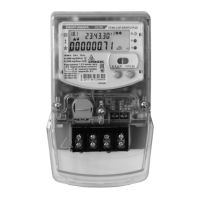
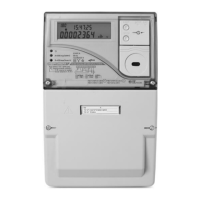
During the meter operation mnemonic and text messages are displayed on the meter LCD.
Current tariff is displayed in group 1 – «Consumption on a cumulative total date/time» viewed in date and
time windows as signs Т1, Т2, Т3, Т4 or Т1Т2Т3Т4.
Blinking of current tariff sign means that the tariff program is incorrect or is not specified and metering data is
recorded in the emergency tariff.
Blinking of the sign on LCD does ont depend of the current group/screen and shows the necessity of
lithium cell replacement.
During the operating meter displays on the LCD information messages and messages about errors and failures:
«Err XXX», where XXX – errors code. Errors codes and consumer’s activity described in the User Manual.
4.8 Automated mode
In the automated mode, complete information about the energy consumption can be obtained with the help
of a PC via the optical interface and/or by operating in system via EIA-485 interface.
Protocol of the data exchange via interfaces is described in the User Manual.


 To Next Page