ENERdan GmbH | Max-Planck-Straße 7, D-12489 Berlin, Germany | www.enerpower.de
Tel: +49 (0) 30 5770 344 35 | Fax: +49 (0) 30 5770 344 39 | sales@enerdan.de
8
6. Display Installation
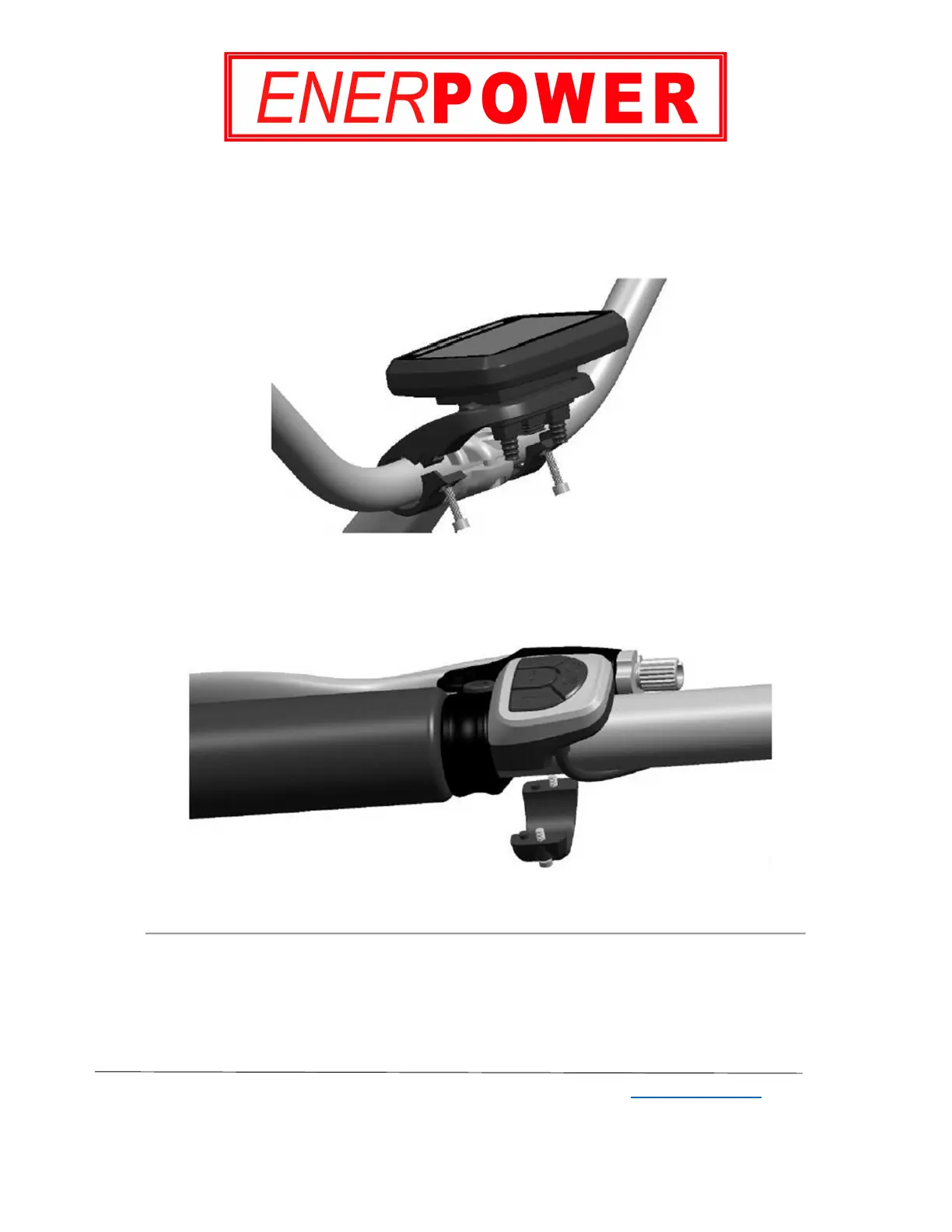
Step 1: Installing the VLCD5 display
Install the LCD display onto the handlebar using 2pcs of M4×14 bolts and 2pcs of M4 nuts.
The bracket isφ 32 with adjust rings for different handlebar sizes. Please refer to Image 7.
Image 7
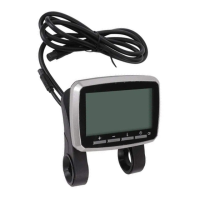
Step 2: Installing the left hand remote control buttons
Install the left hand remote control buttons.Please refer to Image 8.
Image 8


 To Next Page