40
Region: Select a Country.
Language: Select a Language.
Display Mode: Select a screen resolution. The default value is 1080i_ 25.
Aspect Mode: Select dimensions of the screen. The default value is Auto.
OK: Press OK to start scanning channels automatically.
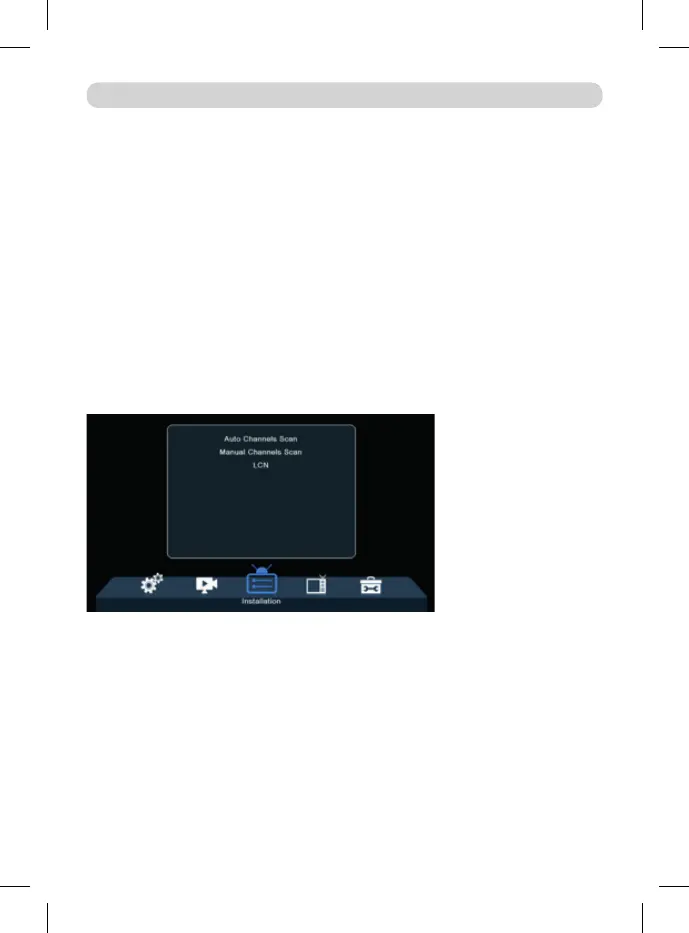
Installation
Auto Channels Scan: Automatic searching and saving available TV channels.
Manual Channels Scan: Manual searching for TV channels. You can search the
channel by number or frequency. When you choose the desired options, press
Search to start searching.
LCN (Logical Channel Number): Choose if you want to sort the channels accor-
ding to their logical channel number. The default value is OFF.
EditChannel
TV Channel List: This menu enables youtoedit channellistsbylocking, dele-
ting,skipping,movingchannels andcreatingfavoritechannellists.
Ifyouwanttopreviewthechannel, selectitandpressOK.
MAIN MENU



 To Next Page