43
Upgrade by USB
The receiver is connected with the TV, but in Standby Mode. Copy the latest r-
mware into a USB stick. Do not rename the le of rmware and do not put the le
into a folder. Insert the USB stick to the USB port of the receiver and press the
Standby button on the remote control. The message “USB Disk A Connected will
appear on the TV screen. Press Menu Tools - Upgrade By USB and press OK. In this
window select Upgrade Mode : “AllCode”. At the option below “Upgrade File”, choo-
se the latest rmware that is copied to the USB stick. Below, there is the option
Start. Press OK and the upgrade process will start. In a few seconds, the process
will be completed and the receiver will restart automatically.
After the upgrade, conrm the date of the new rmware by pressing : Menu Tools
- Information.
Note! : If the upgrade process does not start, then use USB stick in FAT32 format.
AutoStandby
Set what time the receiver will automatically enter in Standby Mode. (1 hour, 2
hours, 3 hours, 4 hours or 5 hours). The default value is 3 hours.
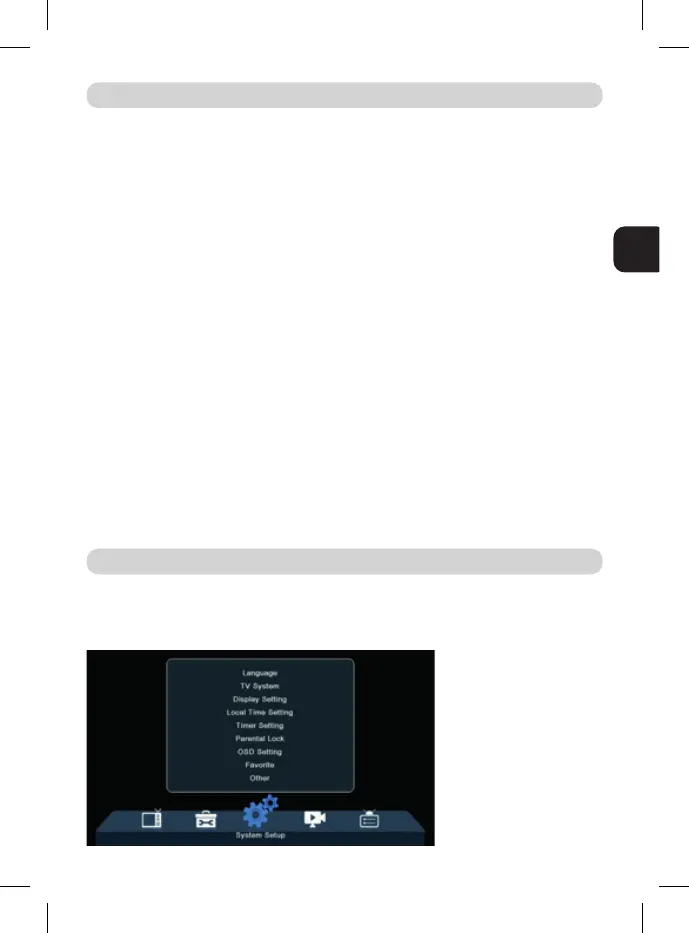
Language: Select the language of the Menu, First and Second Audio, Subtitles
and Teletext.
TOOLS
SYSTEM SETUP



 To Next Page