hellospoke.com 888 / 955 / 5155 EnGenius DuraFon
Handset Features
LCD SCREEN
REDIAL
DuraFon-SIP
MENU
(1) (2) (3) (4) (5) (6)
REDIAL
DuraFon-SIP
MENU
01
12
(1) (2) (3) (4) (5) (6)
L
1
S
1
PA
REDIAL
DuraFon-SIP
MENU
01
12
(1) (2) (3) (4) (5) (6)
L
1
S
1
PA
01
12
(1) (2) (3) (4) (5) (6)
L
1
S
1
PA
REDIAL
DuraFon-SIP
MENU
01
12
(1) (2) (3) (4) (5) (6)
L
1
REDIAL
DuraFon-SIP
MENU
01
12
(1) (2) (3) (4) (5) (6)
L
1
S
1
REDIAL
DuraFon-SIP
MENU
01
12
(1) (2) (3) (4) (5) (6)
L
1
S
1
PA
REDIAL
DuraFon-SIP
MENU
01
12
(1) (2) (3) (4) (5) (6)
L
1
S
1
PA
REDIAL
DuraFon-SIP
MENU
01
12
(1) (2) (3) (4) (5) (6)
L
1
S
1
PA
REDIAL
DuraFon-SIP
MENU
01
12
(1) (2) (3) (4) (5) (6)
L
1
S
1
PA
REDIAL
DuraFon-SIP
MENU
01
12
(1) (2) (3) (4) (5) (6)
L
1
S
1
PA
REDIAL
DuraFon-SIP
MENU
01
12
(1) (2) (3) (4) (5) (6)
L
1
S
1
PA
REDIAL
DuraFon-SIP
MENU
01
12
(1) (2) (3) (4) (5) (6)
L
1
S
1
PA
REDIAL
DuraFon-SIP
MENU
01
12
(1) (2) (3) (4) (5) (6)
L
1
S
1
PA
REDIAL
DuraFon-SIP
MENU
01
12
(1) (2) (3) (4) (5) (6)
L
1
S
1
PA
(1)
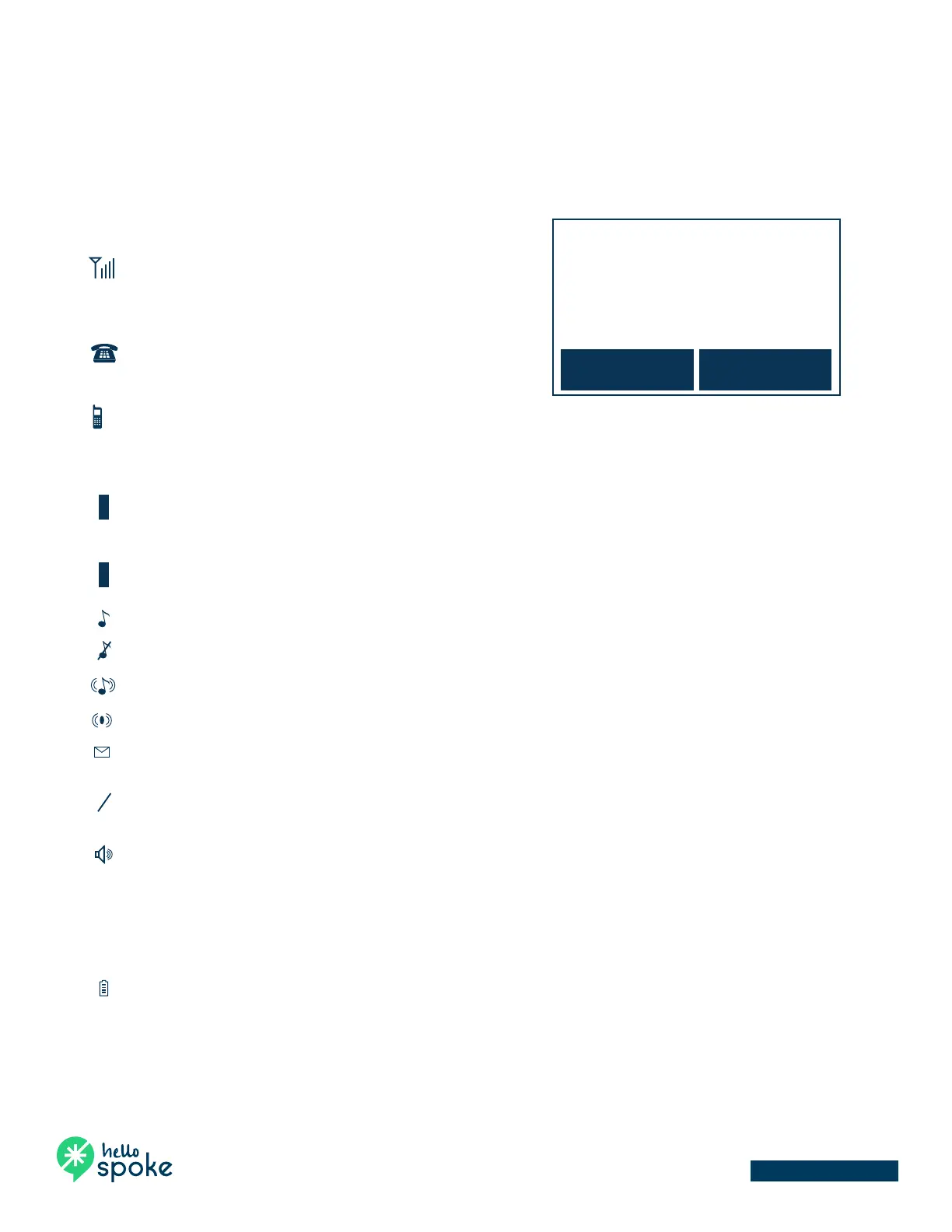
RSSI level (Receive Signal Strength Indicator)
During a call, the number of bars is proportional to
the radio signal strength received.
(2)
Link mode
(2.1) Call in-progress (ON/OFF-Hook)
Indicates if the phone line is in the OFF-Hook status.
(2.2) Intercom in-progress
Indicates if Intercom mode is active.
Indicates the Handset ID that is sending the intercom call.
(3)
Line, Sound and Indication
(3.1) Line Indicator
Indicates when using line 1 or the incoming call from FXO line.
(3.2) SIP Indicator
Indicates when using SIP or the incoming call from SIP.
(3.3) Enable ringer
(3.4) Disable ringer
(3.5) Ringer and vibrate mode
(3.6) Vibrate mode
(3.7) Message waiting indicator
(4)
Disable PA and indicate speaker phone
(4.1) Indicates if the incoming broadcast is disabled
(4.2) Speaker indicator
Indicates if the speakerphone is active.
(5)
Two-Digit Handset ID
Displays the 2-digit Handset ID of owner.
(6)
Battery Strength
Number of bars is proportional to the amount of battery time remaining.



 To Next Page