hellospoke.com 888 / 955 / 5155 EnGenius DuraFon
Basic Call Handling
MAKING A BROADCAST (HANDSET TO HANDSET CALLS)
REDIAL
RECEIVING A CALL
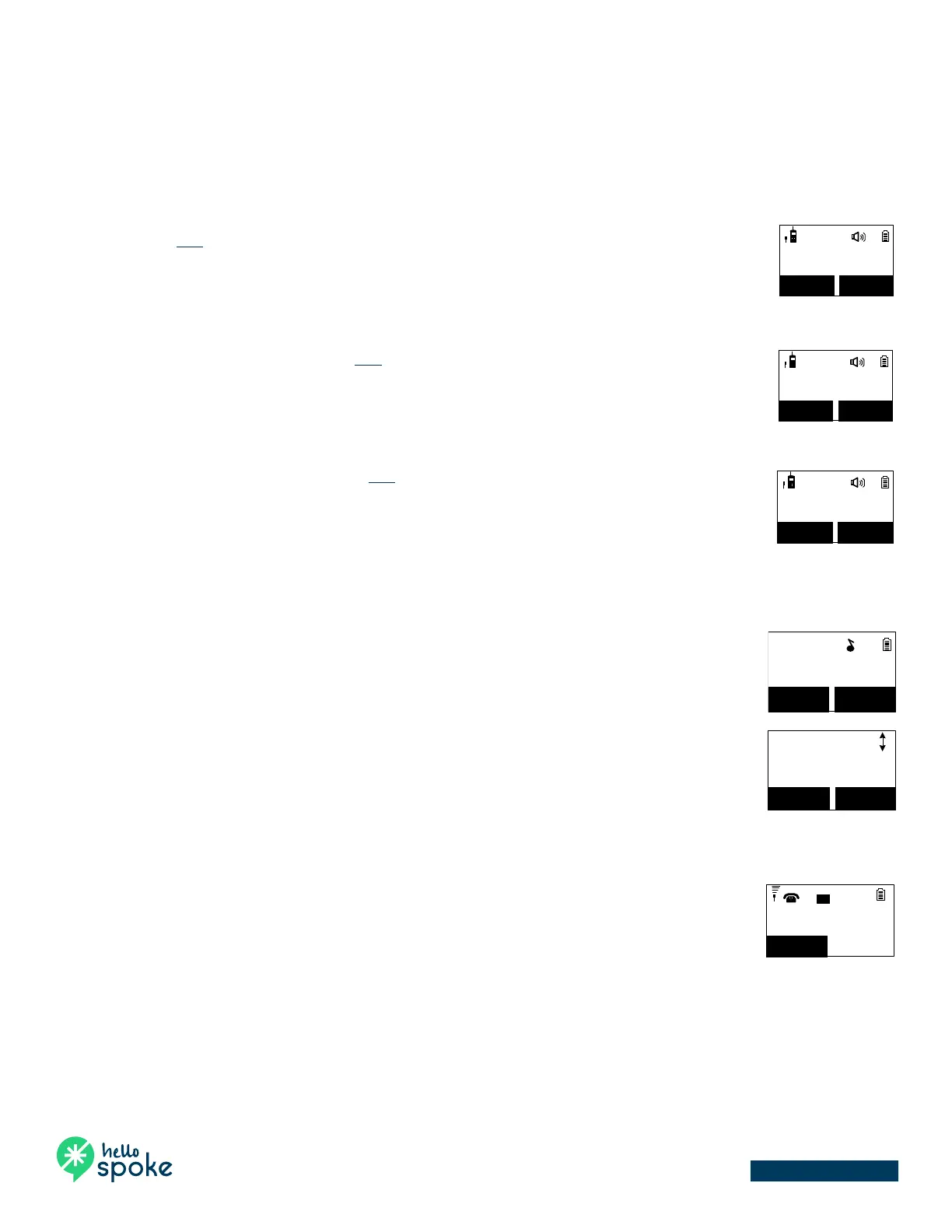
1. Broadcasting to all handsets
• Press and hold the BROADCAST key from one handset.
• Start speaking the broadcast message once you hear the key tone; the speakerphone of
destination handsets will open when it receives the voice.
Re: the initiating handset needs to press and hold key while speaking or broadcasting.
• Release the BROADCAST key to end broadcasting.
2. Broadcasting to a group of handsets
• Enter the Group ID and then press and hold the BROADCAST key.
• Start speaking the broadcast message once you hear the key tone; the speakerphone of
destination handsets will open when it receives the voice.
Re: the initiating handset needs to press and hold key while speaking or broadcasting.
• Release the BROADCAST key to end the broadcasting.
3. Broadcasting to an individual handset
• Enter the Handset ID and then press and hold the BROADCAST key.
• Start speaking the broadcast message once you hear the key tone; the speakerphone of
destination handsets will open when it receives the voice.
Re: the initiating handset needs to press and hold key while speaking or broadcasting.
• Release the BROADCAST key to end the broadcasting.
1. Press REDIAL (Left) soft key.
2. The LCD shows the last phone number dialed. To dial this number, press the TALK key.
3. Use the UP or DOWN keys to scroll through the last 10 phone numbers dialed. Select and press the
TALK key to dial the selected number.
NOTE:
Intercom numbers (Handset ID) are not stored in the last 10 numbers dialed log.
1. When an incoming call arrives, the LCD will show the Caller ID message, and the ringer will ring or
vibrate unless the ringer has been turned off.
2. If the handset is on the charger cradle (ringer will be temporarily switched to “Ring” if it has been set
to “Vibrate”), lift the handset and press the TALK key to start a conversation.
Re: You can turn on the “Any Key Talk” from MENU-5-2.
NOTES:
1. You can press SILENT (Left) soft key if you choose to ignore the call. Unlike turning off the ringer
(from the handset menu), the SILENT key operation is valid only for the current call.
2. If Caller ID service is available, the LCD will display the incoming call information. If the LCD shows
“Private” or “Unknown,” the caller or the originating phone company may have blocked the caller’s
information.
Making a 2-Way/ Intercom Call
The DuraFon-SIP Cordless Phone System offers private, Intercom/ 2-Way Radio calls
independent of the base station. Intercom/ 2-Way communication can be placed
between handsets.
Press key followed by a two-digit handset ID or
Group ID.
Press key to end the call.
Notes:
1. Intercom calls can be made regardless of the Base Station being
present.
2. If a Group ID is entered, the first handset (belonging to that
group) that answers will establish a link with the caller. See
Handset Group Subscription.
3. If a link cannot be established, the LCD shows “Paging timeout”
after a 35-second time out.
Making a Broadcast
Handset-to-Handset Calls
Broadcasting to all handsets
Press and hold key from one handset.
Start speaking the broadcast message once you hear the key tone; the
speakerphone of destination handsets will open when it receives the voice.
Re: the initiating handset needs to press and hold key while
speaking or broadcasting.
Release key to end broadcasting.
Broadcasting to a group of handsets
11
PA to Group #91
REDIAL MENU
91
Enter the Group ID and then press and hold
Making a 2-Way/ Intercom Call
The DuraFon-SIP Cordless Phone System offers private, Intercom/ 2-Way Radio calls
independent of the base station. Intercom/ 2-Way communication can be placed
between handsets.
Press key followed by a two-digit handset ID or
Group ID.
Press key to end the call.
Notes:
1. Intercom calls can be made regardless of the Base Station being
present.
2. If a Group ID is entered, the first handset (belonging to that
group) that answers will establish a link with the caller. See
Handset Group Subscription.
3. If a link cannot be established, the LCD shows “Paging timeout”
after a 35-second time out.
Making a Broadcast
Handset-to-Handset Calls
Broadcasting to all handsets
Press and hold key from one handset.
Start speaking the broadcast message once you hear the key tone; the
speakerphone of destination handsets will open when it receives the voice.
Re: the initiating handset needs to press and hold key while
speaking or broadcasting.
Release key to end broadcasting.
Broadcasting to a group of handsets
11
PA to Group #91
REDIAL MENU
91
Enter the Group ID and then press and hold
Start speaking the broadcast message once you hear the key tone; the
speakerphone of destination handsets will open when it receives the voice.
Re: the initiating handset needs to press and hold key while
speaking or broadcasting.
Release key to end the broadcasting.
Broadcasting to an individual handset
11
PA to HS #12
REDIAL MENU
12
Enter the Handset ID and then press and hold
key.
Start speaking the broadcast message once you hear the key tone; the
speakerphone of destination handsets will open when it receives the voice.
Re: the initiating handset needs to press and hold key while
speaking or broadcasting.
Release key to end the broadcasting.
Press REDIAL (Left) soft key.
The LCD shows the last phone number dialed. To dial this
number, press key.
Use or key to scroll through the last 10 phone
numbers dialed. Select and press key to dial the
selected number.
Dialed #1:
033289289
OPTION BACK
Note: Intercom numbers (Handset ID) are not stored in the
last 10 numbers dialed log.
Start speaking the broadcast message once you hear the key tone; the
speakerphone of destination handsets will open when it receives the voice.
Re: the initiating handset needs to press and hold key while
speaking or broadcasting.
Release key to end the broadcasting.
Broadcasting to an individual handset
11
PA to HS #12
REDIAL MENU
12
Enter the Handset ID and then press and hold
key.
Start speaking the broadcast message once you hear the key tone; the
speakerphone of destination handsets will open when it receives the voice.
Re: the initiating handset needs to press and hold key while
speaking or broadcasting.
Release key to end the broadcasting.
Press REDIAL (Left) soft key.
The LCD shows the last phone number dialed. To dial this
number, press key.
Use or key to scroll through the last 10 phone
numbers dialed. Select and press key to dial the
selected number.
Dialed #1:
033289289
OPTION BACK
Note: Intercom numbers (Handset ID) are not stored in the
last 10 numbers dialed log.
Start speaking the broadcast message once you hear the key tone; the
speakerphone of destination handsets will open when it receives the voice.
Re: the initiating handset needs to press and hold key while
speaking or broadcasting.
Release key to end the broadcasting.
Broadcasting to an individual handset
11
PA to HS #12
REDIAL MENU
12
Enter the Handset ID and then press and hold
key.
Start speaking the broadcast message once you hear the key tone; the
speakerphone of destination handsets will open when it receives the voice.
Re: the initiating handset needs to press and hold key while
speaking or broadcasting.
Release key to end the broadcasting.
Press REDIAL (Left) soft key.
The LCD shows the last phone number dialed. To dial this
number, press key.
Use or key to scroll through the last 10 phone
numbers dialed. Select and press key to dial the
selected number.
Dialed #1:
033289289
OPTION BACK
Note: Intercom numbers (Handset ID) are not stored in the
last 10 numbers dialed log.
Receiving a Telephone Call
When an incoming call arrives, the LCD will show the Caller
ID message, and the ringer will ring or vibrate unless the
ringer has been turned off.
If the handset is on the charger cradle (ringer will be
temporarily switched to “Ring” if it has been set to
“Vibrate”), lift the handset and press key to start a
conversation.
You can turn on the “Any Key Talk” from MENU-5-2.
Notes:
1. You can press SILENT (Left) soft key if you choose to ignore the call.
Unlike turning off the ringer (from the handset menu), the SILENT
key operation is valid only for the current call.
2. If Caller ID service is available, the LCD will display the incoming call
information. If the LCD shows “Private” or “Unknown,” the caller or
the originating phone company may have blocked the caller’s
information.
Receiving an Intercom Call
When an intercom call arrives (called from other handsets,
ex. Handset 12), the ringer will ring or vibrate unless the
ringer has been turned off. Press to answer the
intercom call.
Incoming page
from Ext #12
SILENT
11
L
1
If the handset is on the charger cradle (ringer will be
temporarily switched to “Ring” if it has been set to
“Vibrate”), lift the handset and press key to start a
conversation.


 To Next Page
 Loading...







