1. Open your web browser.
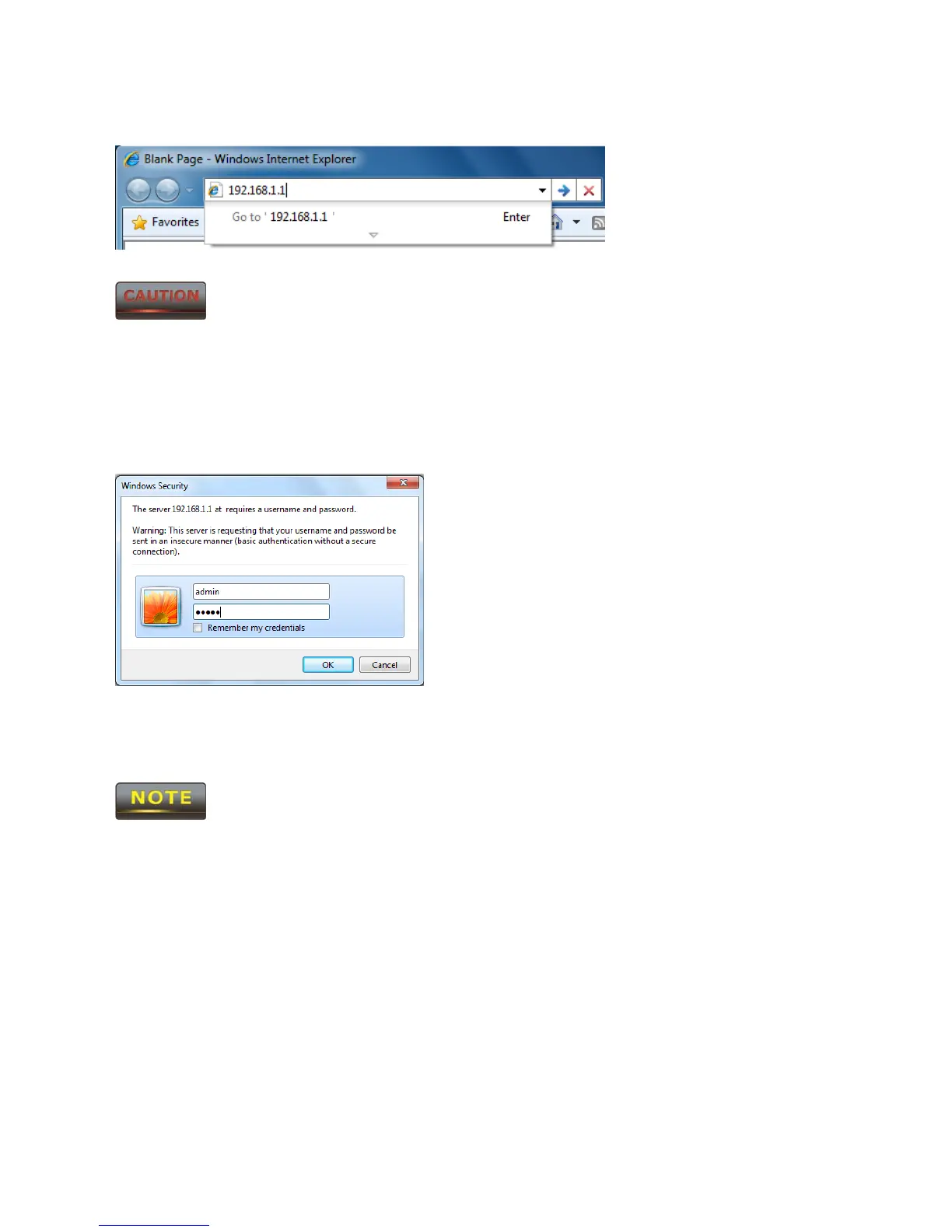
2. Enter IP 192.168.1.1 into your address bar.
If you have changed the ENH500 LAN IP address, make sure you enter the
correct IP Address.
3. After successfully connecting to the ENH500, a browser pop-up with a Windows Security
notice will appear. Please enter the correct Username and Password.
4. The default Username and Password are both admin.
If you have changed the Username and Password, please enter the correct
Username and Password.


 To Next Page
 Loading...













