BASIC NETWORK SETTINGS SYSTEM SETUP
4-9
4.2 System Setup
The following sections explain the features and functionality of the ENS500 in access point mode, client bridge mode, WDS access
point mode, WDS bridge mode, WDS station mode and client router mode.
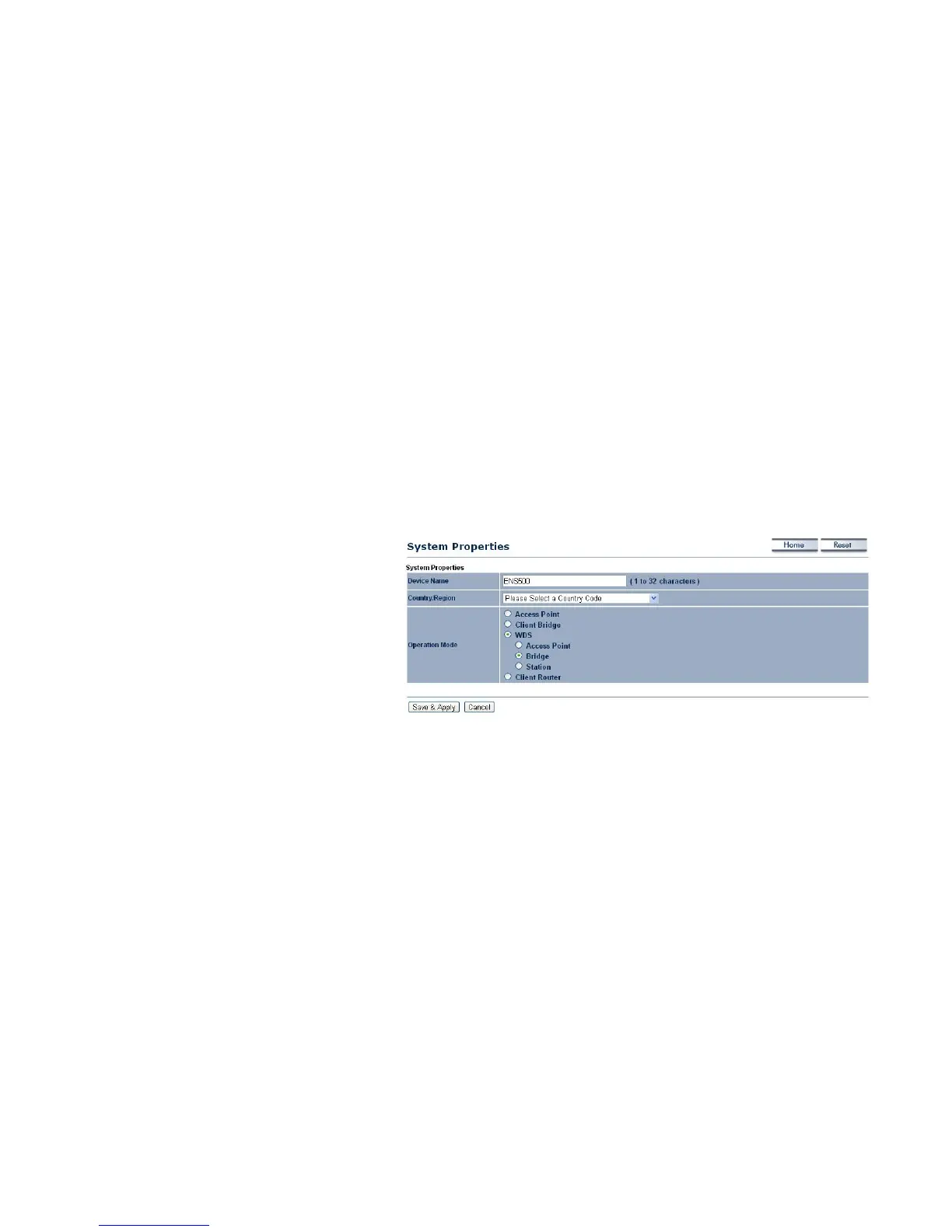
4.2.1 Configuring Operation Mode
Set the primary function of the device. The function that is selected affects which items are available in the main menu.
Device Name Enter a name for the device. The
name you type appears in SNMP management. This
name is not the SSID and is not broadcast to other
devices.
Country/Region Select a Country/Region to con-
form to local regulations.
Operation Mode Use the radio button to select an
operating mode.
Click Save & Apply to save changes or Cancel to
abort.













 To Next Page