BASIC NETWORK SETTINGS CONFIGURING BACKUP/RESTORE SETTINGS
4-43
4.5.4 Configuring Backup/Restore Settings
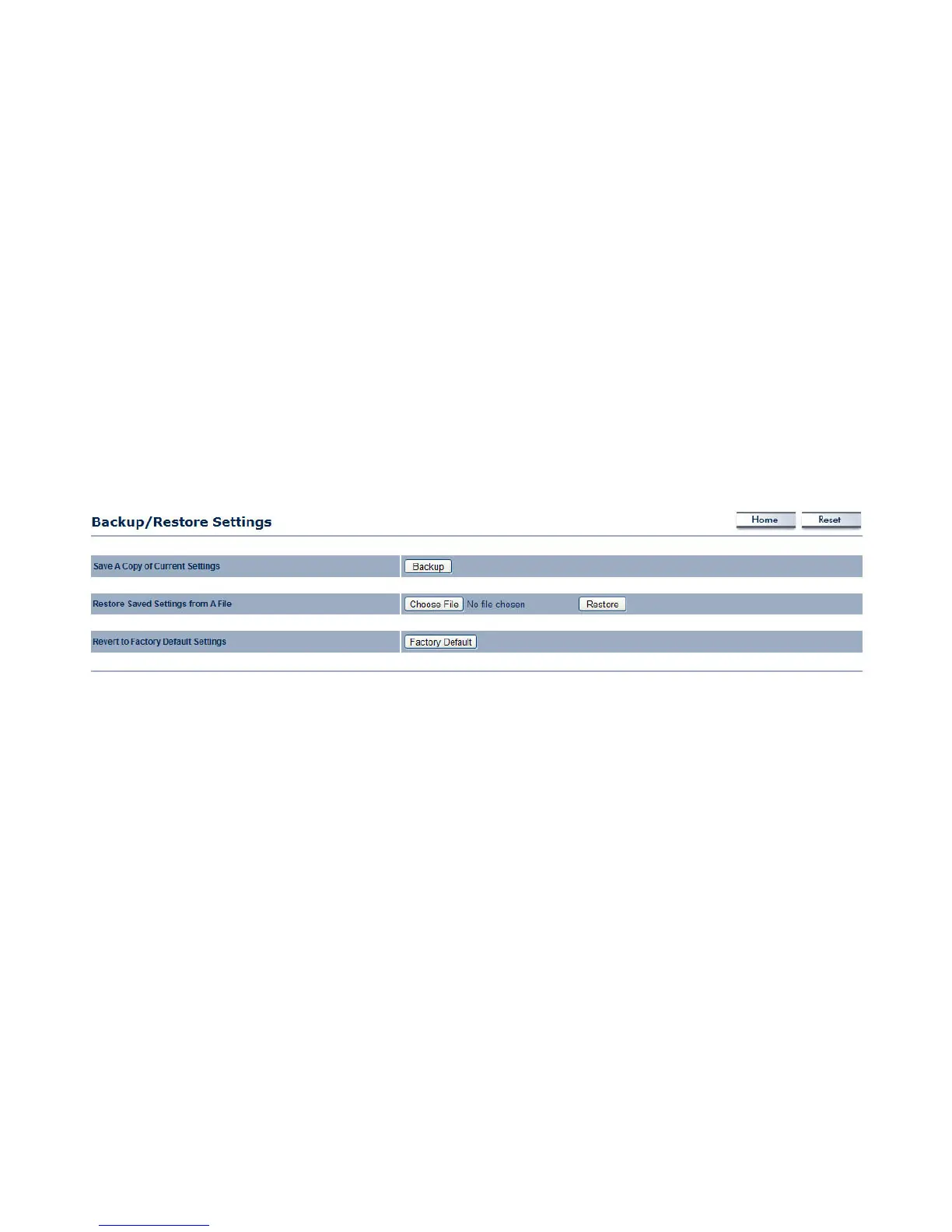
Click the Backup/Restore Setting link under the Management menu to save the ENS500’s current settings in a file on your local disk
or load settings onto the device from a local disk. This feature is particularly convenient administrators who have several ENS500
devices that need to be configured with the same settings.
This page also lets you return the ENS500 to its factory default settings. If you perform this procedure, any changes made to the
ENS500 default settings will be lost.
Save A Copy of Current Settings Click Backup to save the current configured settings.
Restore Saved Settings from A File To restore settings that have been previously backed up, click Browse, select the file, and
click Restore.
Revert to Factory Default Settings Click Factory Default to restore the ENS500 to its factory default settings.













 To Next Page