BASIC NETWORK SETTINGS WDS BRIDGE MODE
4-26
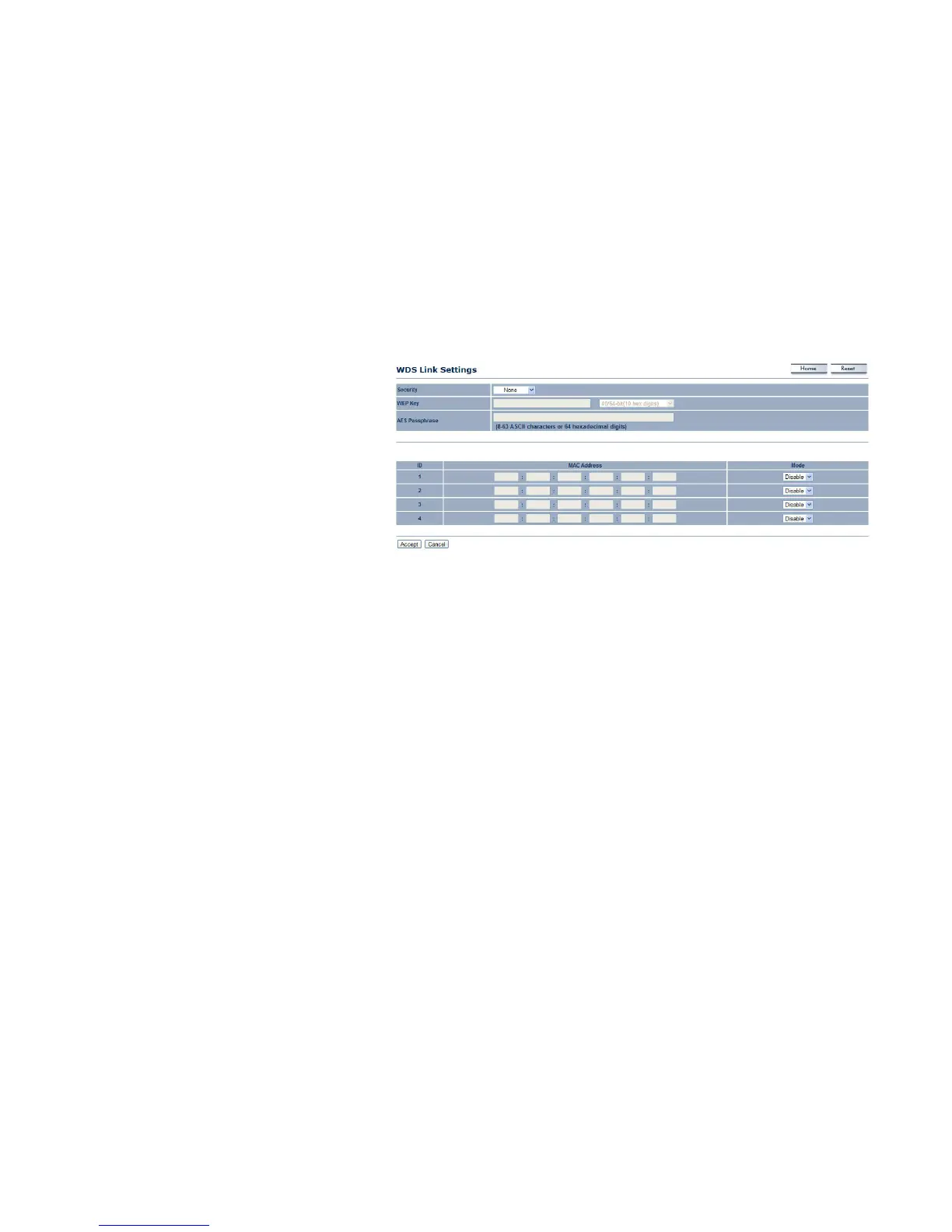
Security Select the type of WDS security: None,
WEP, or AES.
WEP Key Enter the WEP key.
AES Pass phrase Enter the AES pass phrase.
MAC Address Enter the MAC address of the
Access Point to which you want to extend wireless
connectivity.
Mode Select Disable or Enable to disable or
enable WDS.
Click Accept to confirm the changes or Cancel to
cancel and return previous settings.













 To Next Page