38
¾ Data rate: You may select a data rate from the drop‐down list, however, it is
recommendedtoselectauto.Thisisalsoknownasauto‐fallback.
¾ Preamble Type: Select a short or long preamble. For optimum performance it is
recommendedtoalsoconfiguretheclientdeviceasthesamepreambletype.
¾ CTS Protection:CTS(Clearto Send) can be always enabled,auto,ordisabled.Byenabled
CTS, the Access Point and clients will wait for a ‘clear’ signal before transmitting. It is
recommendedtoselectauto.
¾ TxPower:Youmaycontrolthetransmitoutputpowerofthedevicebyselectingavalue
fromthedrop‐downlist.Thisfeaturecanbehelpfulinrestrictingthecoverageareaofthe
wirelessnetwork.
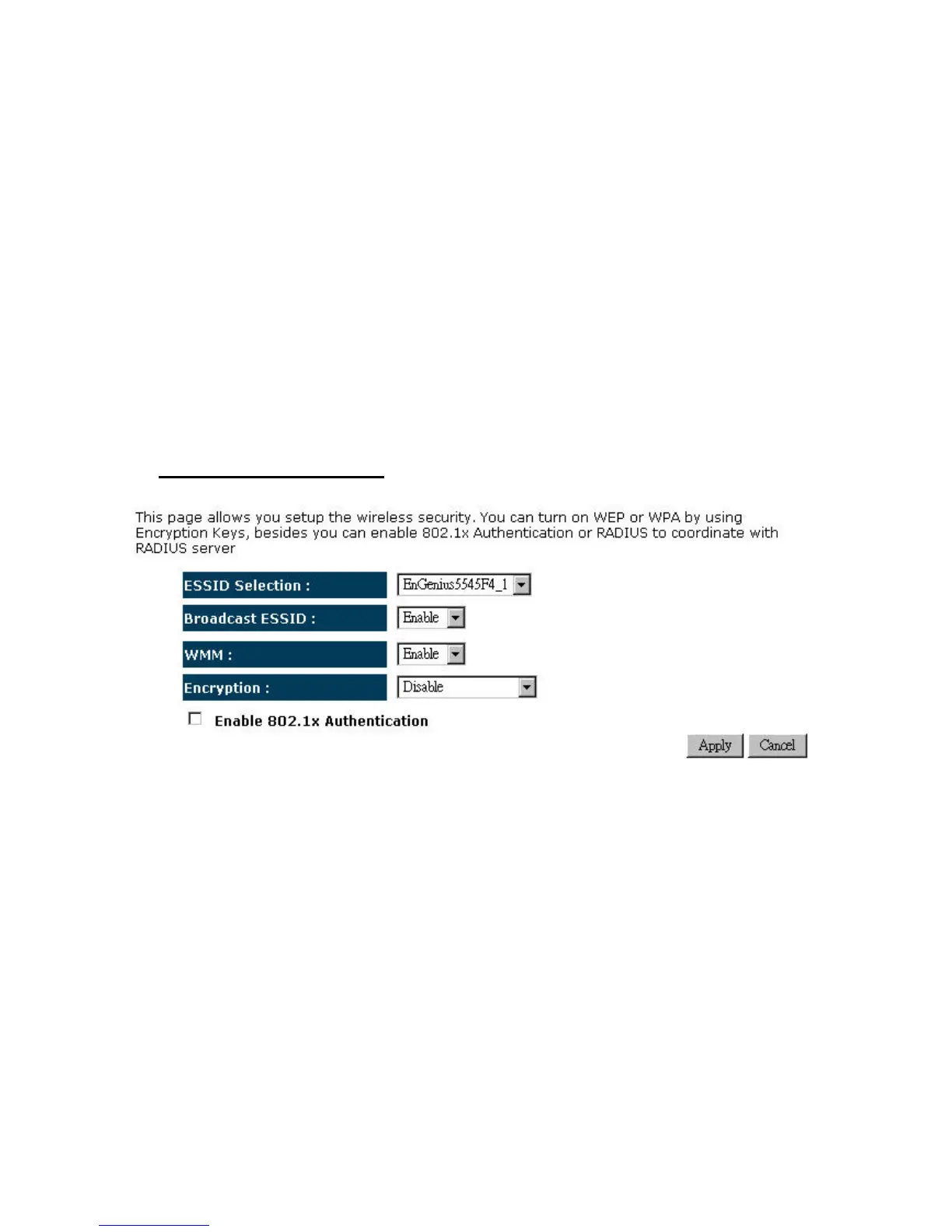
4.2.6.4. Security
¾ Encryption:Disabled


 To Next Page