42
¾ Broadcast SSID: Select Enable or Disable from the drop‐down list. This is the SSID
broadcast feature. When this option is set to Enable, your wireless network name is
broadcast to anyone within the range of your signal. If you're not using encryption then
they could connect to your network. When this is disabled, you must enter the Wireless
NetworkName(SSID)ontheclientmanuallytoconnecttothenetwork.
¾ WMM:ChoosetoEnable orDisableWMM.ThisistheQualityofService(QoS)featurefor
prioritizing voice and video applications. This option can be further configured in WMM
undertheWirelessdrop‐downmenu.
¾ Encryption:SelectWPARADIUSfromthedrop‐downlist.
¾ WPAType:SelectTKIP,AES,orWPA2Mixed.Theencryptionalgorithmusedtosecurethe
data communication. TKIP (Temporal Key Integrity Protocol) provides per‐packet key
generation and is based on WEP. AES (Advanced Encryption Standard) is a very secure
block based encryption. Note that, if the bridge uses the AES option, the bridge can
associatewiththeaccesspointonlyiftheaccesspointisalsosettouseonlyAES.
¾ RADIUSServerIPAddress:SpecifytheIPaddressoftheRADIUSserver.
¾ RADIUS Server Port: Specify the port number of the RADIUS server, the default port is
1812.
¾ RADIUSServerPassword:Specifythepass‐phrasethatismatchedontheRADIUSServer.
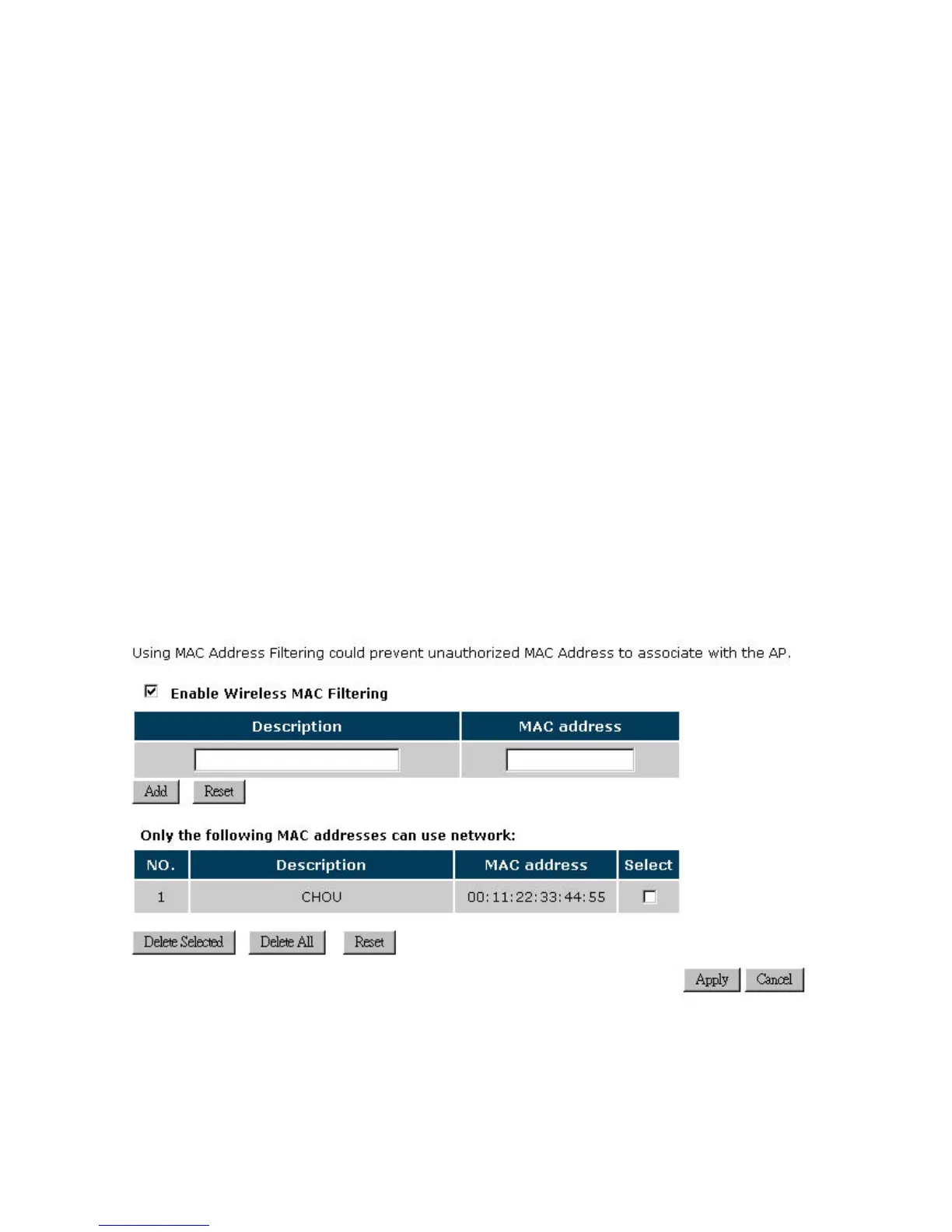
4.2.6.5. Filter


 To Next Page